The best VidRush AI alternative

The difference between a faceless video that gets 800 views and one that gets 800,000 isn't the topic. It's the production. And I'm going to show you exactly why that matters, and which tool actually closes that gap, before the end of this video.
Most creators searching for a VidRush alternative are asking the wrong question. They want faster. They want cheaper. But the channels actually growing in the documentary and essay space right now aren't winning on speed. They're winning because their videos look like something a real production team made. Animated maps tracing flight paths. Motion graphics that sync to the narration. Data charts that build on screen as the voiceover lands the point. That visual layer is what separates a video people finish from one they abandon at the thirty-second mark.
That's what I want to break down today. But first, there's one specific format inside Cliptude that most people completely miss when they're comparing it to VidRush. I'll get to that in a minute, because it changes the math entirely.
Why production quality is the real moat
There are hundreds of faceless channels covering the same topics. Rise of Nvidia. History of oil. The fall of WeWork. The topic is never the edge anymore. The production is.
When a viewer clicks a documentary-style video, they're making a silent bet in the first fifteen seconds: does this feel like it was made by someone who knows what they're doing, or does it feel like an AI spit it out? Flat stock footage and a generic voiceover lose that bet. An animated map showing trade routes, a timeline that builds as the story moves forward, a data chart that appears exactly when the statistic lands in the audio — those win it.
This is the gap Cliptude was built to close. And it does it in ways that matter for essay and documentary creators specifically.
What Cliptude actually produces
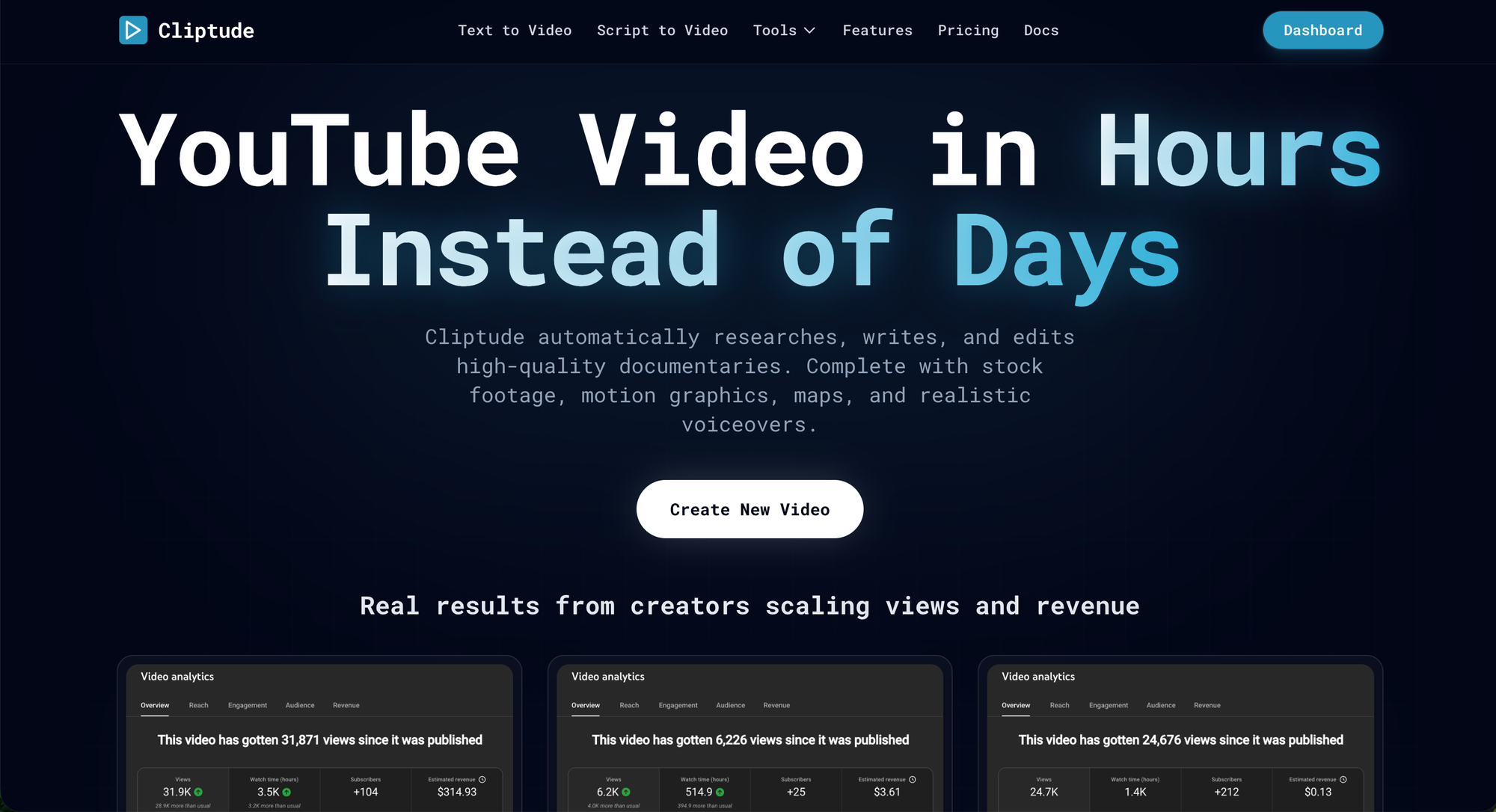
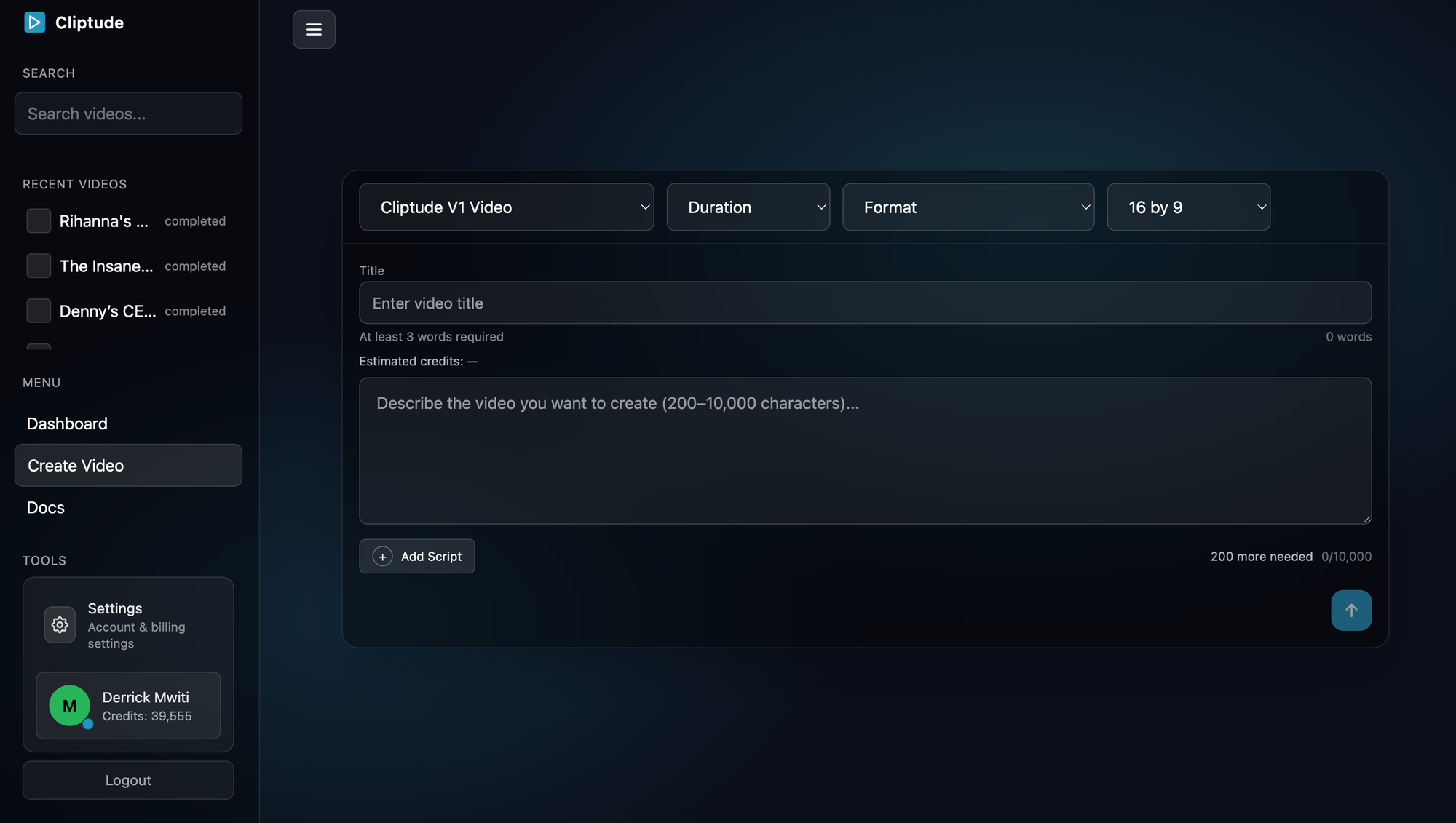
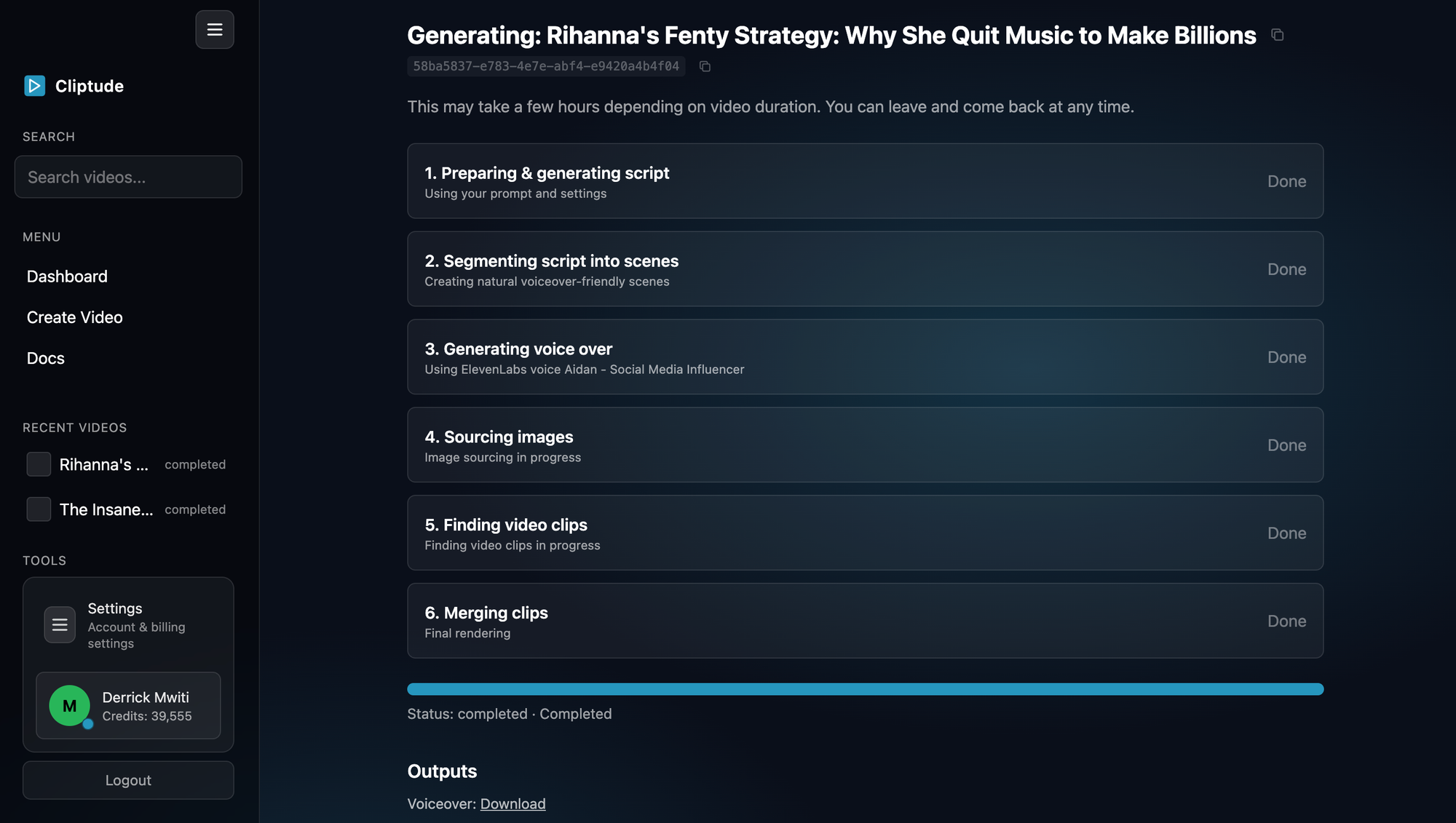
When you give Cliptude a topic or a script, the pipeline researches it, writes the narration if you don't have one, sources footage, generates motion graphics, and assembles a finished video. That's the baseline. But the format depth is where it pulls away from tools like VidRush.
There are six output modes. Documentary and Top 10 both come in A-Roll and B-Roll variants. A-Roll means the system pulls primary footage from YouTube and weaves it into the edit, which is the right call for any video that benefits from real-world clips as evidence. B-Roll only is the classic narration-over-footage approach that most essay channels run. Both produce clean, watchable output.
Then there's the Illustration Video format, which uses a curated library of animated 2D scenes and characters. No stock footage, fully consistent visual style, great for abstract or historical topics that are hard to film. Think economics explainers, philosophical breakdowns, or any topic where sourced footage would feel thin.
And then there's Cliptude 3D.
The format that changes things
This is what I mentioned at the start, and it's worth slowing down on.
Cliptude 3D renders fully three-dimensional environments. Dynamic camera movements. Cinematic depth-of-field. Animated 3D text and motion graphics. It's purpose-built for the kind of content that used to require a production team: technology deep dives, science explainers, business narratives, anything where the visual needs to carry real weight. The output has a broadcast quality feel that stock footage rarely achieves.
Now, I'll be direct: most channels don't need 3D for every video. But having it as an option within the same platform, at the same pricing tier, without needing a separate tool or a motion graphics editor on staff, is the kind of thing that compounds over time. You run a channel long enough, a topic comes along where you need that level of production.. Cliptude has it ready.
And speaking of things most channels don't know they need until they need them, let's talk about what happens when you want to keep your own voice in the mix.
Your voice, your footage, your face
Most AI video tools are designed top to bottom for faceless content. Cliptude doesn't assume that's what you want.
You can upload your own recorded audio. MP3, WAV, FLAC, and a few other standard formats. Cliptude transcribes it using Whisper, uses the transcript to drive scene selection and visual sync, and builds the full video around your narration. The AI voice step is skipped entirely, so you're not burning voice credits on that generation. The video gets your pacing, your delivery, your personality.
If you want to go further and appear on camera, you can upload a talking head video of yourself speaking. The pipeline detects your face, extracts your speaking segments, and composites your clips onto a generated background. No studio. No editor. You get an on-camera documentary-style video that looks produced.
I personally think this is where Cliptude has the clearest edge for anyone serious about building a channel with a real identity attached to it. The tools that force faceless content on you are limiting your ceiling.
Automated maps, charts, and motion graphics
Here's the part that connects back to why production quality is the actual moat.
Cliptude generates maps, flight paths, timelines, and data charts directly from the script's content. If your narration references a geographic movement, a historical timeline, or a statistic, the system can produce the corresponding visual automatically. That's the kind of thing that in a traditional workflow requires a motion graphics artist, a separate tool, or hours of manual work.
For documentary and essay creators, this is significant. It means you can write a script about the expansion of the Roman Empire or the growth of a company's market share, and the visual layer builds itself around what you actually said. The chart appears when the number lands. The map animates as the narration moves. That synchronization is what makes a video feel expensive even when it wasn't.
Short-form, Shorts, and the caption question
A lot of you run both long-form and short-form, so let me cover this quickly.
Cliptude has a dedicated 9:16 vertical format that renders at 1080 by 1920, native phone resolution. When you select it, the voiceover gets transcribed and captions get burned directly into the video before delivery. Twenty-one caption styles to choose from, from bold karaoke highlights to clean minimal text. The finished MP4 is upload-ready for YouTube Shorts, TikTok, or Instagram Reels with no reformatting step in between.
The one thing worth knowing about short-form in the documentary niche: the hook has to work in the first three seconds or the algorithm won't push it. Write your short-form scripts tight. Thirty to sixty seconds. Lead with a surprising fact or a visual setup that creates immediate curiosity. Cliptude gives you the right canvas, but the hook is still yours to write.
Custom scripts and the one rule you have to know
If you're bringing your own script, write it in plain prose. No headings, no scene numbers, no stage directions in brackets. No symbols or numerals. Write "fifty million dollars" not "$50M." Write "nineteen ninety-nine" not "1999."
The AI reads everything you paste. Once you know that rule, the custom script feature works cleanly. Before you know it, you'll get some genuinely strange voiceovers.
Project export and editing in your own timeline
When your video is done, you can export the full project as a ZIP file. Inside: an FCP 7 XML timeline compatible with DaVinci Resolve, Adobe Premiere Pro, and Final Cut Pro X. All media assets organized in a folder. A README with import instructions. Video and voiceover on separate tracks. Scenes labeled by type.
For documentary creators who want to add color grading, adjust pacing, or swap a clip, this is the exit ramp. You're not locked into the AI's cut. You own the project files, and you can rework them whenever a video needs it.
What it costs
Cliptude runs on a credit system. Each minute of generated video costs fifty-five credits. Reassembling an existing video costs ten credits per minute. You only lose credits on successful generations, so failed renders don't cost you anything.
Plans run from Starter at ninety-nine dollars a month for two thousand credits, roughly thirty-six minutes of video, up to Scale at seventeen fifty a month for fifty thousand credits, nearly nine hundred ten minutes. The Creator plan at two-thirty-nine a month is probably the right starting point for a channel publishing consistently. The effective cost per minute drops as you scale.
Where I actually land
If you're evaluating Cliptude as a VidRush alternative and your content is in the documentary or essay space, the honest answer is this: VidRush was built for speed and marketing clips. Cliptude was built for creators who want the video to look like something.
The combination of A-Roll and B-Roll documentary formats, automated maps and motion graphics, the Illustration Video and 3D modes, your own voice and talking head options, and full project export for finishing in a real editor — that's not a feature list, it's a production pipeline. And for channels where the visual quality is the actual product, that matters more than anything else.
The best way to see it is to try it on a topic you know well. Write a tight script, let the system source the footage and generate the motion graphics, and see what it delivers. The first video will tell you more than anything I can say here.
What niche are you building in? Drop it in the comments. If you're in the documentary space, I want to know what topics you're covering, because I think Cliptude's format options hit differently depending on what you're making.
Try Cliptude for free now.