
Vidrush Reddit reviews: what creators are actually saying

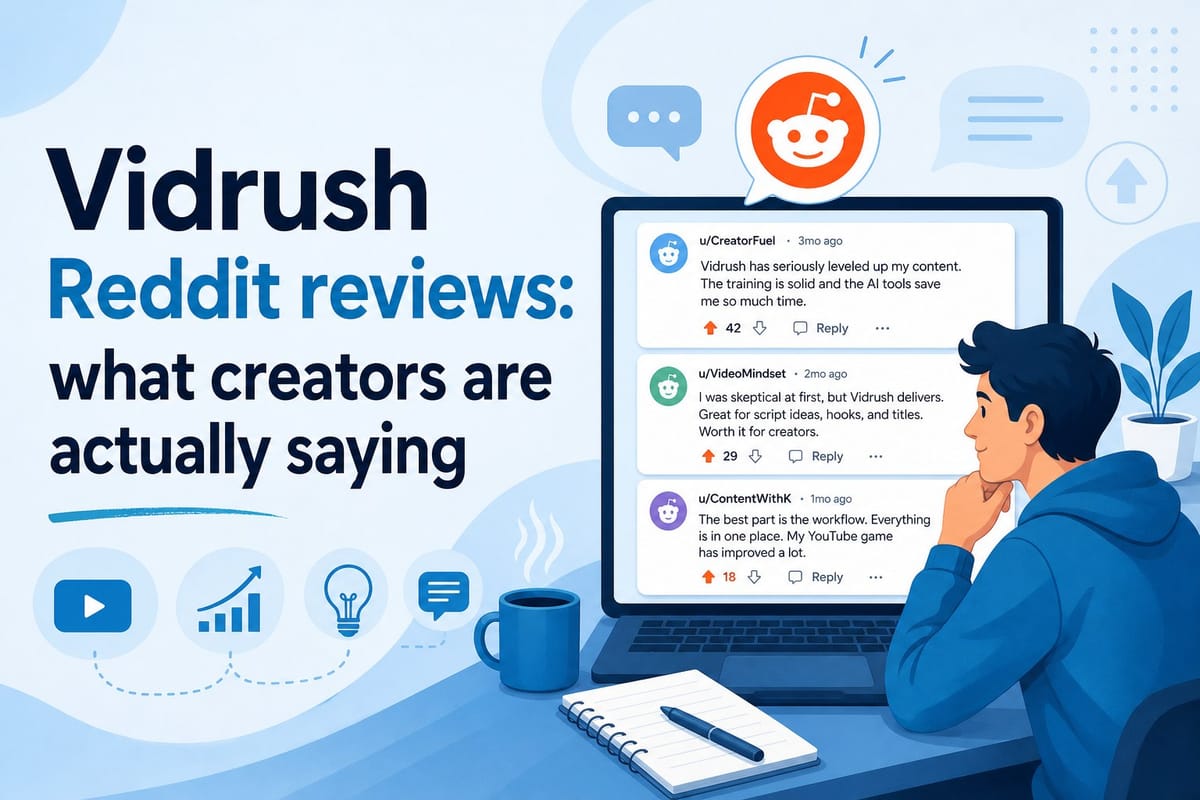
Table of contents
1. What creators say about Vidrush on Reddit
2. The specific features creators are debating
3. What this tells you about finding the right AI video tool
If you have spent any time searching for AI video tools lately, you have probably typed something like "vidrush reddit" into Google hoping to find honest opinions from real creators. Reddit is one of the few places where people share unfiltered feedback without worrying about affiliate commissions or sponsored disclaimers. So what are creators actually saying about Vidrush on Reddit? I dug into the conversations, read through the threads, and pulled together what the community is genuinely discussing. Along the way I will share some context about what creators are looking for when they evaluate tools like this, what specific features tend to make or break a purchase decision, and what the broader pattern of these conversations tells you about finding the right AI video tool for your workflow.
What creators say about Vidrush on Reddit
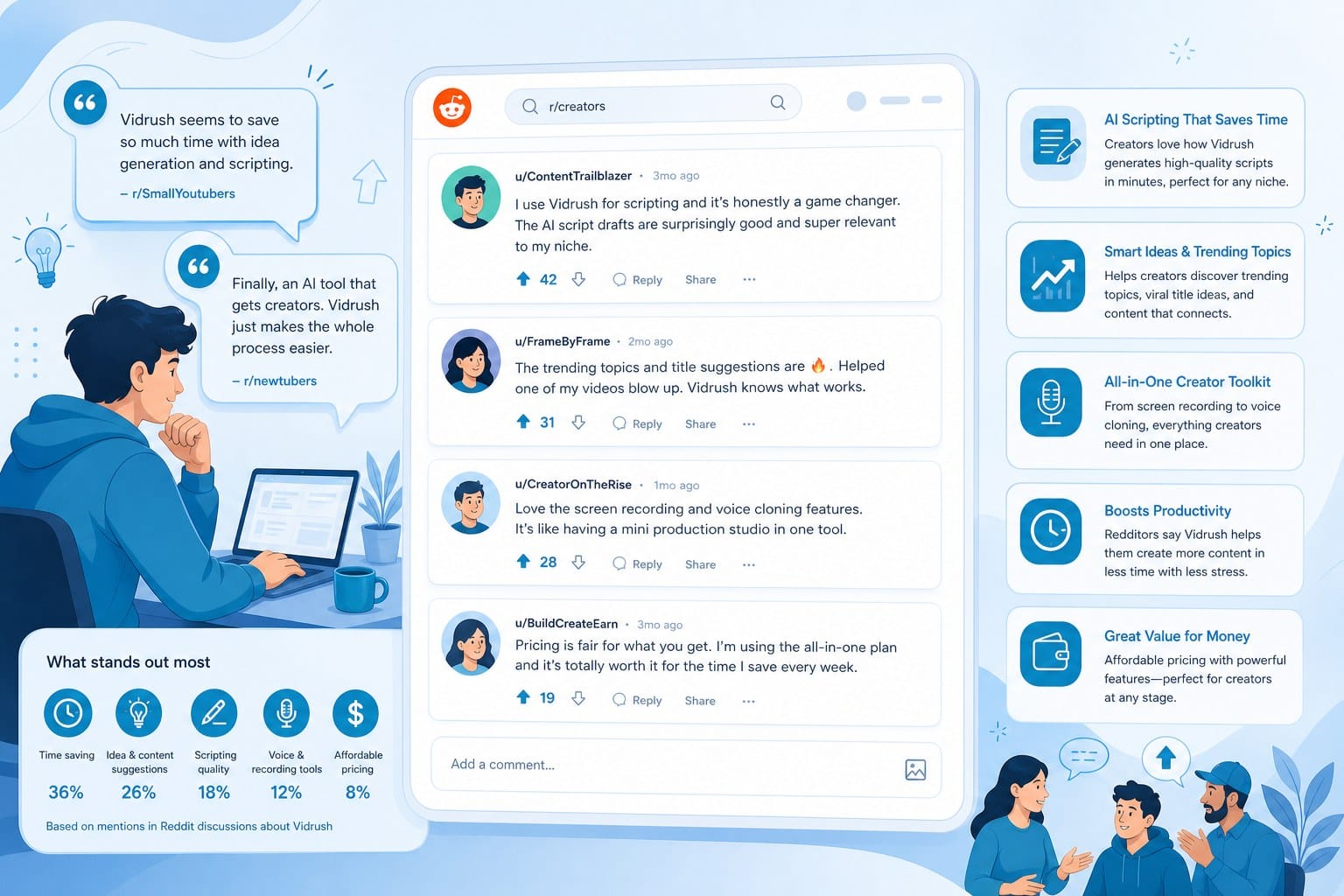
Searching the vidrush reddit threads reveals a pretty consistent pattern. Most creators who post about Vidrush fall into one of two camps: people who tried the free tier and hit a wall quickly, and people who were curious but could not find enough information to commit. That second group tends to show up in subreddits like r/youtubers, r/passive_income, and r/ContentCreators, asking variations of the same question: is this tool actually worth paying for?
The free tier conversations come up constantly. Creators report signing up, testing the tool with one or two videos, and then running into credit limits or quality caps before they could properly evaluate whether the output was good enough for their channel. This is a frustrating pattern that shows up across a lot of AI video tools, and Vidrush is no exception. When creators feel like they cannot get a fair test before being pushed toward a paid plan, they tend to post about it, and the threads accumulate fast. If you want a closer look at exactly what the free access covers and where it cuts off, this post about whether Vid Rush is free to use walks through the specifics.
Quality is the second big topic. Reddit users in the video production space are generally pretty technical. They talk about things like B-roll relevance, voiceover naturalness, pacing, and whether the final cut actually looks like something a real YouTube channel would publish. The feedback on Vidrush in this area is mixed. Some creators say the output is a decent starting point, especially for quick shorts or simple explainer content. Others say the footage selection feels generic, the scripts read as robotic, and the editing lacks the kind of structure that makes a video hold attention past the first thirty seconds.
One recurring comment is that creators who came in expecting a fully automated, press-one-button-and-publish experience were disappointed. The tool still requires significant editing and cleanup work before a video is channel-ready. That is not necessarily a dealbreaker, but it matters a great deal if you are trying to scale content production without spending hours inside a video editor after each export.
To make this concrete: a creator running a faceless history channel might generate a ten-minute script, run it through the tool, and get back a rough cut with decent pacing but mismatched B-roll — stock footage of a generic cityscape over narration about a specific historical battle, for example. Fixing that mismatch manually takes time, and when that process repeats across every video, the time savings the tool promised start to shrink.
There are also threads specifically about monetization. Faceless YouTube channel creators are a significant part of the Vidrush user base, and many of them post on Reddit about whether AI-generated content will get demonetized or flagged by YouTube. This is a real concern and not one any tool can fully resolve, since YouTube's policies continue to evolve. What creators want is transparency about commercial rights, footage sourcing, and how the AI handles copyright. When tools are vague about any of these, Reddit threads fill up with speculation and cautionary posts.
The tone of most vidrush reddit discussions is not outright negative. It is more skeptical and cautious. Creators have been burned by overpromised AI tools before, so they approach new ones with a show-me attitude. They want to see real output samples, real creator results, and real pricing breakdowns before they invest time or money. The absence of that evidence is itself something Reddit users comment on, and it shapes how the community perceives a tool's credibility.
Another pattern worth noting is the platform overlap. Creators asking about Vidrush are often simultaneously comparing it to three or four other tools in the same thread. They are not evaluating Vidrush in isolation. They are trying to figure out which tool wins for their specific use case — long-form faceless documentary, short-form vertical content, educational explainers, or something else entirely. The comparison threads are sometimes more useful than the standalone reviews, because they force people to be specific about what they actually need.
Creators who post detailed, workflow-specific feedback tend to get the most engagement. A post that says "Vidrush output feels generic" generates a handful of replies. A post that says "I tried to make a ten-minute finance explainer, here is the script it generated, here is the B-roll it chose, here is what I had to fix" generates a real conversation. The most credible Reddit feedback is always the kind that shows its work.
If you are in the research phase right now, the subreddits most worth browsing are r/youtubers for channel-building context, r/passive_income for monetization discussions, and r/NewTubers for newer creators who are still figuring out their workflow. The conversations in those communities reflect what real creators at different stages actually care about, which is more useful than any marketing page.
The specific features creators are debating
When you read enough Reddit threads about AI video tools, you start to notice that the debates are almost always about the same handful of features. Understanding what creators are actually arguing about helps you figure out whether a tool is right for your specific workflow, and it helps you ask better questions when you are testing a tool yourself.
The first feature that comes up constantly is footage sourcing. For faceless YouTube channels, the visual quality of the B-roll determines whether a video feels professional or cheap. Creators on Reddit frequently ask where a tool pulls its footage from, whether it uses properly licensed stock video, and whether the footage actually matches the script topic at a meaningful level. Complaints about irrelevant or repetitive B-roll are common across multiple AI video tools, and Vidrush gets its share of this criticism. Creators say the footage sometimes feels like it was selected by surface-level keyword matching rather than genuine content understanding, which leads to jarring visual choices that break the viewer's immersion.
A concrete example from a Reddit thread: a creator tried to produce a video about the 2008 financial crisis and kept getting B-roll of people walking through office lobbies and generic charts. The footage was not wrong exactly, but it was not evocative or specific. A human editor would have pulled archival footage of trading floors, news coverage stills, and imagery tied to the specific events being described. The AI matched keywords but missed context, and the result felt flat.
The second debate is about voiceover quality. Text-to-speech has improved dramatically over the last few years, but there is still a meaningful gap between AI-generated narration and a well-produced human voiceover. Reddit creators are particularly sensitive to this because voiceover quality directly affects watch time and audience retention. If the voice sounds flat, rushed, or unnatural in its emphasis, viewers click away — and YouTube's algorithm notices. Some Vidrush users say the voices are acceptable for casual content or short-form videos, but not polished enough for educational or documentary-style content where credibility matters and the viewer has to stay engaged for ten, fifteen, or twenty minutes.
The nuance here is that voiceover quality is not just about whether the voice sounds human. It is about whether the delivery fits the script's emotional tone. A narrator describing a dramatic historical event should sound different from one explaining a software tutorial. AI voices that apply the same flat delivery to every type of content produce output that feels disconnected from the subject matter, even when the words are technically correct.
Scripting is the third major topic, and in some ways it is the most important. A lot of creators who search for vidrush reddit are specifically looking for tools that can research a topic and write a full script automatically, not just convert a pre-written script into video. The distinction matters because researching and scripting is genuinely the most time-consuming part of content production for most creators. When a tool handles that step well, it is a significant time saver. When it does it poorly, it creates more work than just writing the script yourself.
Reddit feedback on Vidrush's scripting is inconsistent. Some users praise the basic structure and say it gives them a solid framework to build on. Others say the scripts lack depth, default to obvious talking points, and fail to include the kind of specific detail or fresh perspective that makes a video actually worth watching. A script about the history of NASA that reads like a Wikipedia summary is not useful to a creator who wants to build an audience. Viewers can get that information anywhere. What keeps people watching is a distinctive angle, specific stories, and a clear point of view.
The fourth thing creators debate is pricing transparency. Reddit users are good at reverse-engineering pricing structures and figuring out the true cost per video when you factor in credit usage, resolution tiers, and export limits. When tools use credit systems without clearly showing how many credits a full-length video costs, creators get frustrated. Several threads include users trying to calculate the real monthly cost of producing a consistent publishing schedule — say, four videos a month at ten minutes each — and the math sometimes comes out significantly higher than the advertised price suggests.
This is not a problem unique to Vidrush. A lot of AI video tools use pricing structures that look accessible on the surface but become expensive at scale. The creators who figure this out and post about it on Reddit are doing a service to the rest of the community, but it also creates a trust problem for the tool. Once a thread establishes that the real cost is higher than expected, that perception sticks and gets referenced in future discussions.
The fifth topic, which I think is underappreciated in most review discussions, is the editing and post-production workflow. Some creators want a fully rendered, ready-to-upload video. Others want a rough cut they can refine in their own editor, with control over timing, transitions, and graphic elements. These are genuinely different use cases, and a tool that optimizes for one often frustrates users expecting the other.
Vidrush seems to position itself toward the fully automated end of the spectrum, which is a reasonable choice. But Reddit users report that the output still requires meaningful editing work — cleaning up transitions, replacing weak B-roll, adjusting pacing in sections where the narration and footage fall out of sync. That creates a mismatch between expectation and reality that leads to disappointment even when the underlying output quality is decent. A creator who expected to spend fifteen minutes reviewing and uploading instead spends two hours editing, which changes the value calculation entirely.
Motion graphics and animation formats come up less frequently in Vidrush threads, but they are worth mentioning because they reveal something about the tool's positioning. Whiteboard videos, stickman animations, and other stylized educational formats have a strong and consistent audience on YouTube, particularly for science, finance, and history content. Creators who want those formats tend to look elsewhere, which is one reason those subreddit conversations often shift toward a broader Vidrush alternative for AI-powered video creation discussion rather than focusing on any single tool.
Commercial rights clarity also comes up in these feature debates, and it ties back to the monetization concern I mentioned earlier. Creators who are building channels they plan to monetize through AdSense, brand deals, or content licensing need to know exactly what rights they hold over the final video. This includes the footage used, the voiceover generated, and the music or audio elements included. When tools are unclear about this — whether through vague terms of service, generic licensing language, or no clear answer at all — creators treat it as a warning sign. The Reddit threads where this comes up tend to generate the most engagement, because it touches something every serious creator worries about.
What this tells you about finding the right AI video tool
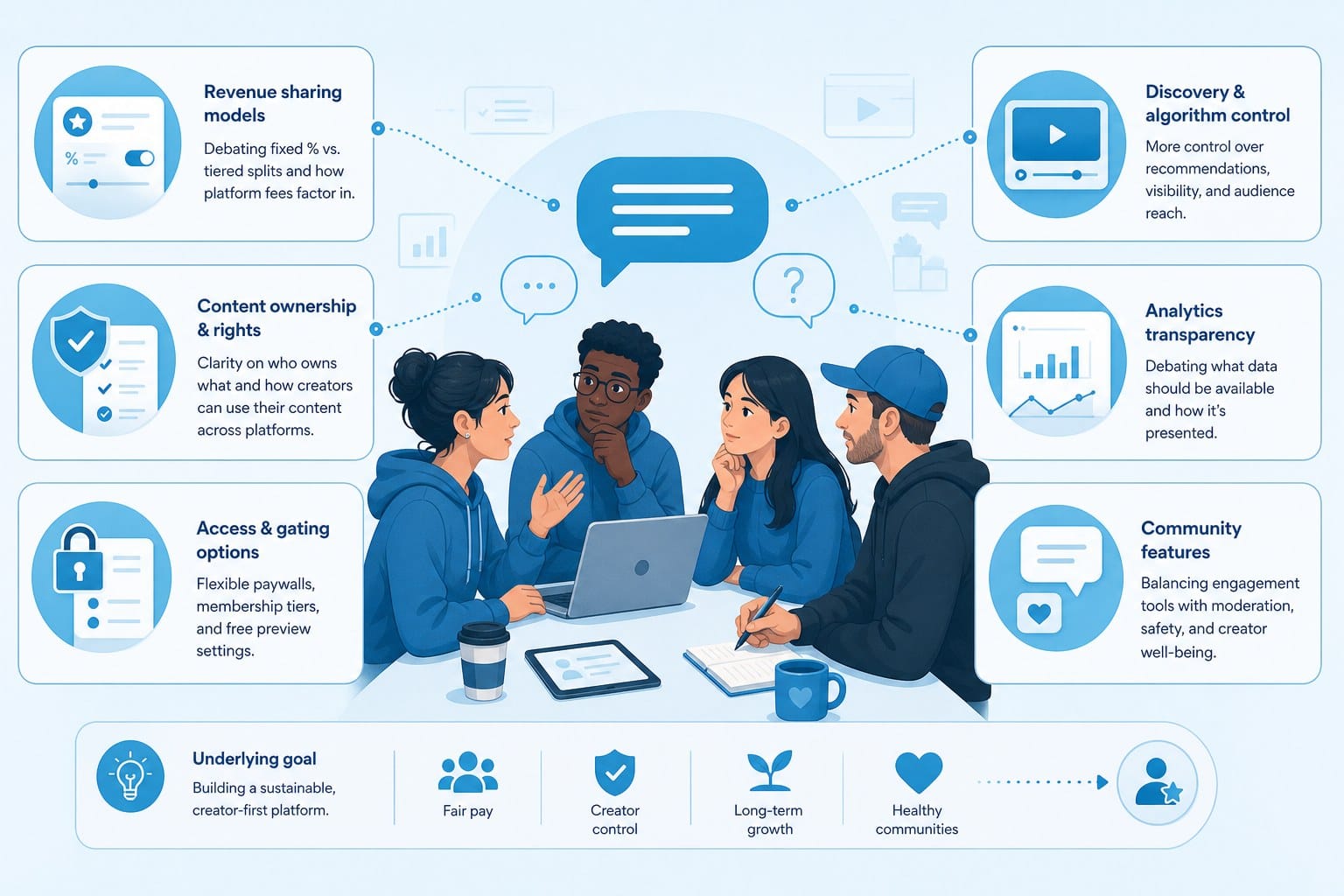
Reading Reddit threads about AI video tools is genuinely useful, but there is a skill to interpreting what you find. Most negative reviews come from creators who had a specific use case that did not match the tool's strengths. Most positive reviews come from creators who found a workflow that fits. The truth usually sits somewhere in the middle, and the most helpful posts are the ones that describe exactly what the creator was trying to do and how the tool handled it.
Here is what the vidrush reddit conversations reveal when you look at them as a whole.
Creators who produce faceless documentary and listicle content at scale need a tool that does more than assemble stock footage over a script. They need intelligent footage selection that goes beyond keyword matching and actually reflects the content's meaning. They need a voiceover that holds the viewer's attention across a full-length video, not just sounds passable in a thirty-second demo clip. And they need a final edit that follows the narrative structure a real documentary editor would use — building tension, varying pacing, using silence and music deliberately rather than as filler. When a tool falls short on any of these, the output requires so much manual work that the time savings disappear and the creator is left wondering why they paid for a tool at all.
The free tier problem is real and widespread, and it matters for how creators evaluate tools. When a free tier is restricted to the point where you cannot produce a single complete, representative video, you cannot make an informed purchase decision. You are either buying blind or walking away. The Reddit threads reflect this constantly, with creators expressing frustration not at the paid pricing itself but at not being able to evaluate whether the paid output is worth the price. A smarter free tier — one that lets you produce one or two full videos at the quality level you would actually pay for — builds confidence and converts more users than a heavily restricted trial that just demonstrates the walls.
Commercial rights clarity is not a nice-to-have for serious creators. It is foundational. A creator who builds a hundred-video channel on a platform, then discovers that the terms of service are ambiguous about who owns the final output, has a serious problem. The Reddit community treats this as a basic due-diligence question, and tools that do not answer it clearly lose credibility fast. Before committing to any AI video platform, read the terms of service specifically for language about content ownership, footage licensing, and commercial use rights. If the answers are not clear, ask support directly and get a written response.
The best AI video tools fit naturally into a creator's existing process rather than forcing them to rebuild everything around the tool's limitations. If you already have a script, you want a tool that takes that script and handles the production. If you have a topic and an angle but no script, you want a tool that researches, writes, and produces without requiring you to babysit each step. The fewer manual handoffs in your workflow, the more videos you can publish in a given week, and publishing consistently is the single biggest driver of channel growth on YouTube.
Output format flexibility matters more than most creators realize until they actually need it. A tool that only produces one style of video — standard horizontal YouTube content, for example — locks you into a single format at a time when creators are expected to publish across YouTube long-form, YouTube Shorts, and sometimes other platforms simultaneously. Building your workflow around a tool that can handle multiple formats from the same content removes a significant amount of overhead.
If you are building a faceless channel and thinking seriously about how to scale your output, the thumbnail is often the last thing on your mind during the tool-comparison phase, but it is one of the biggest factors in whether a video actually gets clicked. A polished AI-generated video with a weak thumbnail will underperform against a decent video with a strong thumbnail every time. The guide on thumbnail text and how to create click-worthy titles fast is worth reading alongside whatever tool research you are doing, because it covers a part of the production process that most creators leave until last and then rush.
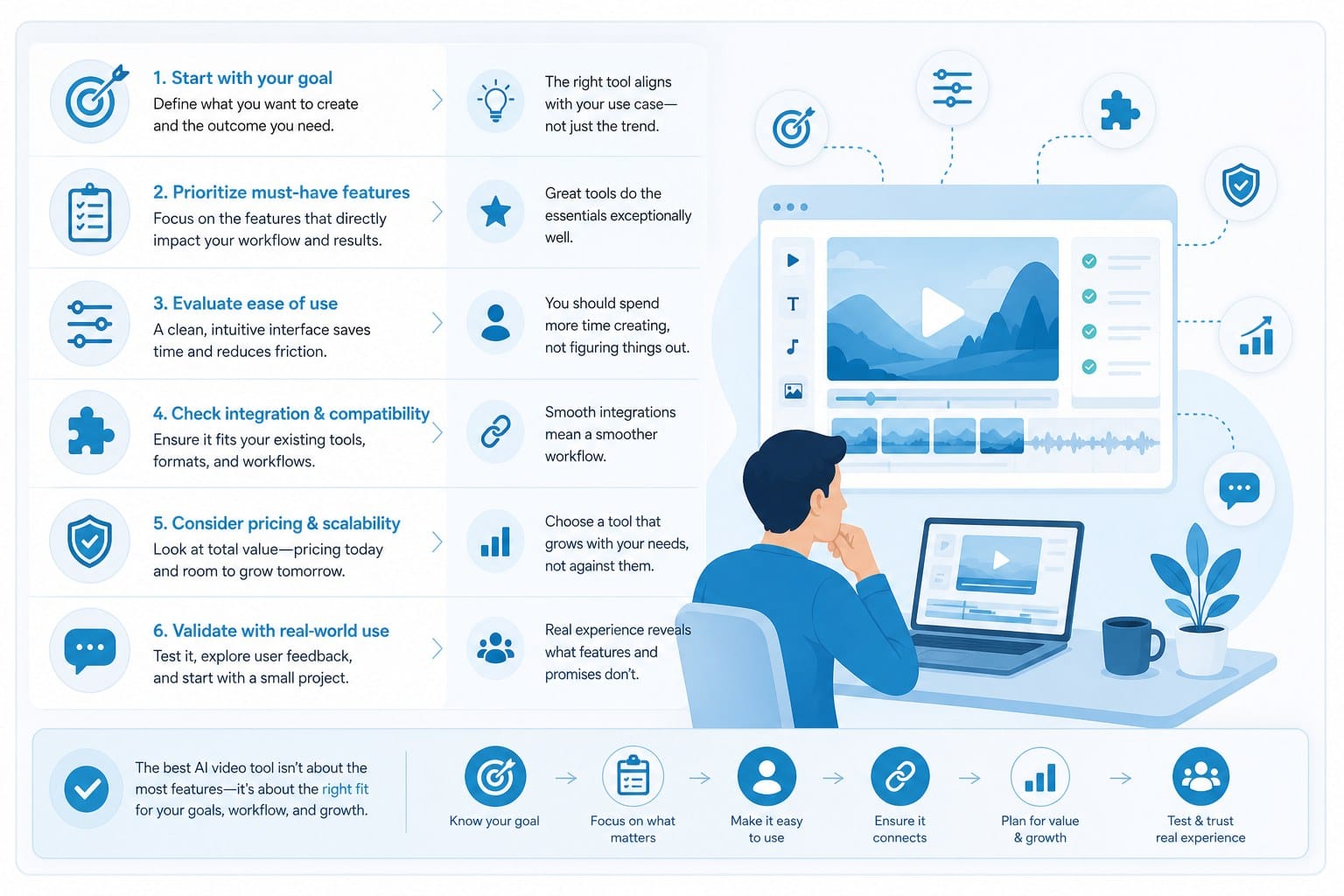
For creators who have been reading vidrush reddit threads and still feel uncertain about which direction to go, here is the most practical advice I can offer: define your use case specifically before you pick a tool. Write down the exact type of video you want to produce. Include the length, the format, the niche, the voiceover style you are aiming for, and the level of editing you are realistically willing to do after the tool generates its output. Then test any tool you are seriously considering against that specific use case, using your actual content topic, not a generic demo topic.
This approach filters out most of the noise in Reddit discussions, because the criticism and praise you read is always attached to a specific use case even when the person writing the post does not spell it out. A creator making three-minute lifestyle shorts has completely different needs than a creator making thirty-minute history documentaries. A tool that works beautifully for one will feel frustratingly limited for the other. When you read a negative review, ask yourself whether the reviewer's use case matches yours. If it does not, that review tells you very little about whether the tool would work for you.
When you do find a tool that handles your specific use case well, the next question is whether it scales with you. A tool that works for four videos a month should also work for twenty videos a month without the per-video cost becoming unsustainable and without the output quality degrading as you increase volume. This is something Reddit threads rarely discuss explicitly, but it is worth asking about directly — either through the platform's support channels or through community members who have been using the tool at scale for a significant period of time.
Cliptude is built around this full-pipeline approach. It handles the complete production workflow from a single prompt or script, including research, scripting, footage sourcing, motion graphics, and final editing, and it supports a wide range of formats including long-form YouTube videos, documentaries, shorts, animations, and music videos. The credit-based pricing means you pay for what you actually produce rather than committing to a flat monthly fee regardless of your output volume that month. And because the focus is on polished, channel-ready video, you spend less time fixing output after the fact and more time publishing and building your audience.
If you have been comparing tools based on Reddit threads and landing pages, the best next step is to see how a tool actually handles your content. Bring your real topic, your real format, and your real publishing goals to the test. That is the only evaluation that tells you what you actually need to know.
Ready to take the next step?
Ready to stop comparing tools and start publishing? Visit Cliptude to see how the full AI video pipeline works, from your first prompt to a polished, monetization-ready video.



