Free Vidrush AI Alternatives: A Comprehensive Guide

If you've been looking at Vidrush AI and wondering whether you really need to spend $99 a month just to get started, you're not alone. A lot of you have asked about this exact topic, and honestly, the answer is more interesting than a simple yes or no. The AI video space has exploded, and there are now solid tools available at every price point, including free ones, that can do the job depending on what you actually need.
Before we get into the alternatives, it's worth clearing up something that trips a lot of people up. There are actually two different products with similar names. Vidrush.ai is the premium platform built for YouTube documentaries and factual content, starting at $99 per month with no free tier at all. Vidrush.studio is a separate, more affordable tool focused on social media content, and it does have a free tier with 20 credits per month. They're not the same product, so make sure you know which one you've been looking at before you go searching for an alternative.
This guide breaks down the best free and low-cost alternatives based on what you're trying to create. Whether you're making YouTube documentaries, short-form social content, or AI-powered presenter videos, there's something here for you. Let's get into it.
The best alternative for documentary and YouTube creators
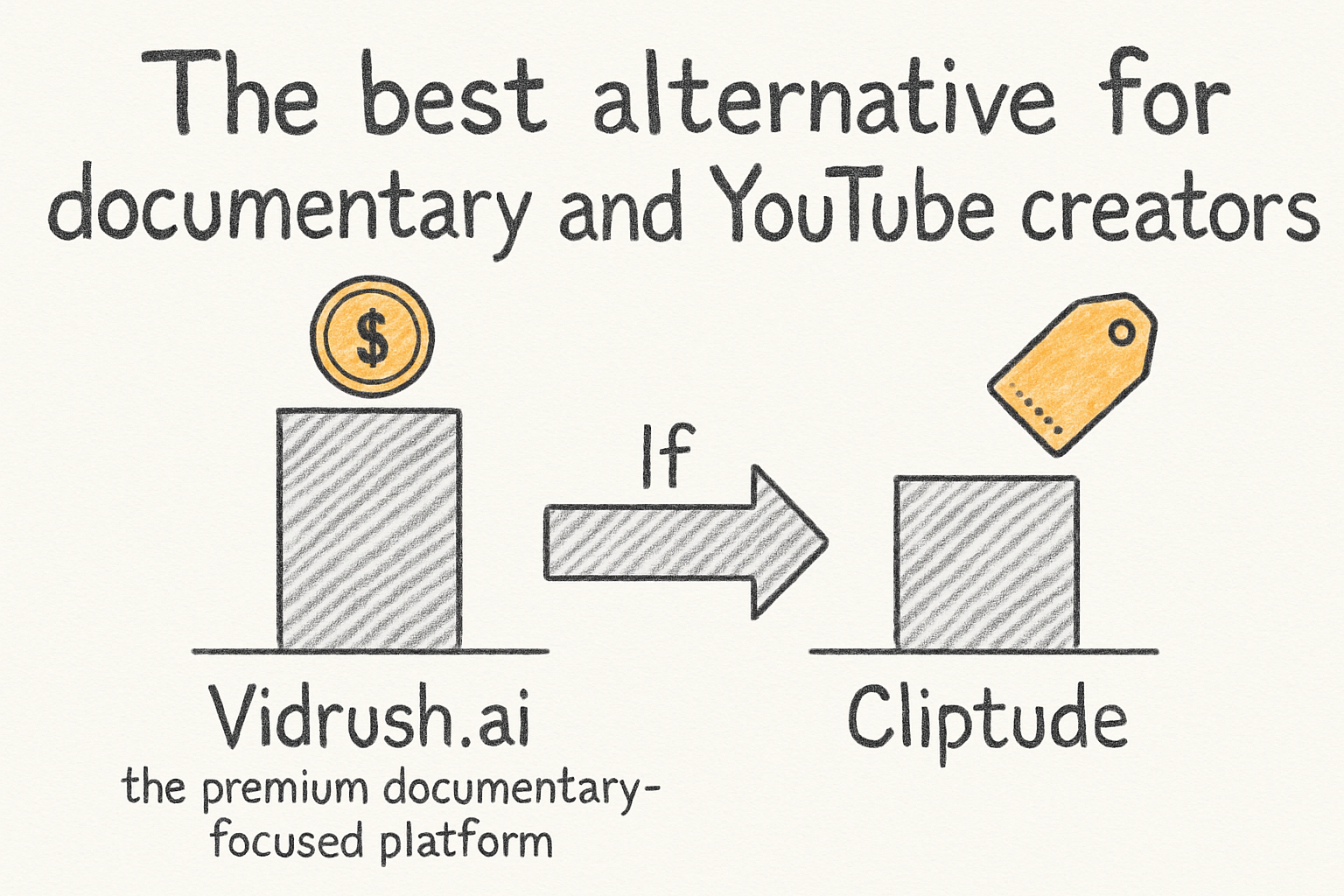
If Vidrush.ai is what you were looking at, meaning the premium documentary-focused platform, then the closest real alternative is Cliptude. It's built specifically for YouTube documentaries and video essays, and it walks your content through a five-step pipeline. That covers script generation, voiceover synthesis, visual selection, music and sound design, and final video assembly. You give it a topic, and it does the heavy lifting.
What makes Cliptude stand out compared to most tools is the range of output modes. You can choose between Documentary A-Roll, which actually pulls real YouTube footage to support your narration, or Documentary B-Roll using stock footage. There are also Top 10 formats for viral listicle content, an Illustration Video mode for abstract topics like philosophy or economics, and a fully 3D mode with cinematic camera movement and depth-of-field effects. That's a lot of flexibility from a single platform.
I personally think the automated data visualization feature is where Cliptude really earns its keep. It can generate animated maps for things like flight paths or trade routes, historical timelines, and data charts that sync directly to your narration. If you've ever tried to source that kind of visual content manually, you know how painful it is. Cliptude just builds it for you.
Pricing starts at $99 per month for 2,000 credits, which gets you roughly 36 minutes of finished video. That's comparable to Vidrush.ai's Starter plan but with more creative control. It's not a frame-by-frame editor and you can't use it to edit external videos you've already made, but as a production tool for new content it's genuinely strong. If you want to go deeper on scripting before you start, our guide to writing a documentary script walks through the process step by step.
Free tools worth knowing about
Not everyone needs a full documentary pipeline. If you're making shorter content or just testing the waters, there are several tools with real free tiers that are worth your time. Fliki.ai lets you turn scripts, blog posts, and even PowerPoint presentations into videos. Its free plan gives you 5 minutes of credits per month with 300 voice options at 720p, with a watermark. It's limited, but it's genuinely useful for experimenting. The paid Standard plan at $28 per month bumps that to 180 minutes and 1080p with no watermark.
For short-form and social content, Vizard.ai is a smart pick. It takes long-form videos like podcasts or webinars and automatically chops them into social media clips, handling the reframing for TikTok and Reels automatically. The free tier gives you 60 credits per month at 720p. It's watermarked on the free plan, but if you're just getting started it does real work. I actually used a similar tool when I was experimenting with repurposing some old webinar recordings, and the time savings are real.
Synthesia is worth mentioning too, especially if you want AI presenter-style videos with an avatar on screen. The free plan gives you 10 minutes per month and unusually does not apply a watermark, which makes it one of the more generous free tiers out there. It supports over 160 languages and the avatars are polished enough for professional use. HeyGen is another strong avatar option, offering 3 free videos per month starting at $29 per month for paid plans.
For pure generative video, Runway and Pika Labs both have free tiers. Runway gives you 125 credits to start and uses its Gen-3 Alpha models for high-quality outputs. Pika Labs gives you 30 daily credits and is known for creative animations and visual effects. Neither one is designed for long-form content, but for short clips and cinematic experiments they're excellent starting points. OpusClip is also free up to 60 minutes per month and does a great job turning longer content into short viral clips automatically.
Matching the right tool to your content type
The biggest mistake people make when picking an AI video tool is treating them all like they do the same thing. They don't. Choosing the wrong tool for your content type means you'll hit a wall fast. So here's a simple way to think about it based on what you're actually making.
If you're making YouTube documentaries or educational video essays, Cliptude is your best option and it's the most direct replacement for Vidrush.ai. If you're focused on social media content and need something cheaper to start, Vidrush.studio's free tier with 20 credits per month is worth trying before you pay for anything. For faceless automation videos on YouTube, InVideo AI generates up to 30 minutes of video from a single prompt and has a free plan, though it's limited to 2 minutes per week. BigMotion AI is another faceless option with 66 free daily credits.
If your goal is repurposing content you already have, Vizard.ai and OpusClip are the tools built for that. Both have workable free plans. If you want avatar-based presenter videos, Synthesia and HeyGen are the leaders. And if you're experimenting with pure AI-generated cinematic footage, Runway, Pika Labs, and Luma Dream Machine all have free entry points worth exploring.
One thing to keep in mind: free plans almost always come with watermarks, lower resolution, or strict time limits. That's fine for testing, but before you commit to a paid plan, make sure the tool actually fits your workflow. Think about whether you need voiceover control, and if so our beginner's guide to doing a voice over is a good read before you start comparing TTS quality across platforms. The tools are only as useful as the content strategy behind them.
Ready to take the next step?
There are more good AI video tools available right now than at any point before, and a lot of them won't cost you a cent to try. Start with the free tiers, figure out what your content actually needs, and then decide whether upgrading makes sense. If you're building YouTube documentaries or long-form video essays, check out Cliptude and see if the pipeline fits what you're trying to make. Got a tool you think deserves a spot on this list, or a question about any of the ones we covered? Drop it in the comments below.