
How to Clone Your Own Voice in ElevenLabs (and Use It in Your Videos)

Voice cloning used to sound like something out of a sci-fi movie. Now it's something any YouTuber can do in about ten minutes. If you've ever spent hours recording and re-recording voiceovers just to get one decent take, you already know how much time that eats up. There's a better way.
ElevenLabs has become the go-to tool for AI voice cloning, and for good reason. The quality is genuinely impressive. You record yourself once, upload the audio, and suddenly you have a digital version of your voice that can read any script you throw at it. No microphone setup required after that. No retakes. No editing out the parts where you mispronounced a word for the fourth time.
In this post, I'm going to walk you through how to clone your voice in ElevenLabs from scratch, and then show you how to plug that cloned voice directly into Cliptude so you can automate your entire video production process. A lot of you have asked about this exact workflow, so let's get into it.
How to clone your voice in ElevenLabs step by step
Before you do anything else, you need clean audio. Record between one and five minutes of yourself speaking clearly. No background music, no fans humming in the corner, no other voices. Just you talking in a normal, natural tone, like you're narrating a documentary. Use a decent microphone and record somewhere quiet. The better your input audio, the better your clone will sound.
Once your audio is ready, log into ElevenLabs. You'll need a paid plan for voice cloning, the Starter plan works fine. In the sidebar, click on "Voices" and then navigate to "VoiceLab." From there, click "Add a new Voice" and choose the "Instant Voice Cloning" option. It's fast, and honestly it works really well even with just a few minutes of audio.
Now you'll name your voice clone and upload your audio samples. Add some descriptive labels while you're at it, something like "Narrator" or "Energetic" so you can find it easily later. Check the consent box confirming you have the rights to clone this voice (it has to be your own voice), then click "Add Voice." The whole thing takes maybe thirty seconds to process.
If the first result sounds a little stiff or robotic, don't panic. Go into Voice Settings and play with the "Stability" and "Similarity" sliders. Lowering stability a touch usually makes the voice sound more natural and expressive. It takes a little experimentation, but you'll find the sweet spot pretty quickly. I personally think this fine-tuning step is where most people give up too early, and it's worth spending an extra five minutes on it to get a result you actually like.
How to connect your cloned voice to Cliptude
So now you've got a cloned voice sitting in ElevenLabs. The next question is how you actually use it without manually downloading audio files and syncing them to clips yourself. That's where Cliptude comes in. You can connect your ElevenLabs account directly to Cliptude using an API key, and then your custom voice shows up right inside the video creation workflow.
To get your API key, go to your ElevenLabs profile, then Settings, then API Keys. Create a new key and copy it. It'll start with "sk_" so you'll know you grabbed the right one. Keep it somewhere safe for a second.
I remember the first time I tried connecting a third-party AI tool to a video platform. I was half-expecting it to take an afternoon and three rounds of troubleshooting. With Cliptude it took about two minutes. When you're creating a video and you get to Step 2, which is Voice Selection, look for the card labeled "Bring Your Own ElevenLabs Key" near the top of the page. Paste your API key in there and click "Save encrypted key." Cliptude encrypts it securely, so you're not just handing your credentials over in plain text.
After that, the page reloads and your cloned voice appears right in the voice list alongside everything else. Any voice you've created or purchased in ElevenLabs will show up there. From that point on, you can generate full video essays and documentaries in your own voice without ever touching a microphone again. The voiceover generation pulls from your ElevenLabs character quota, so it works exactly the same as if you were generating audio directly in ElevenLabs, just without the extra steps.
Why this workflow actually saves you serious time
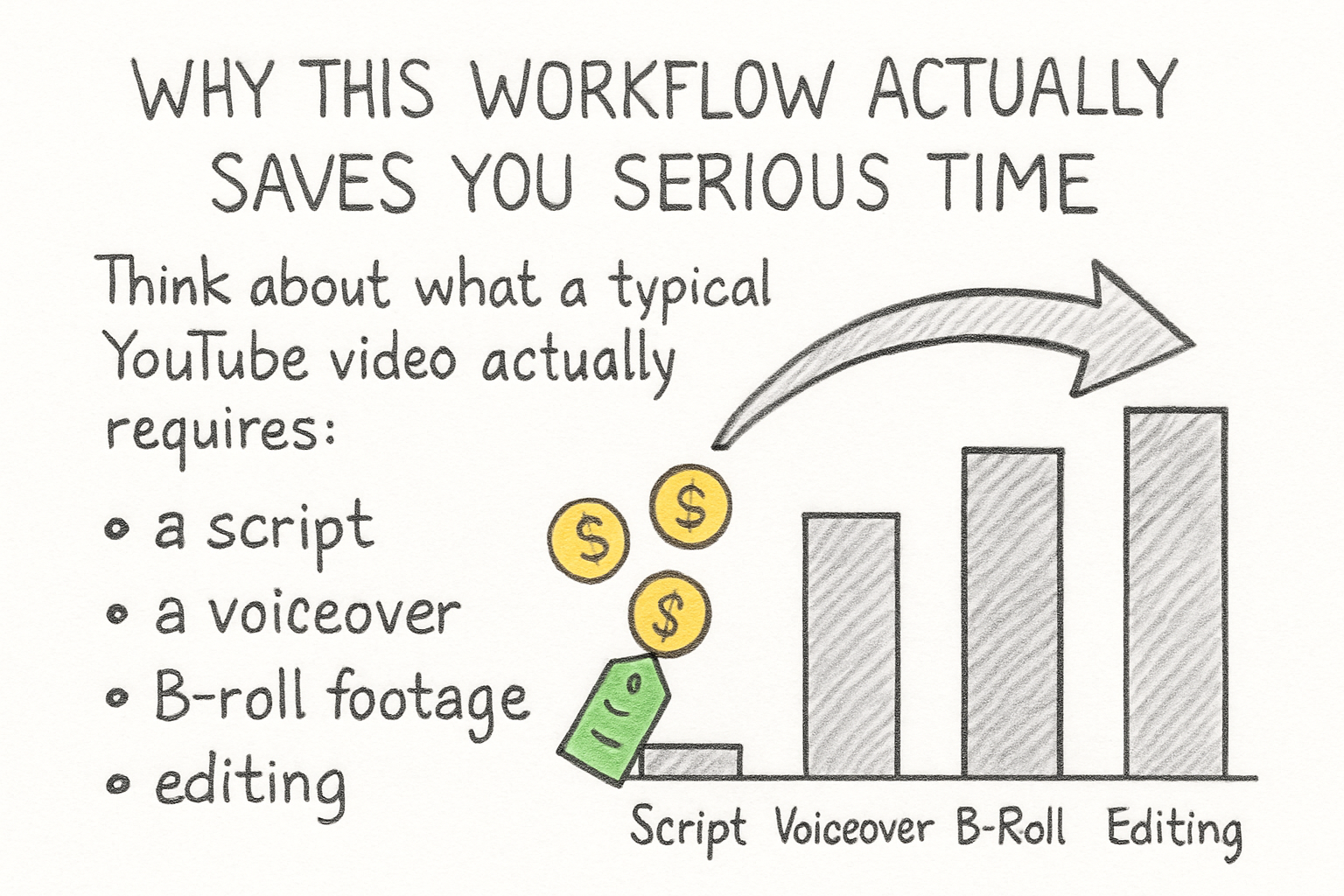
Think about what a typical YouTube video actually requires. You need a script, a voiceover, B-roll footage, and editing. If you're doing all of that manually, you're looking at several hours per video even for a ten-minute upload. That's before you factor in the times your recording doesn't come out right or your script needs a rewrite after you've already recorded it.
When your voice is cloned and connected to Cliptude, you're removing the most time-consuming part of that process. Cliptude handles the scriptwriting, sources the B-roll, and puts the edit together. Your cloned voice handles the narration. You just approve the final product. We covered some of the best AI tools to create YouTube videos in a past article, and voice cloning paired with an automated video tool is honestly one of the most practical combinations on that list.
There's also the consistency factor. When you record voiceovers manually, your energy and pacing changes from video to video depending on how you're feeling that day. A cloned voice gives you the same quality every single time. Your audience hears the same voice they recognize, and you don't have to worry about recording on days when you're tired or sick.
If you want to explore other options for AI-generated narration before committing to ElevenLabs, you can check out a breakdown of platforms for generating realistic AI voiceovers to compare what's out there. But for most creators who want to use their own voice specifically, ElevenLabs is hard to beat right now.
Ready to take the next step?
Voice cloning isn't just a cool party trick. It's a real time-saver that lets you keep your personal brand intact while automating the parts of video production that eat up your day. Clone your voice in ElevenLabs, connect it to Cliptude with your API key, and you've got a pipeline that can turn a script idea into a finished video faster than you'd believe. Give it a try and let us know how it goes in the comments below. Have questions about the setup process or want to share what you're building? Drop them in the comments. And if you're ready to see the whole thing in action, check out Cliptude and start your first video today.



