What is the Difference Between A-Roll, B-Roll, and Mid-Roll?

Video editing has its own language, and if you're new to it, some of the terms can feel like a foreign dialect. You'll hop on a YouTube forum or watch a behind-the-scenes video and suddenly hear someone throw out words like A-Roll, B-Roll, and Mid-Roll like everyone already knows what they mean. It's a little intimidating at first, honestly.
Here's the thing though: two of those terms are about how you film and edit your video, and one of them is purely about making money from it. They sound like they belong together, but Mid-Roll is playing a completely different game than the other two. Once you understand what each one actually does, the way you watch and make videos will never feel quite the same.
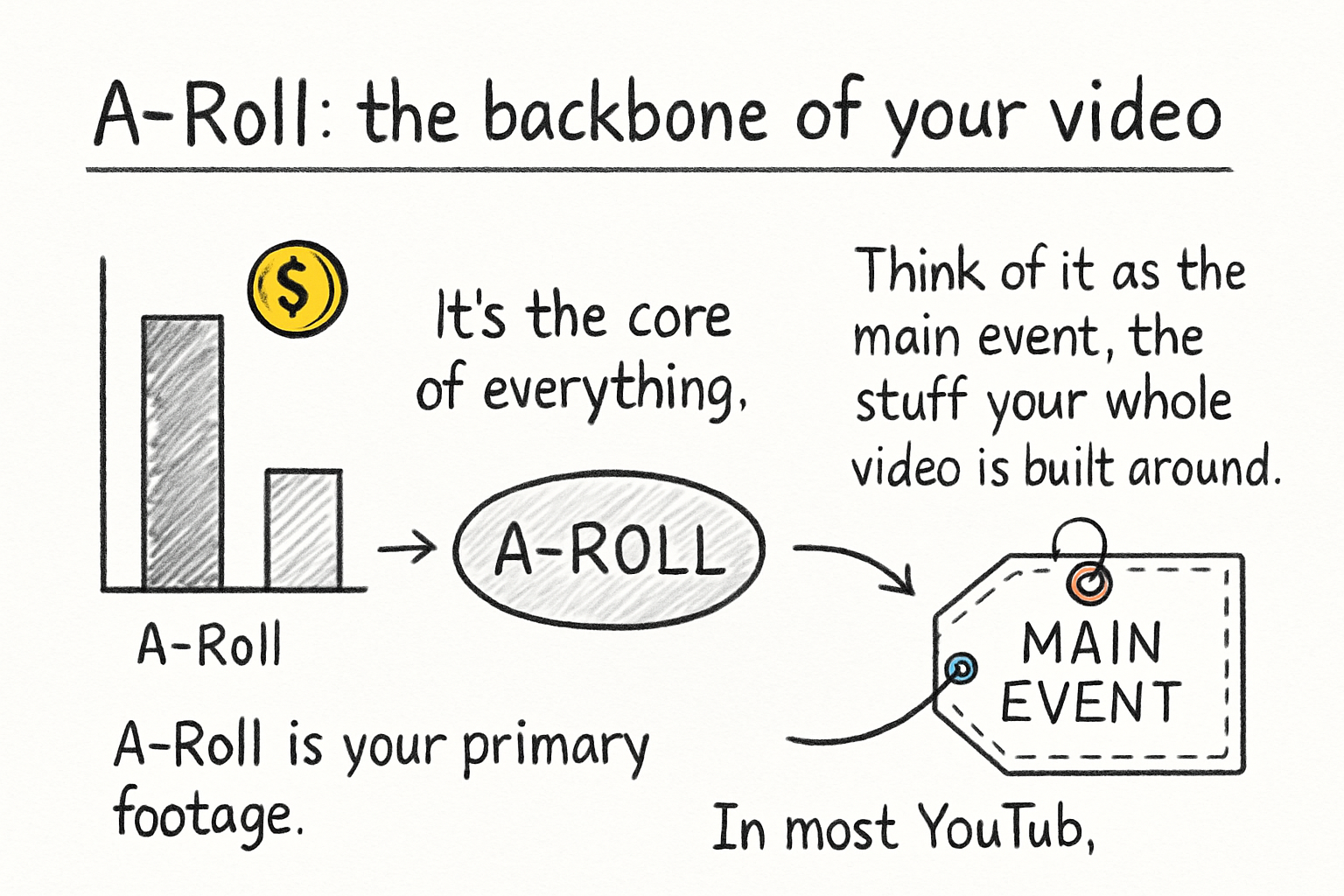
A-Roll: the backbone of your video
A-Roll is your primary footage. It's the core of everything. Think of it as the main event, the stuff your whole video is built around. In most YouTube videos, documentaries, and even podcasts that get turned into video content, the A-Roll is the talking head shot. That's the camera pointed directly at the person speaking to the audience.
The A-Roll carries the main audio track and drives the story forward. If someone is sitting at a desk explaining how to change a tire, every second of them talking directly to camera is A-Roll. Without it, you'd just have a bunch of random clips with no voice tying them together. It'd be like reading a book with all the pages out of order and half of them missing.
A lot of you have asked about this exact thing when it comes to faceless channels, and it's a fair question. Can you have A-Roll without showing a person? Technically yes. In a faceless YouTube video, the A-Roll might just be the primary narration track itself, even if there's no talking head on screen. The audio is still doing the heavy lifting.
The key thing to remember is that A-Roll is not about what looks cool. It's about what communicates. It's the part of your video that would still make sense if you watched it with your eyes half closed.
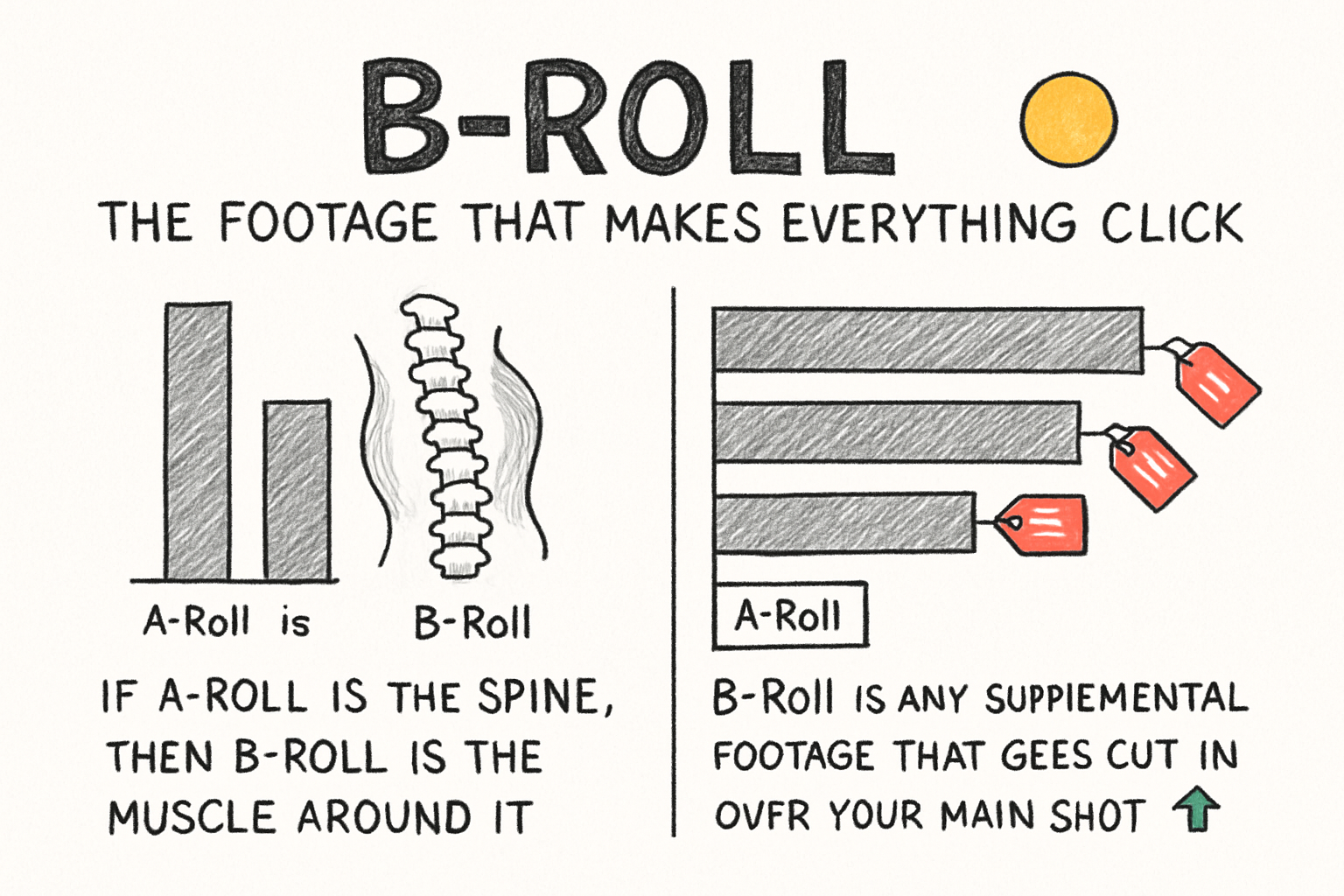
B-Roll: the footage that makes everything click
If A-Roll is the spine, then B-Roll is the muscle around it. B-Roll is any supplemental footage that gets cut in over your main shot to support what's being said. So if your A-Roll is you talking about a busy city street, your B-Roll is the slow-motion shot of yellow cabs crawling through an intersection, or a close-up of someone's shoes hitting the pavement.
I personally think B-Roll is where most beginner creators underestimate how much work goes into a polished video. The first time I sat down to edit a short travel piece, I thought I had plenty of footage. Turns out I had maybe four usable B-Roll clips for a five-minute video. It looked choppy and flat, and I had to reshoot half of it. Good B-Roll takes real planning.
B-Roll pulls three big jobs at once. First, it keeps the viewer visually engaged so they're not just staring at a static talking head for eight minutes straight. Second, it gives context and proof for whatever the A-Roll is saying. If you're talking about ocean pollution, showing actual footage of plastic washing up on a shore does more than words ever could. Third, and this is the editing trick every creator loves, B-Roll covers jump cuts. When you trim out an awkward pause or a flubbed sentence in your A-Roll, you drop a piece of B-Roll over the cut so the viewer never sees the seam.
Here's a fun piece of history too. The terms A-Roll and B-Roll actually come from the physical world of film editing. Back in the day, editors worked with two literal rolls of film. The A-Roll had the main footage, and the B-Roll had everything else. They'd run both rolls through a printer to create smooth transitions. The names just stuck around long after digital editing made those physical rolls obsolete.
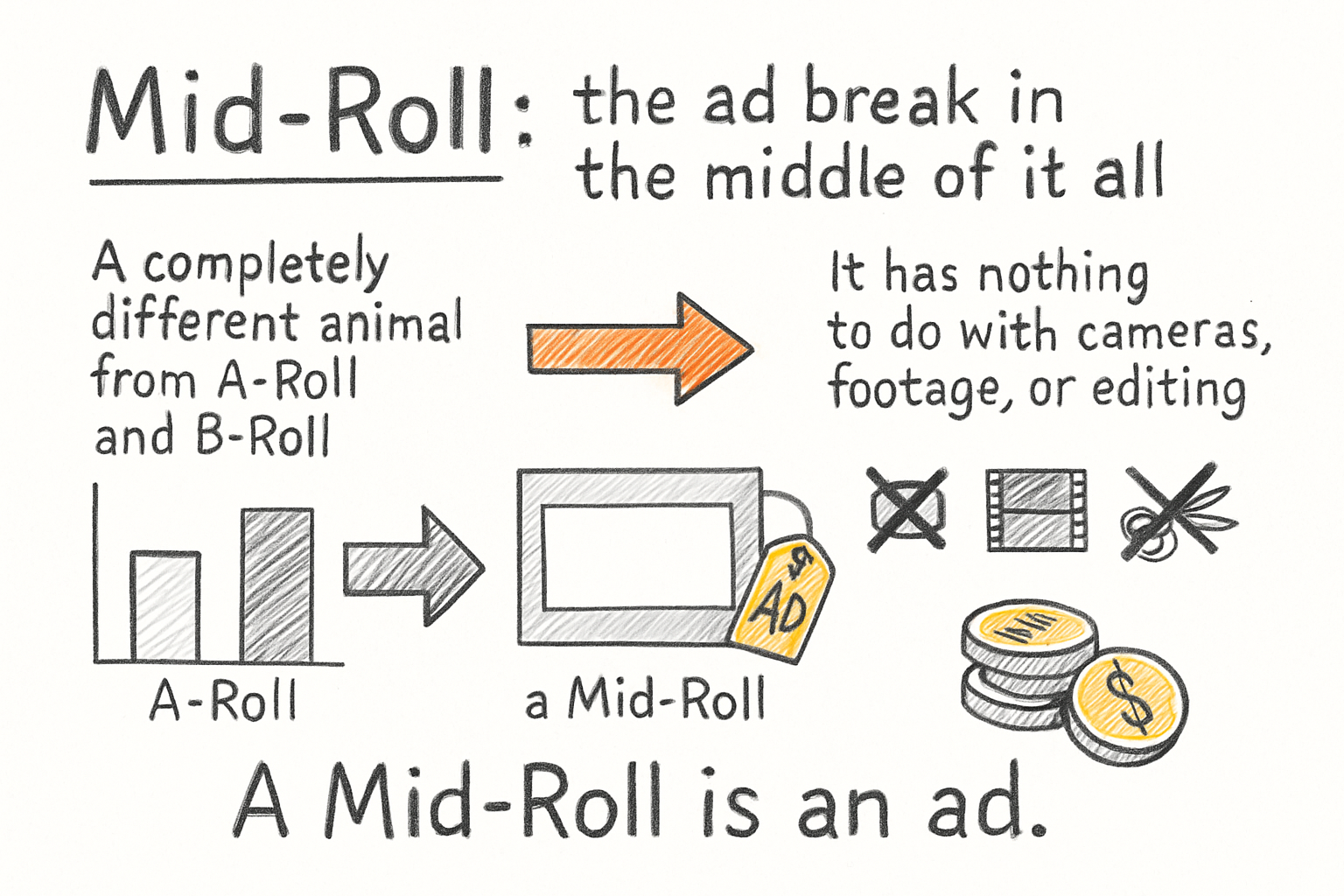
Mid-Roll: the ad break in the middle of it all
Mid-Roll is a completely different animal from A-Roll and B-Roll. It has nothing to do with cameras, footage, or editing. A Mid-Roll is an ad. Specifically, it's a commercial, YouTube auto-inserted ad, or a sponsored read that plays right in the middle of your video content. That's where the name comes from. It's in the middle of the roll, so to speak.
You've definitely experienced Mid-Roll ads even if you didn't know what they were called. You're eight minutes into a documentary and suddenly an ad for a mattress brand cuts in. That's a Mid-Roll. Compare that to a Pre-Roll, which is the ad you skip before the video even starts, or a Post-Roll, which shows up after the content ends. Creators and advertisers care a lot about where ads land because viewer retention changes throughout a video.
The middle of a video tends to hold the highest concentration of engaged viewers. The people who clicked away already left in the first thirty seconds. The people still watching at the six-minute mark are genuinely into the content. That means advertisers pay more for Mid-Roll placements because the audience seeing those ads is more attentive. It's a better deal for the advertiser, which means a better payout for the creator.
In our earlier piece on YouTube playlist strategies to grow your watch time, we talked about keeping viewers in your content ecosystem longer. Mid-Roll ads are one of the reasons doing that actually pays off. The longer someone watches, the more Mid-Roll impressions they rack up, and the more money flows back to the channel.
Ready to take the next step?
So there you have it. A-Roll is the speaker doing the talking, B-Roll is the cinematic footage layered over that talking, and Mid-Roll is the ad that interrupts all of it to keep the lights on. They're three separate tools that work in very different parts of the video process, and knowing the difference helps you make smarter creative decisions. If you want to skip the hours of hunting down perfect B-Roll footage to cover your cuts, check out Cliptude. It's an AI-powered documentary platform that sources cinematic B-Roll, writes your script, and cuts your A-Roll and B-Roll together into a finished timeline automatically. Drop a comment below if you have questions about any of these terms, and go start your next video at Cliptude.com.