
AI services that automate video editing for YouTube

If you've ever spent six hours editing a ten-minute YouTube video, you know the pain. Cutting clips, syncing audio, adding captions, color grading — it's a lot. And if you're trying to post consistently, that editing grind can eat up your whole week before you've even written next week's script. That's why so many creators are turning to AI services that handle the heavy lifting for them.
AI video editing tools have come a long way in a short time. They're not perfect, and they won't replace your creative vision. But they can take the boring, repetitive parts of editing off your plate so you can spend more time on the stuff that actually grows your channel. We're talking auto-cutting, caption generation, scene detection, background music syncing, and even highlight reel creation — all done in minutes instead of hours.
A lot of you have asked about this topic, especially after we covered how to make YouTube videos using AI software. So let's dig into the best AI editing services out there right now, what they actually do well, and what to watch out for before you commit to one.
What AI video editing tools actually do
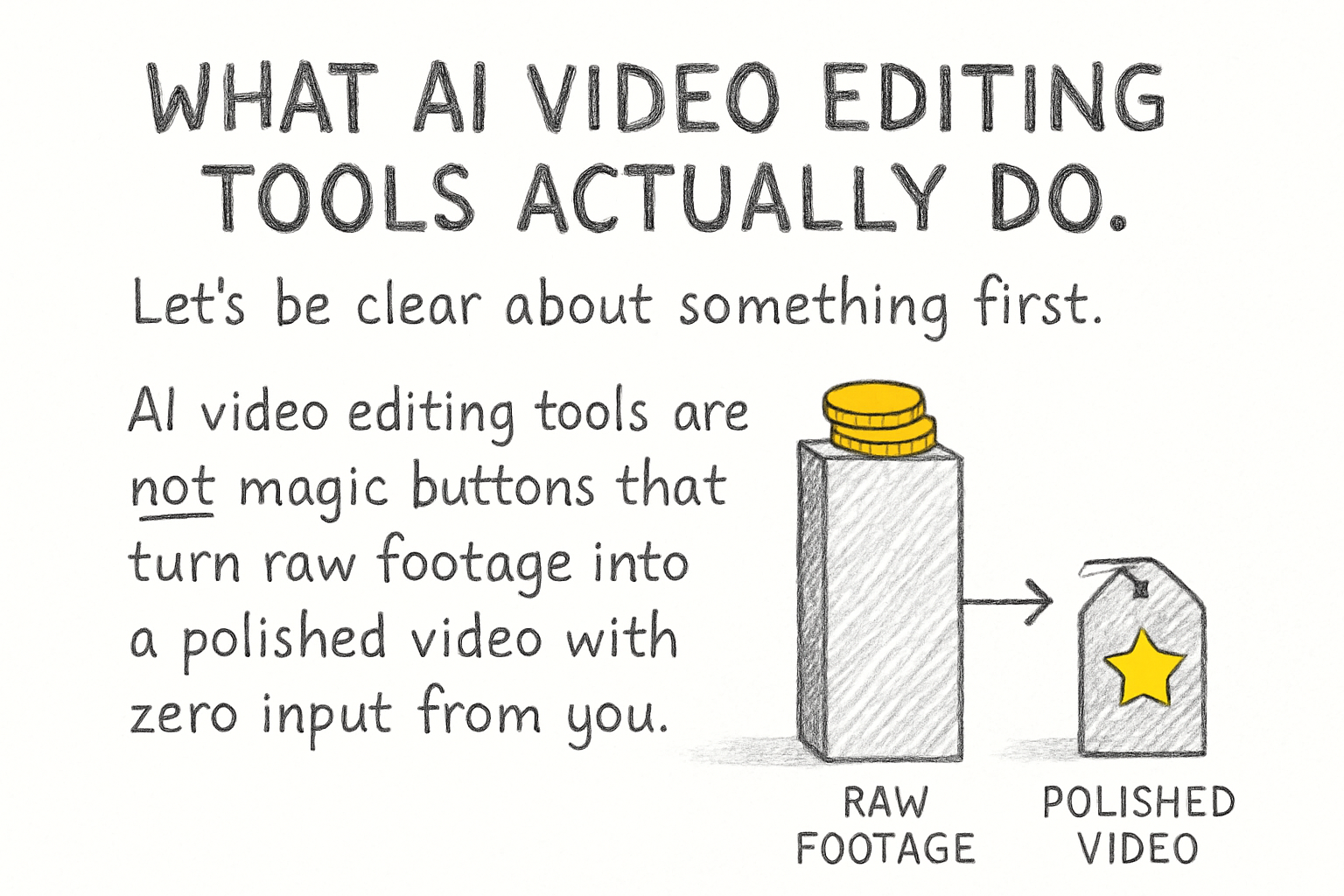
Let's be clear about something first. AI video editing tools are not magic buttons that turn raw footage into a polished video with zero input from you. What they do is automate the tasks that eat up the most time. Things like trimming silence, generating subtitles, removing filler words, and suggesting cut points based on energy or audio peaks.
Descript is one of the most popular tools in this space. It lets you edit video by editing a transcript — so if you delete a word in the text, it cuts that word from the video too. That sounds simple, but it completely changes how fast you can clean up a talking-head video. It also has an AI feature that removes filler words like 'um' and 'uh' in seconds.
Runway ML is another big name. It's aimed more at creators who want visual effects and style transfers, but it also has solid tools for background removal and motion tracking. If your content is more cinematic or stylized, Runway gives you more creative control than most auto-editors.
CapCut, which started as a mobile app, has grown into a browser-based tool with solid AI features. Auto-captions, beat syncing, background removal, and auto-reframe for different aspect ratios are all built in. It's free to use at a basic level, which makes it a great starting point if you're not ready to pay for something more advanced.
The best AI services for YouTube-specific editing
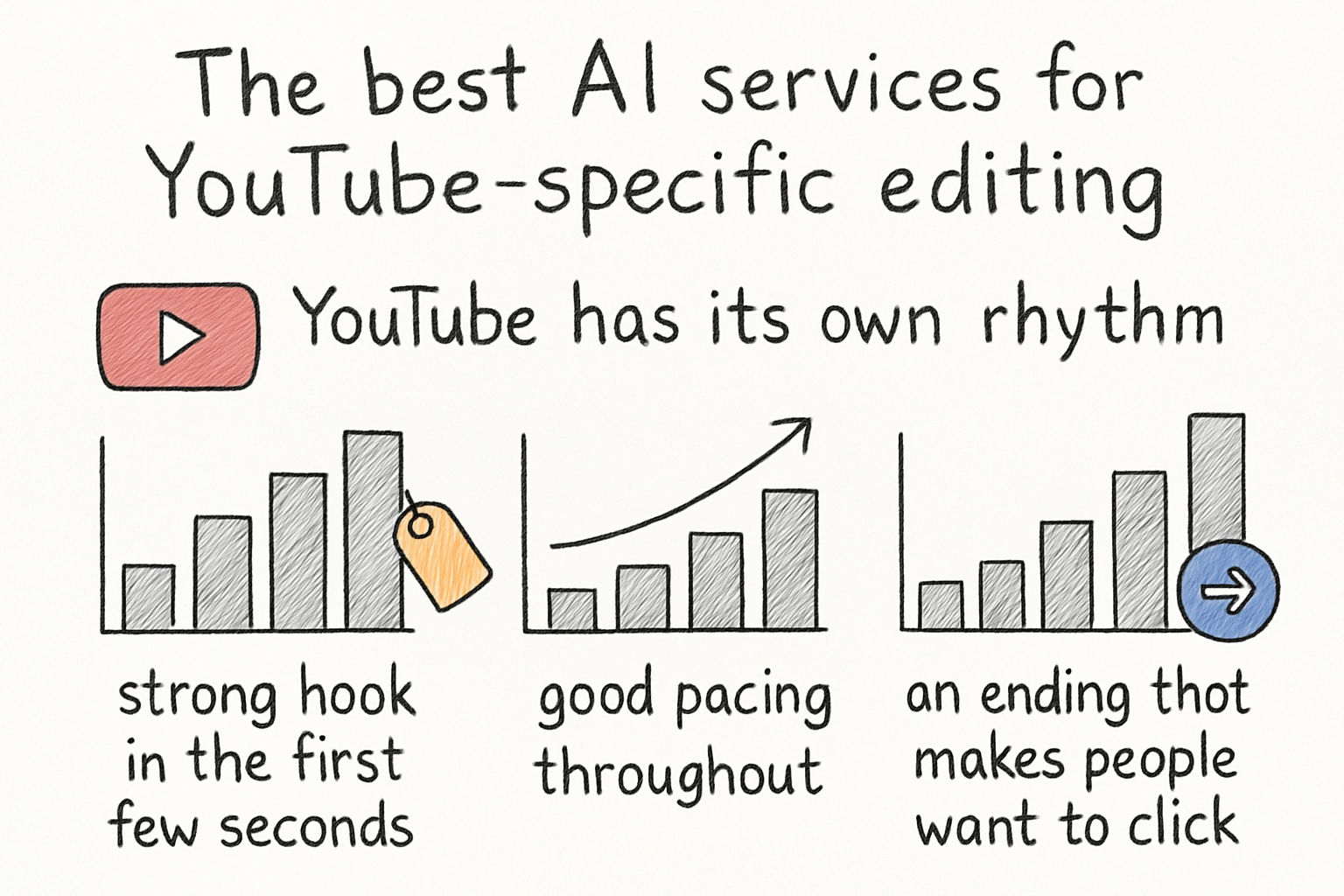
YouTube has its own rhythm. You need a strong hook in the first few seconds, good pacing throughout, and an ending that makes people want to click the next video. Some AI tools are built with that in mind, and those are the ones worth paying attention to.
Opus Clip is one of the most talked-about tools for YouTube creators right now. You paste in a long video URL or upload a file, and it automatically finds the most engaging moments and turns them into short clips ready for YouTube Shorts or social media. The AI scores each clip based on things like hook strength and viewer retention potential. I personally think Opus Clip is one of the best values in the AI editing space right now, especially for creators who want to squeeze more content out of a single recording session.
VidIQ and TubeBuddy are better known for analytics, but both have started rolling out AI editing suggestions. They'll tell you things like where your audience tends to drop off and suggest edits to improve retention. That's useful data to have, especially if you're trying to figure out why a certain video underperformed.
Autocut is a lesser-known tool that's worth trying if you do a lot of talking-head content. It analyzes your audio and automatically cuts out the dead air and awkward pauses. I stumbled onto it while looking for something cheap and easy during a stretch when I was uploading twice a week, and it cut my editing time in half for that kind of content. It's not glamorous, but it works.
How to pick the right tool for your channel
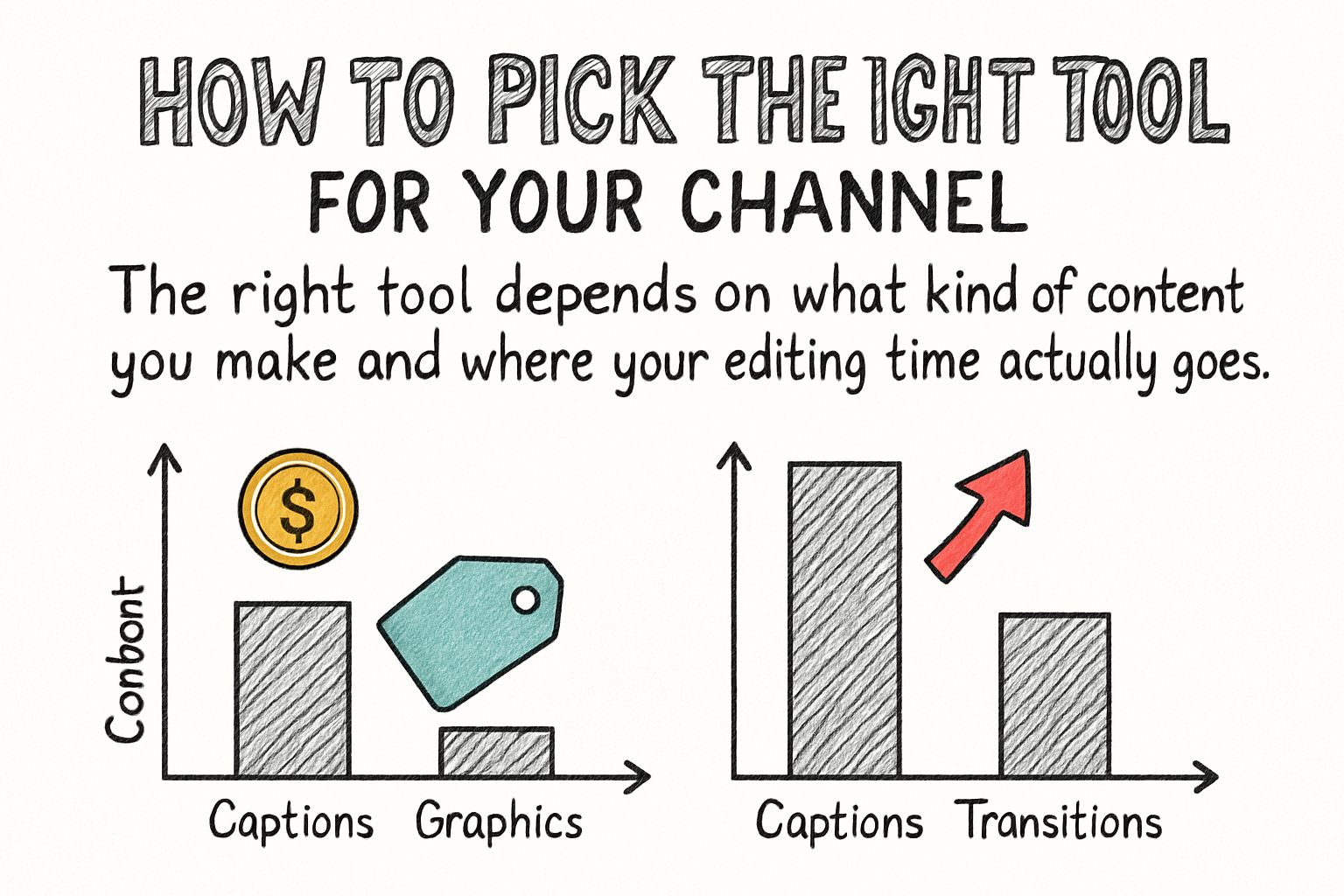
The right tool depends on what kind of content you make and where your editing time actually goes. If you spend most of your time on captions and transcripts, Descript is probably your best bet. If you record long sessions and want to turn them into multiple pieces of content, Opus Clip or a similar highlight tool makes more sense. Don't pay for features you're never going to use.
Budget matters too. Most of these tools have free tiers, but the good stuff is usually locked behind a subscription. Descript's free plan limits you to a certain number of transcription hours per month. Runway's free tier gives you a limited number of credits for AI features. It's worth testing the free versions before you commit to anything, because the learning curve is real and not every tool will click for you.
One thing a lot of creators overlook is how these tools fit into a bigger workflow. AI editing is most useful when you also have a solid content plan. If you're still figuring out what to make, check out our piece on AI tools to write engaging scripts for YouTube — having a strong script before you hit record makes the editing process faster no matter what tool you use.
Also think about your output format. Are you making long-form videos, Shorts, or both? Some tools are built for one format and not the other. Opus Clip is great for Shorts but less useful for full-length edits. Descript handles long-form well but doesn't do much for short vertical clips. Know what you need before you sign up.
Ready to take the next step?
AI editing tools won't do everything for you, but they can absolutely give you your evenings back. Start with one tool, learn it well, and build your workflow around it. If you want to explore even more ways to use AI for your channel, check out Cliptude — it's built to help YouTube creators work smarter at every stage of the process. Drop a comment below and let us know which AI editing tool you're using or which one you're curious about trying. We read every single one.



