
How to make YouTube videos using AI software

Making YouTube videos used to mean buying expensive gear, learning editing software, and spending hours on production. That's changed a lot. AI tools have made it possible for just about anyone to build a channel and actually publish videos that look and sound professional, even without a camera or a big budget.
A lot of you have asked about this exact topic, and honestly it's one of the most exciting things happening in the creator world right now. You don't need a film degree or a fancy studio setup. You just need the right tools and a basic plan to follow.
This guide walks you through the whole process, from coming up with your idea to hitting publish. Whether you want to make talking-head videos, animated explainers, or faceless content, AI can help you do it faster and with less stress than ever before.
Starting with a solid idea and script
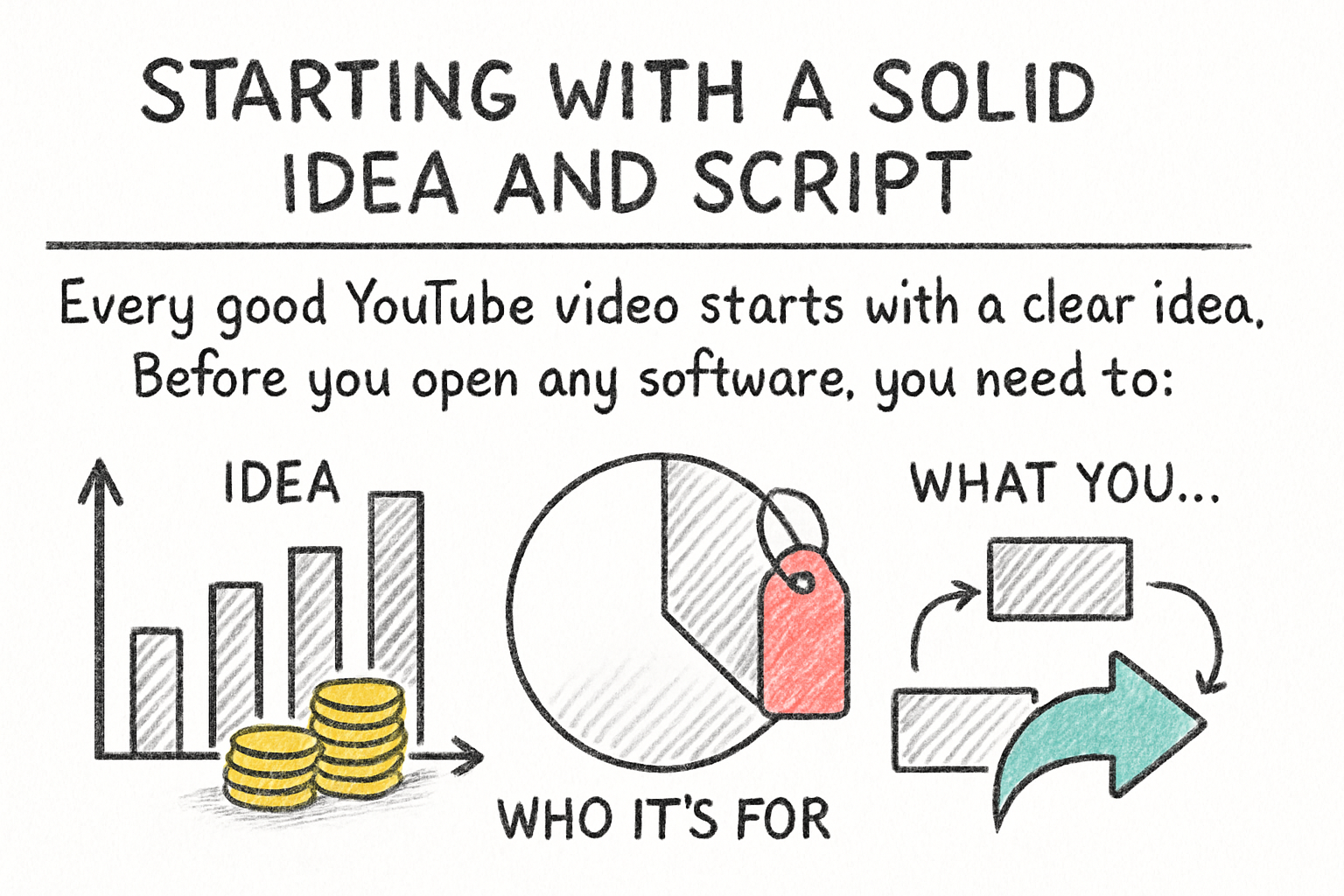
Every good YouTube video starts with a clear idea. Before you open any software, you need to know what your video is about, who it's for, and what you want the viewer to walk away knowing or feeling. That sounds simple, but skipping this step is why so many channels never get traction.
If you're not sure what topics to cover, AI tools can help here too. Tools like ChatGPT or Claude can brainstorm video ideas based on your niche in seconds. You can also check out a YouTube niche finder guide to get a sharper sense of what topics have real growth potential in your space.
Once you have your idea, use AI to write the script. Give the tool some context about your audience, the tone you want, and the key points you want to hit. Most AI writing tools will give you a solid draft in under a minute. Then read through it yourself and make it sound more like you. Add a personal story, tweak the phrasing, cut anything that feels stiff.
I personally think the script is the most underrated part of any YouTube video. Viewers forgive average visuals way more easily than they forgive a boring or confusing script. Spend real time here, even if the AI does the heavy lifting on the first draft.
Turning your script into a video with AI tools
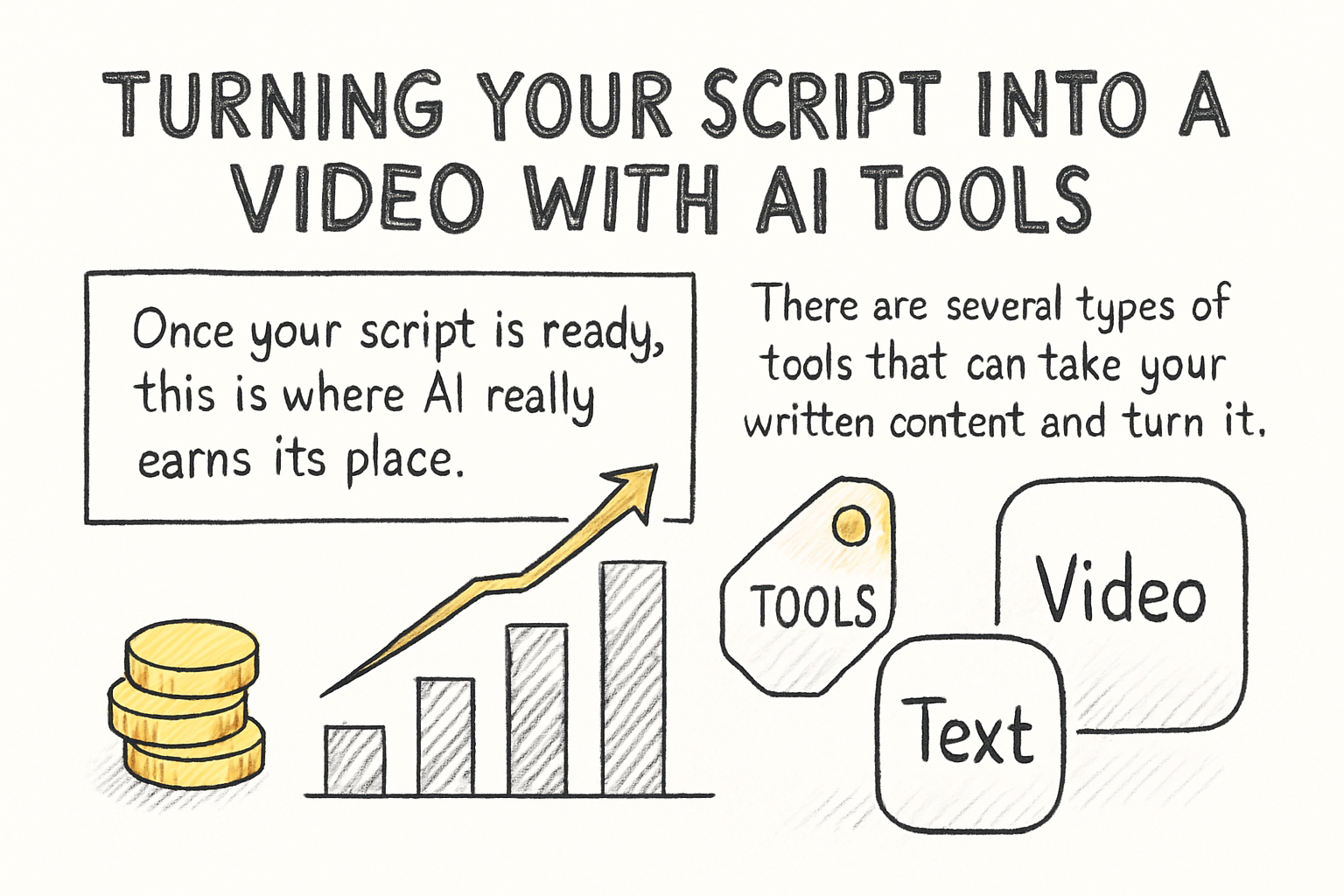
Once your script is ready, this is where AI really earns its place. There are several types of tools that can take your written content and turn it into a full video. The right one depends on the style of video you're making.
For faceless or explainer-style videos, tools like Pictory, InVideo AI, and Synthesia can match your script with visuals, add voiceover, and spit out a finished video in minutes. If you want animated content, we've covered how that works in detail in our post on making animated explainer videos using AI. It's worth a read if that style fits your channel.
For the voiceover, you have two main options. You can use a realistic AI voice generator, or you can record your own voice and use AI to clean it up and remove background noise. AI voices have gotten really good. Tools like ElevenLabs produce voices that sound natural and expressive. If you want to compare your options, take a look at this rundown of ElevenLabs alternatives to find one that fits your budget.
Once your video is assembled, run it through an AI editing tool to tighten up pacing, add captions, and adjust transitions. Captions in particular are huge for watch time because a lot of people watch with the sound off. Tools like Descript or CapCut's AI features make this part quick and relatively painless. I remember spending three hours manually captioning a single video before I found these tools. Never again.
Optimizing and publishing your video
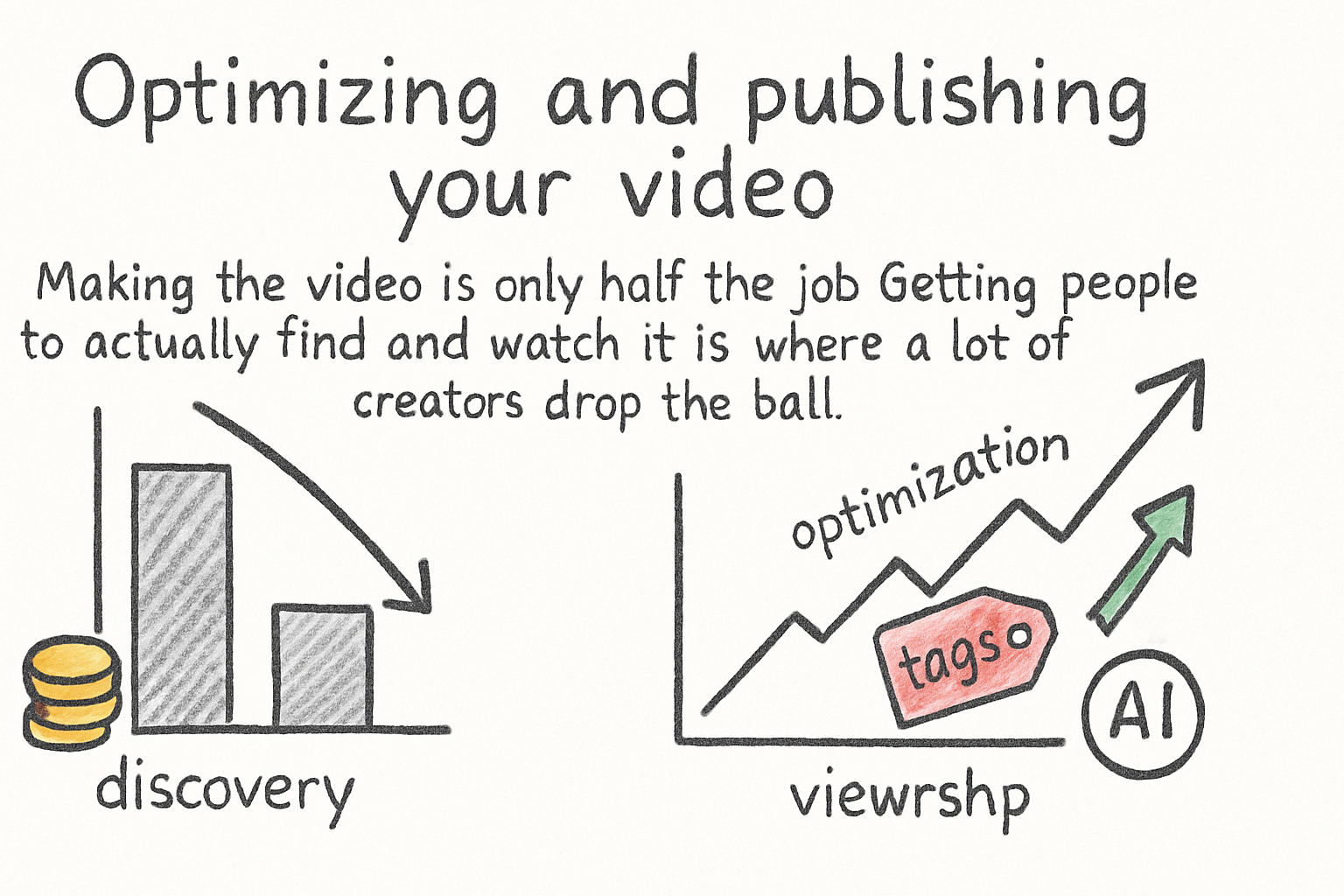
Making the video is only half the job. Getting people to actually find and watch it is where a lot of creators drop the ball. AI can help here too, from writing your title and description to figuring out the best time to post.
Your title, thumbnail text, and description all affect how YouTube ranks your video in search. Use AI tools to generate multiple title options and pick the one that balances curiosity with clarity. Your description should include natural keywords and a brief summary of what the video covers. Don't stuff it with random terms because YouTube's algorithm is smart enough to ignore that now.
Timing matters more than most people think. Posting when your audience is already on YouTube gives your video a better shot at early views, which signals to the algorithm that it's worth pushing. Our YouTube video upload scheduler breaks down exactly how to figure out the best posting window for your specific audience.
Once your video is live, don't just walk away. Reply to comments, pin a good one, and use your end screen to point viewers to more of your content. If you want help crafting calls to action that actually get clicks, check out this YouTube CTA generator that makes the whole thing easy. Engagement in the first few hours after posting can make a real difference in how far your video travels. And if you're curious about what you could realistically earn as your channel grows, our YouTube revenue estimator gives you a grounded look at the numbers.
Ready to take the next step?
Making YouTube videos with AI isn't cheating the system. It's working smarter so you can focus on what actually matters, which is creating content people want to watch. If you're ready to stop overthinking and start publishing, check out Cliptude for tools built to help creators like you grow faster. Have questions about any of the steps above or want to share what's been working for your channel? Drop a comment below and let's talk about it.



