YouTube CTA Generator: Call to Actions That Actually Convert

Most creators spend hours writing scripts, editing footage, and optimizing thumbnails. Then they slap a generic 'like and subscribe' at the end and wonder why nothing grows. The truth is, a weak call to action is like leaving money on the table. You did all the hard work, and then let the viewer walk away without doing anything.
A call to action, or CTA, is the moment in your video where you ask the viewer to take a specific next step. Subscribe. Click the link. Leave a comment. Watch the next video. It sounds simple, but most creators get it wrong in the same way. They either say nothing, say too much, or say it at the worst possible moment. Getting it right can seriously change how your channel grows.
That's where a YouTube CTA generator comes in. Instead of staring at a blank screen trying to figure out what to say, you use a tool that helps you write CTAs that fit your content, your audience, and your goals. And yes, the difference between a well-placed CTA and a lazy one is bigger than most people think.
Why your current CTAs probably aren't working
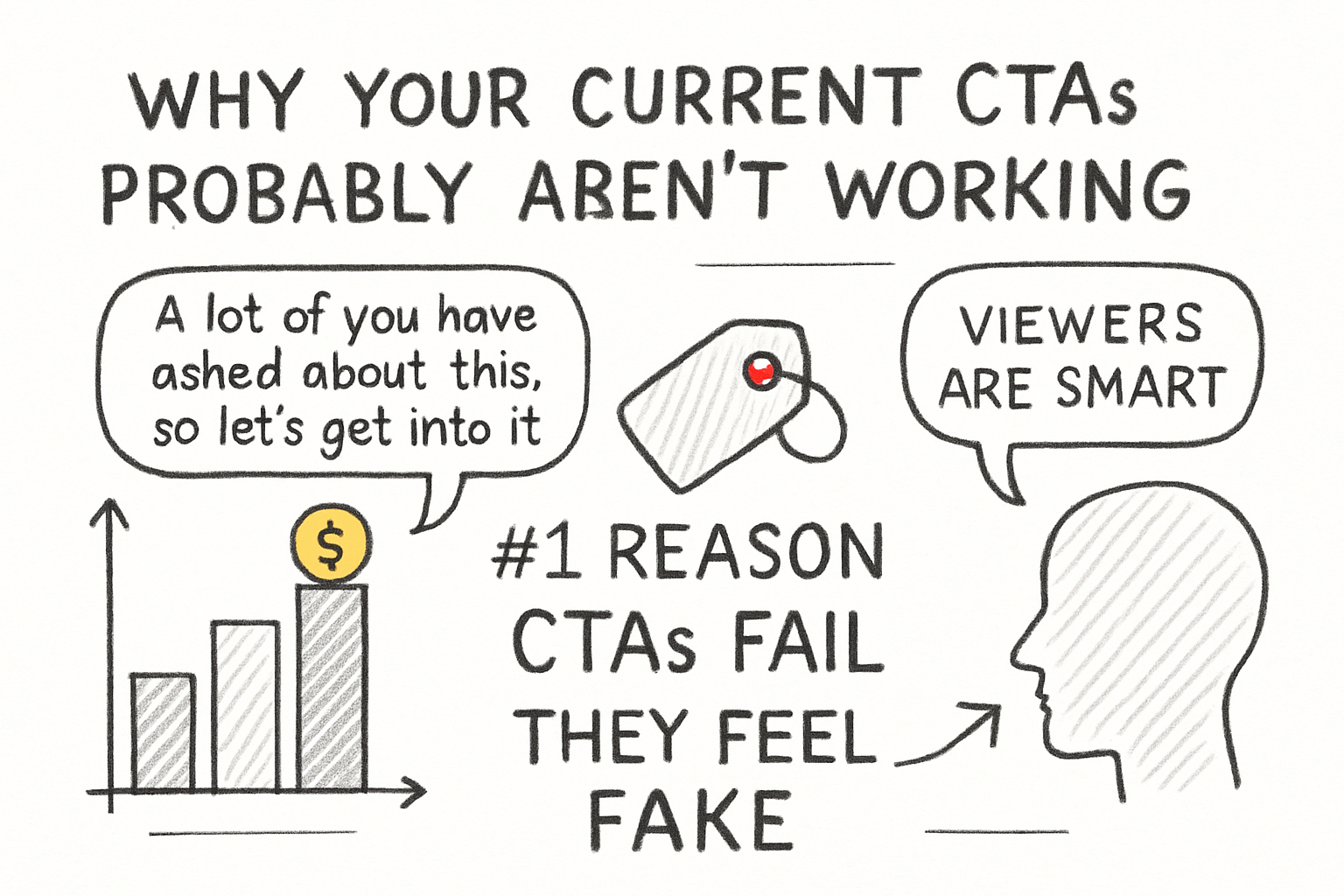
A lot of you have asked about this, so let's get into it. The number one reason CTAs fail is because they feel fake. Viewers are smart. When someone says 'smash that like button' in a robotic voice halfway through a video they clearly don't care about, people tune it out. It feels like a transaction, not a conversation. Nobody wants to be sold to.
The second problem is timing. Dropping a subscribe reminder before the viewer has gotten any value from you is a mistake. Think about it from their side. Why would they subscribe to someone they've just met? You need to earn that ask first. Most advice says to place your main CTA after you've delivered your best content, not before.
The third issue is vagueness. Saying 'check out my other videos' gives the viewer zero reason to actually do it. But saying 'if you want to grow your channel without burning out, watch that video next, it covers exactly what we didn't have time for today' is specific, useful, and feels natural. Specificity is what gets clicks.
I personally think the biggest missed opportunity for creators is the end screen CTA. Most people either skip it or fill it with too many options. Give the viewer one clear next step, and they're far more likely to take it. Two or three competing asks usually result in none of them getting done.
What a YouTube CTA generator actually does
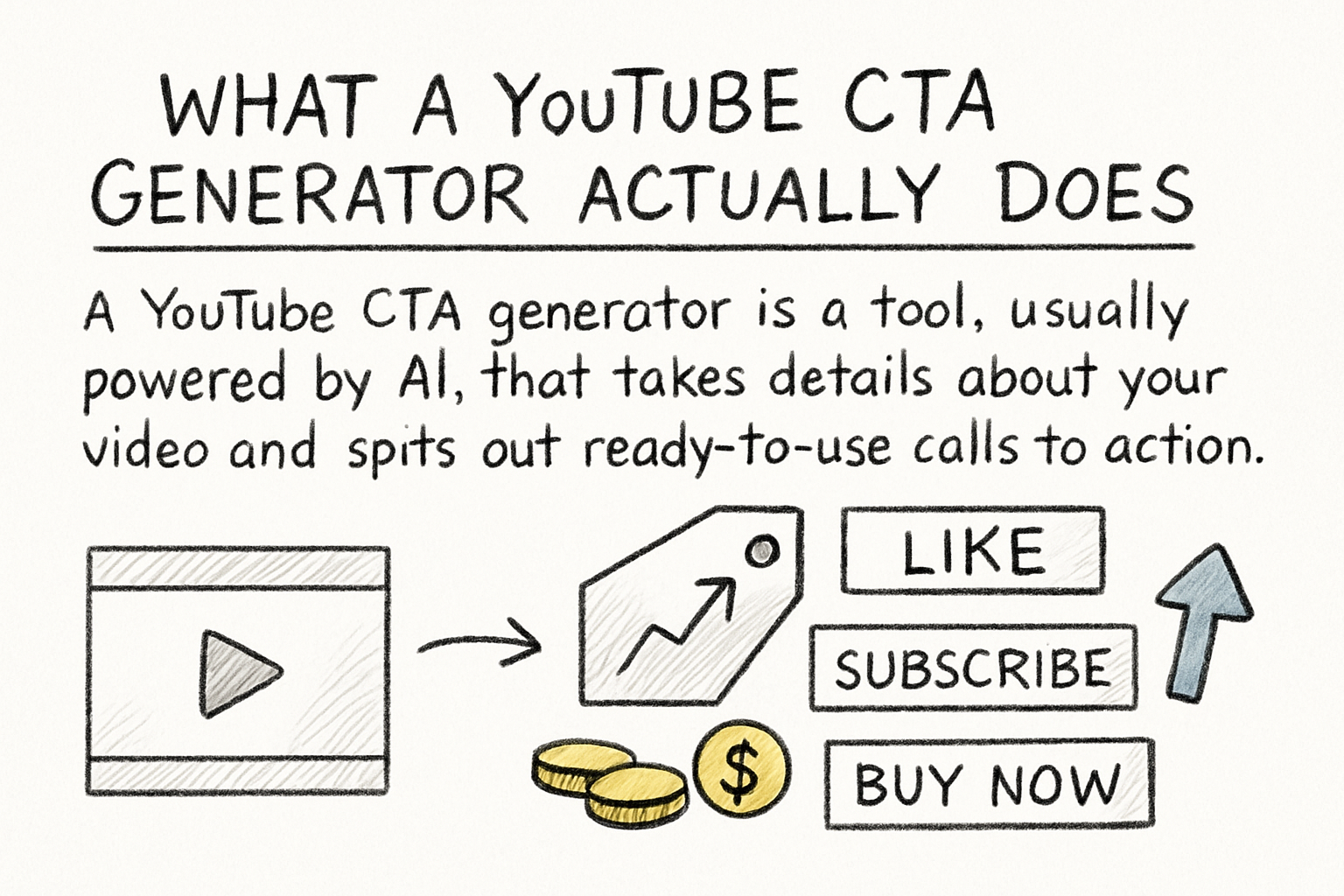
A YouTube CTA generator is a tool, usually powered by AI, that takes details about your video and spits out ready-to-use calls to action. You might enter your video topic, your goal (more subscribers, more clicks, more comments), and your tone of voice. The tool then writes several options you can test or tweak.
This is useful for a few reasons. First, it saves time. Writing good copy is hard, and most creators aren't copywriters by trade. A generator gives you a solid starting point instead of a blank page. Second, it helps you think about your CTA more strategically. When you're filling in what your goal actually is, you start to realize that 'like and subscribe' isn't really a goal. It's a habit.
Back when I first started making content, I'd always forget to script my CTAs ahead of time. I'd get to the end of a video and just kind of trail off. It wasn't until I started treating the CTA like its own piece of writing that my click-through rates on end screens actually moved. A generator makes that scripting process feel less like a chore.
These tools also help you match your CTA to where it sits in the video. A mid-roll CTA should feel different from an outro CTA. A comment prompt needs a different energy than a subscription ask. Good generators account for all of that, which means less guesswork on your end. If you're already using AI tools for content creators, adding a CTA generator to your stack just makes sense.
How to write CTAs that actually get results
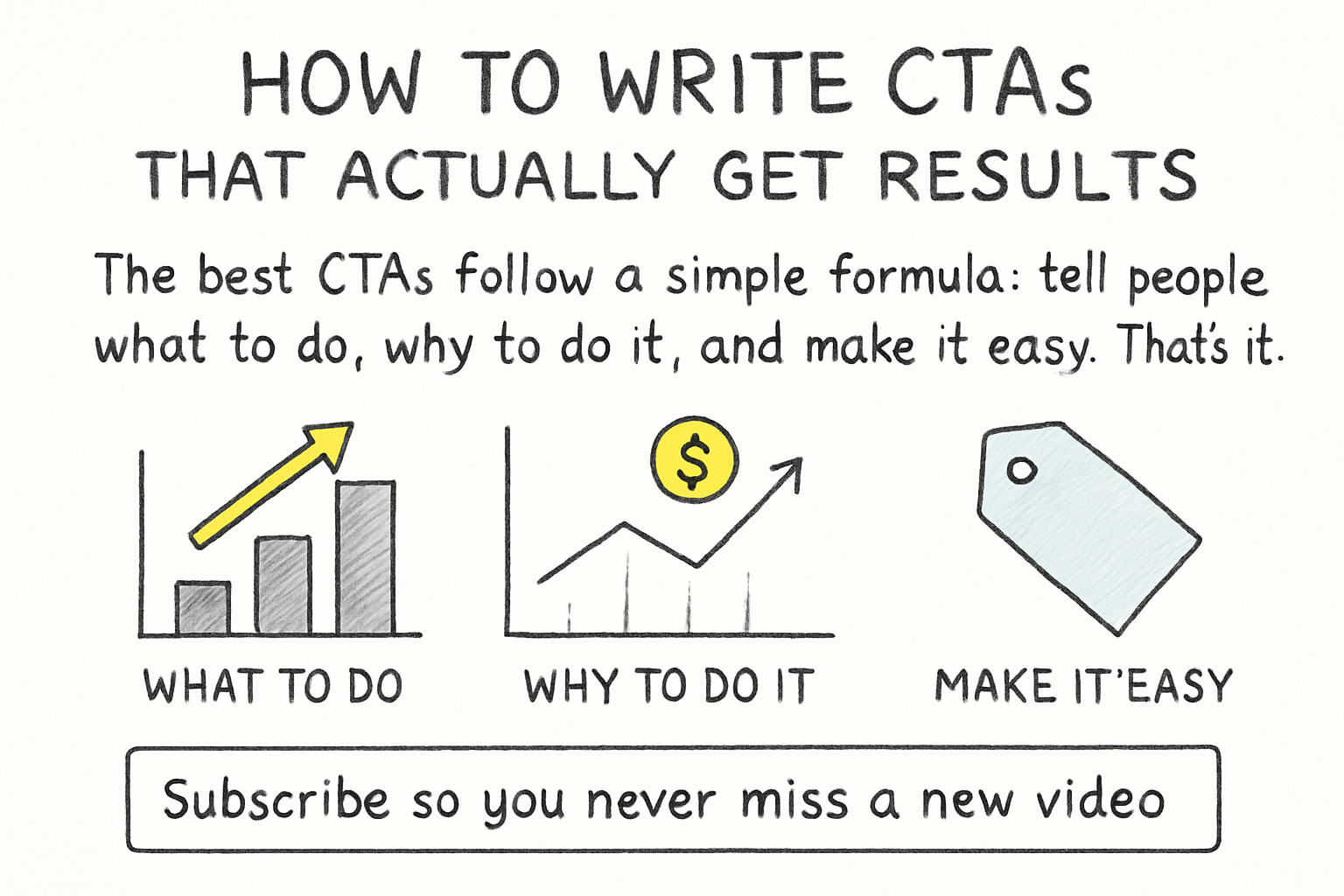
The best CTAs follow a simple formula: tell people what to do, why to do it, and make it easy. That's it. 'Subscribe so you never miss a new video' hits all three. 'Subscribe' alone hits only one. The 'why' is what moves people from passive viewers to active participants in your channel.
Context matters a lot too. If your video is about making money on YouTube, a CTA that points toward a guide on estimating your earnings makes perfect sense. The viewer is already in that headspace. A random plug for an unrelated video would kill the momentum. Always ask yourself: what does this viewer want to do right now, and how can my CTA meet them there?
Comment CTAs are underrated. Asking a specific question at the end of a video, like 'what's the biggest challenge you're facing with your channel right now,' gives people a reason to engage. That engagement feeds the algorithm and builds the kind of community that actually sticks around. We covered the power of audience engagement in a past piece about the AI comment response generator, and the same principles apply here.
Test different CTAs over time and pay attention to what your analytics say. Your end screen click-through rate will tell you a lot. If it's low, try changing the wording or the placement. If it's high, figure out what you did right and repeat it. Growing a channel isn't about finding one magic trick. It's about paying attention to what works and doing more of it.
Ready to take the next step?
If you're ready to stop guessing and start writing CTAs that actually move the needle, it's worth trying a dedicated tool built for creators. Check out Cliptude and see how it can help you craft calls to action that fit your content and your audience. And hey, drop a comment below: what's the one CTA change you're going to make in your next video? I'd love to hear what you're testing.