AI Comment Response Generator: Build Your Community on Autopilot

If you've ever posted a YouTube video and watched the comments pile up faster than you can type, you already know the struggle. Responding to every single person feels impossible, but ignoring them feels even worse. Your audience notices when you go quiet, and nothing kills a community faster than a creator who never talks back.
That's where an AI comment response generator comes in. These tools read your incoming comments and help you write back in seconds. They can match your tone, keep things personal, and make sure no one feels left out. It sounds almost too good to be true, but the technology is real, it's here, and a lot of creators are already using it to grow their channels without burning themselves out.
Building a community isn't just about making great videos. It's about showing up in the conversation. When you reply to comments consistently, YouTube's algorithm takes notice too. Engagement goes up, watch time follows, and your channel starts climbing. So let's talk about how AI comment tools actually work, what to look for in one, and how to use them without losing the human touch that your audience loves.
What an AI comment response generator actually does
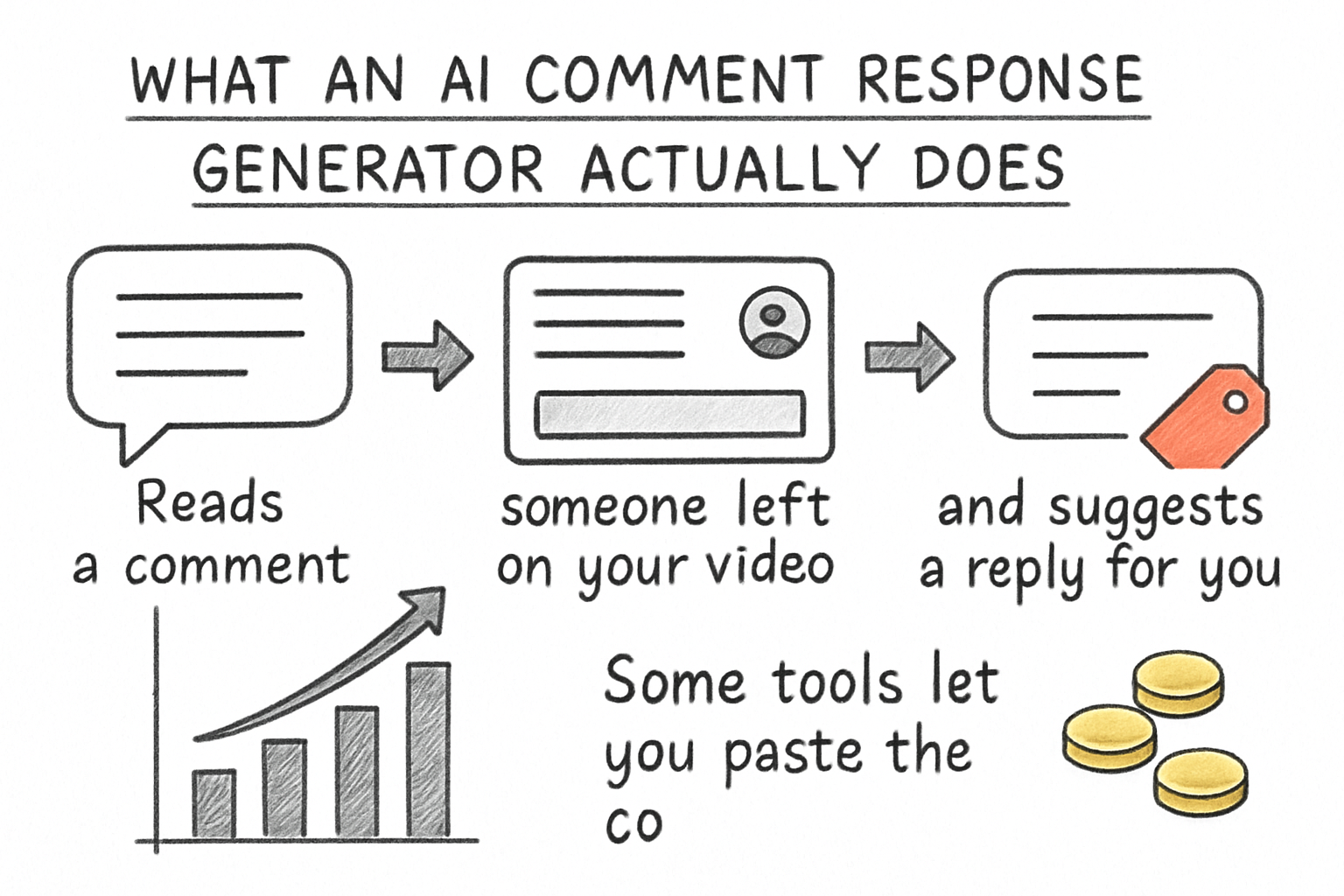
At its core, an AI comment response generator reads a comment someone left on your video and suggests a reply for you. Some tools let you paste the comment in manually. Others connect directly to your YouTube account and pull comments automatically. Either way, the goal is the same: faster replies that still feel genuine.
The better tools do more than just spit out a generic 'Thanks for watching!' They scan the comment for context. If someone asks a question, the AI drafts an answer. If someone leaves a compliment, it writes a warm and specific thank-you. If someone is critical, it can help you respond calmly and professionally without you having to choose your words carefully while you're frustrated.
Think of it like having a really sharp assistant sitting next to you. The assistant reads each comment, hands you a draft reply, and you decide whether to send it as-is, tweak it, or toss it. You're still in control. The AI just does the heavy lifting so you can get through 50 comments in the time it used to take you to write five.
This kind of tool fits naturally alongside other AI-powered content tools. If you've been exploring the best AI tools for content creators in 2026, you'll recognize that comment response generators are just one piece of a much bigger picture. Creators who use multiple AI tools together tend to save the most time overall.
How to use AI replies without sounding like a robot
A lot of you have asked about this exact concern, and honestly it's the most important thing to get right. Nobody wants to feel like they're talking to a chatbot. If your replies start sounding stiff or copy-pasted, your audience will notice and trust will drop fast.
The trick is treating AI-generated replies as a starting point, not a finished product. Read each one before you hit send. Add a detail from the comment, a personal touch, maybe even a little humor if that's your style. Spend 10 seconds editing instead of 60 seconds writing from scratch. That small effort makes a huge difference in how authentic the reply feels.
I personally think the best approach is to train yourself on what your voice actually sounds like first. Go back through old comments you've written and notice the patterns. Do you use casual language? Do you call people 'guys' or 'friends'? Do you end replies with questions to keep the conversation going? Feed those patterns back into any AI tool you use, and your replies will come out sounding much more like you.
It also helps to stay consistent with the rest of your content strategy. For example, if your posting schedule and upload timing are already optimized (something we covered in our piece about the YouTube video upload scheduler), your comments section will be more active right after you post. That's when AI response tools save you the most time, right in that first-hour window when engagement matters most for the algorithm.
Picking the right tool for your channel
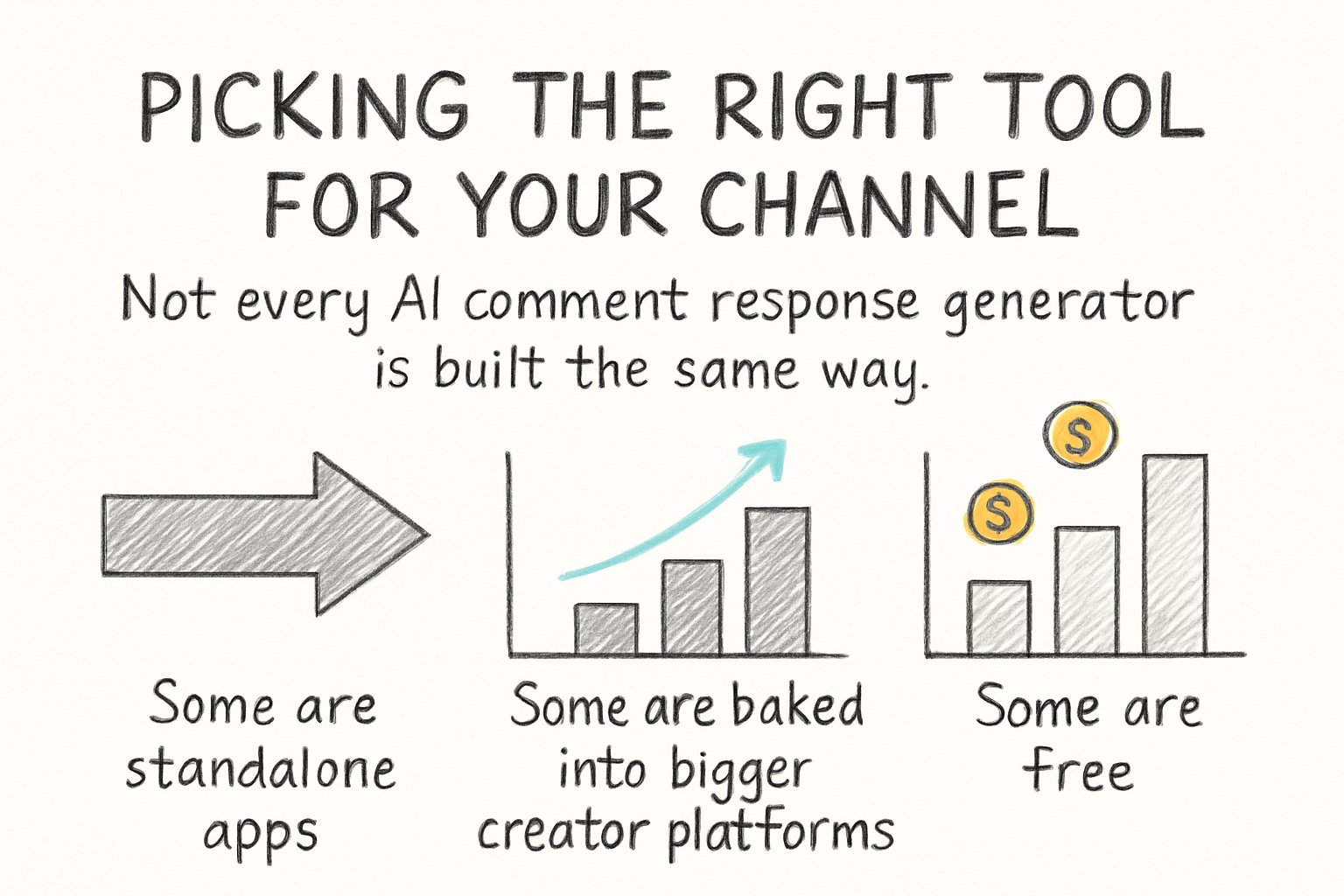
Not every AI comment response generator is built the same way. Some are standalone apps. Some are baked into bigger creator platforms. Some are free with limited replies per month, while others charge a subscription. Before you commit to anything, you want to know a few things: does it connect to YouTube directly, can you customize the tone, and does it learn from your feedback over time.
Direct integration is a big deal. Copying and pasting comments one by one defeats the purpose. A tool that pulls your comment thread automatically and lets you reply from a dashboard will save you way more time. Look for one that shows you the original comment alongside the suggested reply so you can review everything in one glance.
Tone customization matters just as much. A gaming channel sounds nothing like a cooking channel or a finance channel. The best tools let you set parameters: casual or formal, brief or detailed, friendly or professional. Some even let you add a list of phrases you never want the AI to use, which is a small feature that makes a surprisingly big difference.
I remember the first time I tried one of these tools and the AI responded to a heartfelt comment with something that sounded like a customer service email. It was almost funny, but it was also a good reminder to always review before sending. The tool I switched to after that had better tone controls, and the replies felt much closer to how I actually talk. Take the time to test a few options and don't just go with the first one you try.
Ready to take the next step?
Comment sections don't have to feel like an endless chore. With the right AI comment response generator, you can stay active in your community, keep your audience happy, and free up time to actually make more videos. If you're ready to start putting your engagement on autopilot without losing your personal touch, check out Cliptude and see what it can do for your channel. Drop a comment below and tell me how you're currently handling your replies. I'd love to hear what's working for you.