Best AI video generators for beginners


Making videos used to mean owning a camera, renting studio space, and knowing how to edit footage for hours. That's not the world we live in anymore. Today, anyone with a laptop and an idea can create a polished video in under an hour, thanks to AI video generators that do most of the heavy lifting for you.
But here's the thing: there are so many tools out there that choosing one feels overwhelming. Which ones actually work for beginners? Which ones are worth paying for? And which ones will just waste your afternoon? I've spent time testing and researching these tools, and this post breaks it all down so you don't have to start from scratch.
A lot of you have asked about this exact topic in the comments, and honestly, I get it. Starting out with video creation can feel like learning a new language. The good news is that the best AI video generators are built for people who have never touched a video editor before. Let's walk through what's out there and what actually works.
What makes a good AI video generator for beginners
Not every AI video tool is built the same way. Some are made for developers or designers who already know what they're doing. Others are built with first-time creators in mind, meaning they're simple, fast, and forgiving when you make mistakes. That second category is what we're focused on here.
The best beginner-friendly tools share a few things in common. They let you start with a script or a topic and turn it into a video without you needing to record anything yourself. They offer pre-built templates so you're not staring at a blank screen. And they use AI voices, stock footage, and auto-captions to fill in the gaps that would normally require a full production team.
Tools like Pictory, InVideo, and Synthesia are popular choices right now. Pictory lets you paste in a blog post or script and it builds a video around it automatically. InVideo gives you more creative control while still keeping things simple. Synthesia lets you create videos with AI avatars, which is great if you don't want to show your face on camera.
I personally think Pictory is the best starting point for most beginners because it removes so many decisions from the process. You just paste your content, pick a style, and let it run. It's not perfect, but it gets you making things instead of overthinking things, which matters a lot when you're just starting out. If you want to take things further after getting comfortable, our guide on how to make YouTube videos using AI software is a great next read.
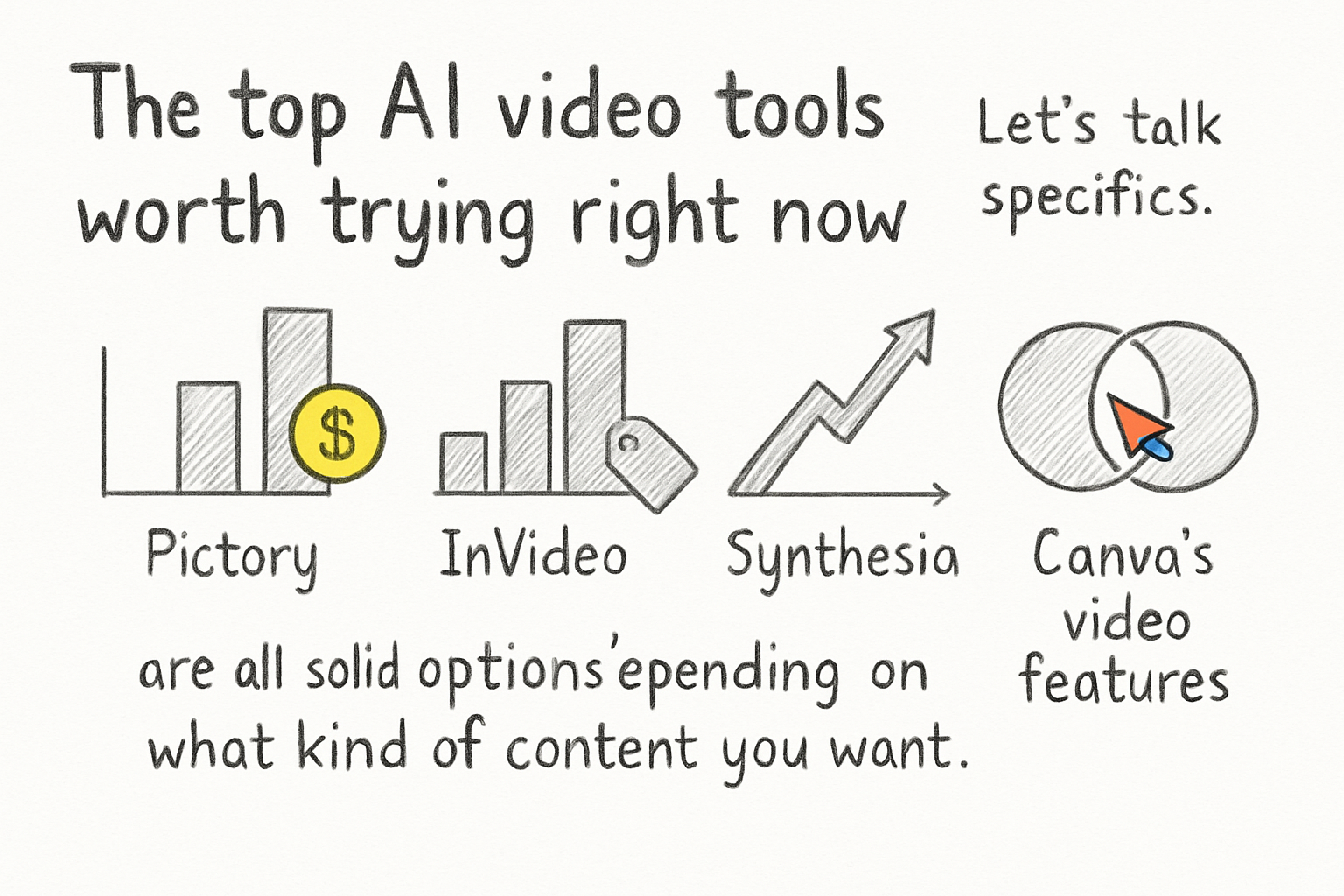
The top AI video tools worth trying right now
Let's talk specifics. Pictory, InVideo, Synthesia, Runway, and Canva's video features are all solid options depending on what kind of content you want to make. Each one has a different strength, so it helps to know what you're going for before you pick one.
Pictory is best for turning written content into videos fast. If you've got a blog post or a script ready, it can have a video done in minutes. InVideo is great if you want more control over the look and feel of your content. It has hundreds of templates and lets you swap out footage, text, and music easily. Both have free tiers, though the free versions add watermarks to your videos.
Synthesia is in a different lane. It lets you build videos with realistic AI presenters, so you can have a professional-looking spokesperson without hiring one. This is really useful for training videos, explainers, or product demos. I tried it once while putting together a short product walkthrough for a side project, and the results were genuinely impressive for how little effort it took.
Runway is worth mentioning if you want to experiment with more advanced features like text-to-video generation, where you type a description and the AI generates actual video footage. It's still a bit rough around the edges for polished content, but it's moving fast. For anyone focused on animated content specifically, our article on how to make animated explainer videos using AI covers that side of things in more depth.
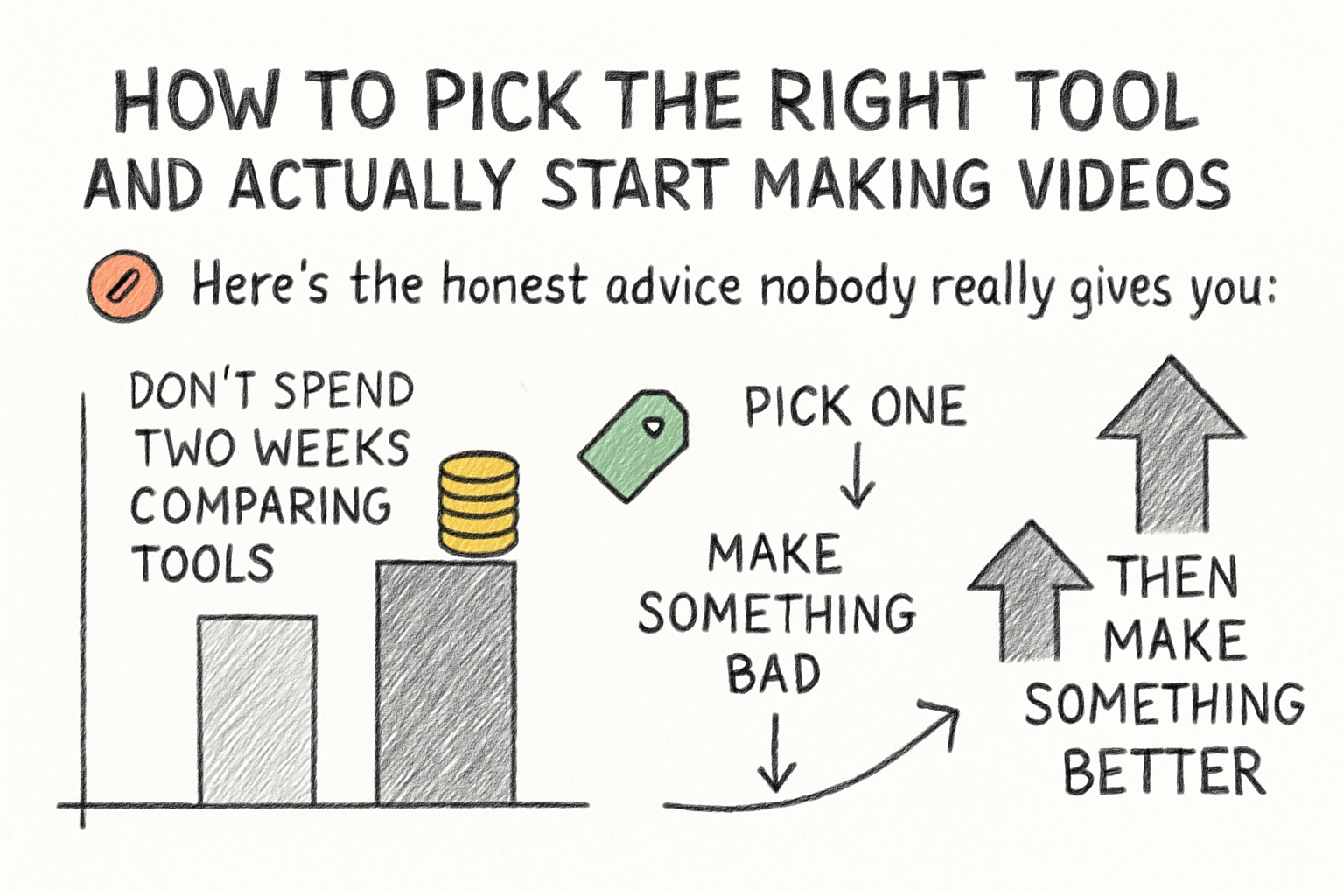
How to pick the right tool and actually start making videos
Here's the honest advice nobody really gives you: don't spend two weeks comparing tools. Pick one, make something bad, then make something better. Every creator who looks polished now has a graveyard of awkward early videos they'd rather forget. That's how it works.
Start by asking yourself what kind of videos you want to make. Are they for YouTube? Social media? Internal presentations? The answer will shape which tool makes the most sense. YouTube creators often do well with Pictory or InVideo because both are built around longer-form content and have good export settings for that platform. If you're building a YouTube channel, we also put together a list of the best AI tools to create YouTube videos that goes deeper on the full toolkit you might want.
Once you've picked a tool, commit to making your first video in one sitting. Don't edit it forever. Publish it, watch it back after a day or two, and note what felt off. Most AI tools also have tutorial libraries built right into the dashboard, so use those. They're usually short and practical.
The mistake most beginners make is waiting until they feel ready. You won't feel ready. But the tools are genuinely easy to use now, and the gap between a beginner's video and a decent-looking one has never been smaller. Get your first video done, then work on getting better from there. That's the whole strategy.
Ready to take the next step?
If you're serious about making videos with AI, the best move is to just start. Pick one tool from this list, give yourself an hour, and see what you can build. You might surprise yourself. Drop a comment below and let me know which tool you're trying first, or share what you've already made. And if you want a platform that helps you plan, create, and grow your video content all in one place, check out Cliptude and see what it can do for your channel.