AI Video Creation Tools: The Best Options in 2026

AI video creation tools have come a long way in a short time. A few years ago, making a decent video meant hours of editing, expensive software, and a pretty steep learning curve. Now, you can type a prompt and watch a full video come together in minutes. It's honestly kind of wild to think about.
But with so many tools flooding the market, it's hard to know which ones are actually worth your time. Some are great. Some are overhyped. And a lot of them look similar on the surface until you start using them and realize the quality gap is massive. That's why we put this guide together, to cut through the noise and give you a real look at what's working in 2026.
A lot of you have asked about this topic in the comments, so we wanted to go deep on it. Whether you're a content creator, a small business owner, or just someone who wants to make videos without losing your mind, there's something here for you. We covered the basics of how AI video works in our earlier post on AI generated video content, so if you're totally new to this space, that's a good place to start before diving in here.
What to look for in an AI video tool
Before you spend money on a subscription, you need to know what actually matters in a video creation tool. Not every feature list tells the whole story. A tool might boast a hundred templates but produce choppy, awkward output that looks like it was made in 2018. Quality of the final video should always be your first filter.
Speed is another big one. Most AI tools are fast compared to traditional editing, but there's still a noticeable range. Some tools process a one-minute video in under 30 seconds. Others take several minutes, and when you're doing this at scale, that time adds up fast. Think about how many videos you plan to make per week before you commit.
Ease of use matters too, especially if you're not a professional editor. I personally think the best tools are the ones that feel simple on day one but still have depth for when you want to do more. A clean interface should never mean a limited one. Look for tools that grow with you rather than boxing you in.
Finally, think about what kind of videos you need. Are you making short social clips, long-form YouTube content, explainer videos, or product demos? Different tools are built for different purposes, and using the wrong one for your format is one of the most common mistakes people make. Our guide on the best AI tools for content creators in 2026 goes broader if you want a full picture of the AI content landscape.

The top AI video creation tools right now
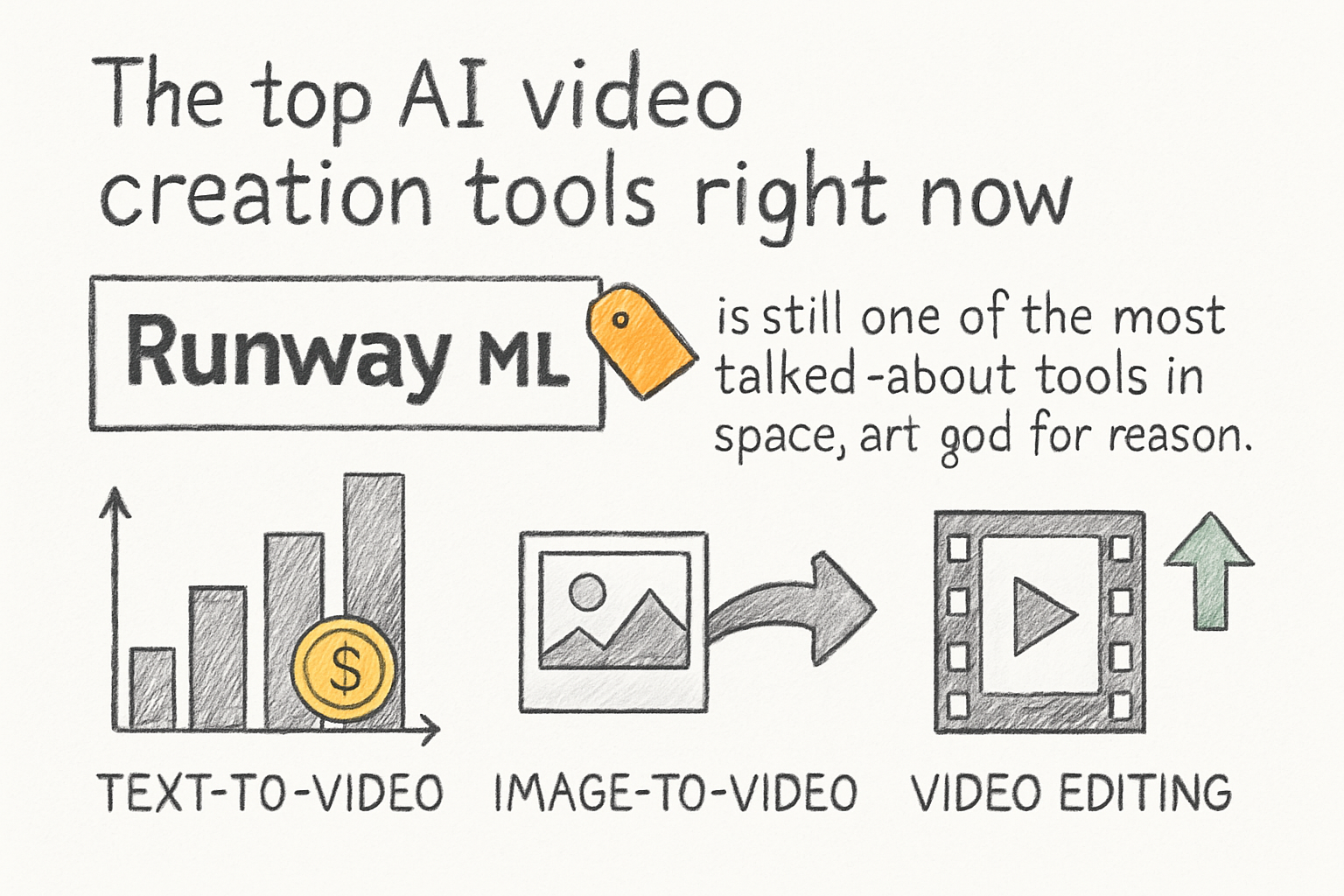
Runway ML is still one of the most talked-about tools in the space, and for good reason. It handles text-to-video, image-to-video, and video editing with AI assistance all in one place. The output quality is strong, especially for creative and cinematic-style content. It's not the cheapest option, but if visual quality is your top priority, it earns its price tag.
Synthesia is a different kind of tool. It's built around AI avatars and is a go-to for anyone making talking-head videos, training content, or corporate explainers. You write a script, pick an avatar, and the tool generates a polished video with a realistic presenter. I remember the first time I tried it, I showed the result to a coworker and they genuinely couldn't tell it wasn't a real person recorded on camera. That was a pretty memorable moment.
Pictory sits in a sweet spot for people who want to turn written content into video fast. You paste in a blog post or script, and it pulls relevant footage, adds captions, and builds a video around your text. It's not going to win any awards for cinematic beauty, but for social media content, newsletters, or repurposing long-form writing, it gets the job done quickly and reliably.
InVideo AI has also stepped up its game. It's one of the more affordable options and works well for YouTube content, ads, and short clips. The AI prompt feature lets you describe the video you want in plain language and it builds a draft you can then edit. For beginners especially, this approach removes a lot of the friction that usually comes with video production. If you're building YouTube content, pairing it with a solid strategy like what we cover in our YouTube channel growth strategy guide can make a real difference.
How to actually get results from these tools
Picking a tool is only half the battle. How you use it determines whether your videos actually connect with people or just get scrolled past. One of the biggest mistakes new users make is treating these tools like a magic button. You still need good input. A weak script produces a weak video, no matter how smart the AI is.
Start with a clear idea of what your video needs to accomplish. Is it meant to explain something, sell something, entertain, or teach? That goal should shape every decision you make, from the tone of your script to the visuals you choose. Vague goals lead to vague videos, and vague videos don't perform well anywhere.
Audio is also something a lot of people overlook. Even the best visuals fall flat with bad audio. Most AI tools give you options for voiceover, music, and sound effects, but take the time to actually review them. The default choices aren't always the best ones for your specific video. Swap out music tracks, adjust pacing, and make sure the voice matches the feel you're going for.
Once your video is done, distribution matters just as much as creation. Knowing how to make the best YouTube videos in 2026 is about more than just production. Titles, thumbnails, descriptions, and upload timing all play a role in how your content performs. The tool gets you the video. The strategy gets you the views.
Ready to take the next step?
AI video tools in 2026 are genuinely impressive, and the gap between what a solo creator can produce now versus five years ago is huge. The key is finding the tool that fits your workflow, not the one with the longest feature list. Try a couple of free trials, test them with real projects, and see which one clicks. If you've used any of these tools and have thoughts, drop them in the comments below. We read every one. And if you want to start making great videos without a complicated setup, check out Cliptude and see how simple it can actually be.