How to Make the Best YouTube Videos in 2026

YouTube isn't what it was five years ago. The platform has changed a lot, and so have the people watching videos on it. If you want to grow a channel in 2026, you can't just hit record and hope for the best. You need a real plan, decent gear, and a clear sense of what your audience actually wants to watch.
The good news is that making great YouTube videos doesn't mean spending thousands of dollars or having a film degree. I started making videos on a cheap webcam in my apartment, and I learned most of what I know by just paying attention to what worked and what didn't. It takes time, but the learning curve isn't as steep as people think.
This guide covers what really matters when it comes to making your best YouTube videos in 2026. Whether you're brand new or you've been uploading for a while and feel stuck, there's something here for you. Let's get into it.
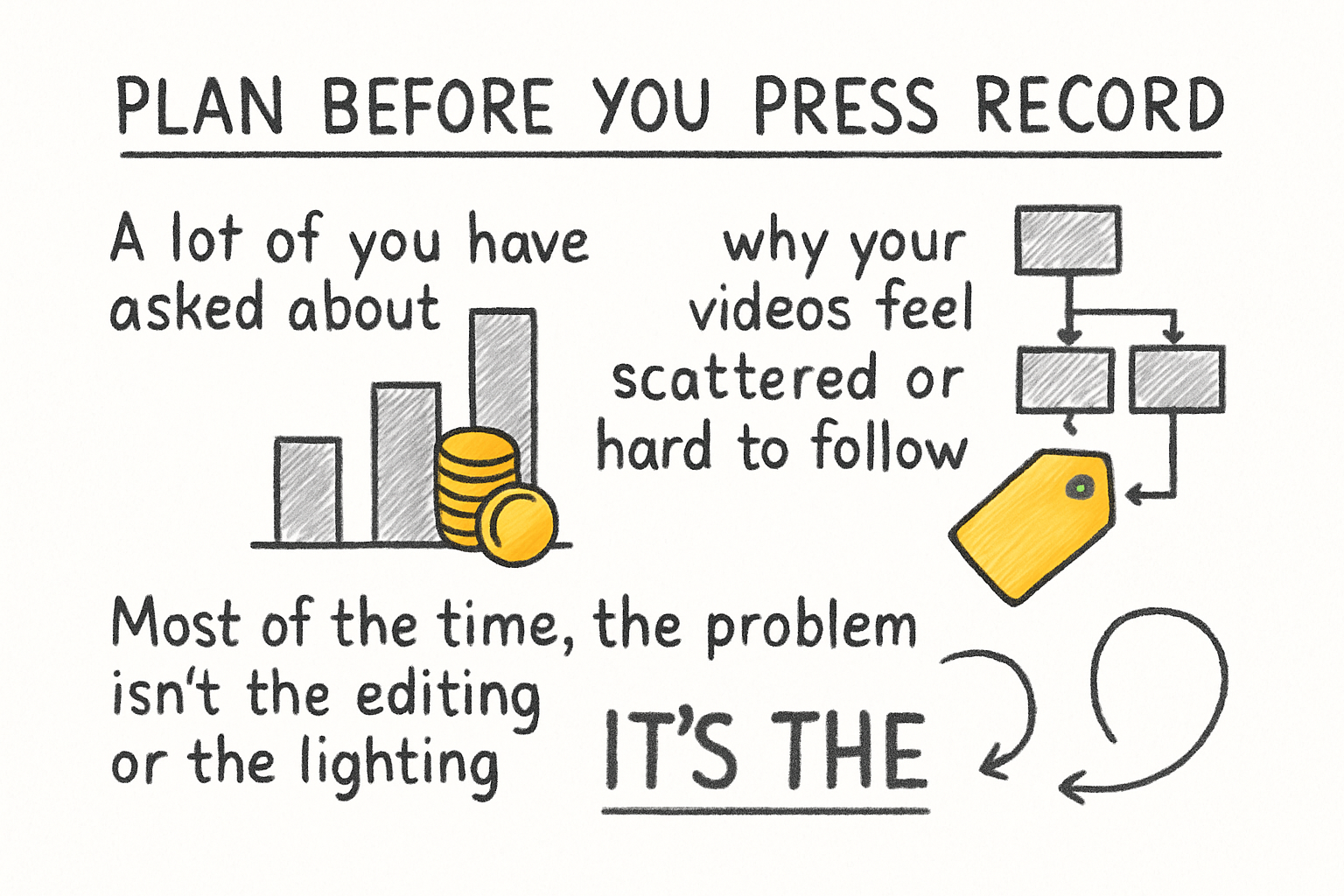
Plan before you press record
A lot of you have asked about why your videos feel scattered or hard to follow. Most of the time, the problem isn't the editing or the lighting. It's that the video didn't have a clear plan before filming started. Viewers in 2026 have short patience. If your intro drags or the point of the video isn't clear in the first 30 seconds, they're gone.
Start with a simple outline. You don't need a word-for-word script unless that helps you feel confident on camera. Just know your opening hook, your main points, and how you want to wrap up. Think of it like a road trip. You don't need to know every turn, but you should know where you're going before you leave the driveway.
Your hook is everything. The first line out of your mouth should make someone want to keep watching. Try starting with a bold statement, a quick story, or a question your viewer is already asking in their head. Something like, "I wasted six months making videos nobody watched, and here's what finally changed," is way more interesting than, "Hey guys, welcome back to my channel."
Also think about video length before you film. Longer isn't always better. If your topic can be covered well in eight minutes, don't pad it out to fifteen. Watch time and audience retention matter more than total length. Keep it tight and respect your viewer's time.
Get your audio and visuals right
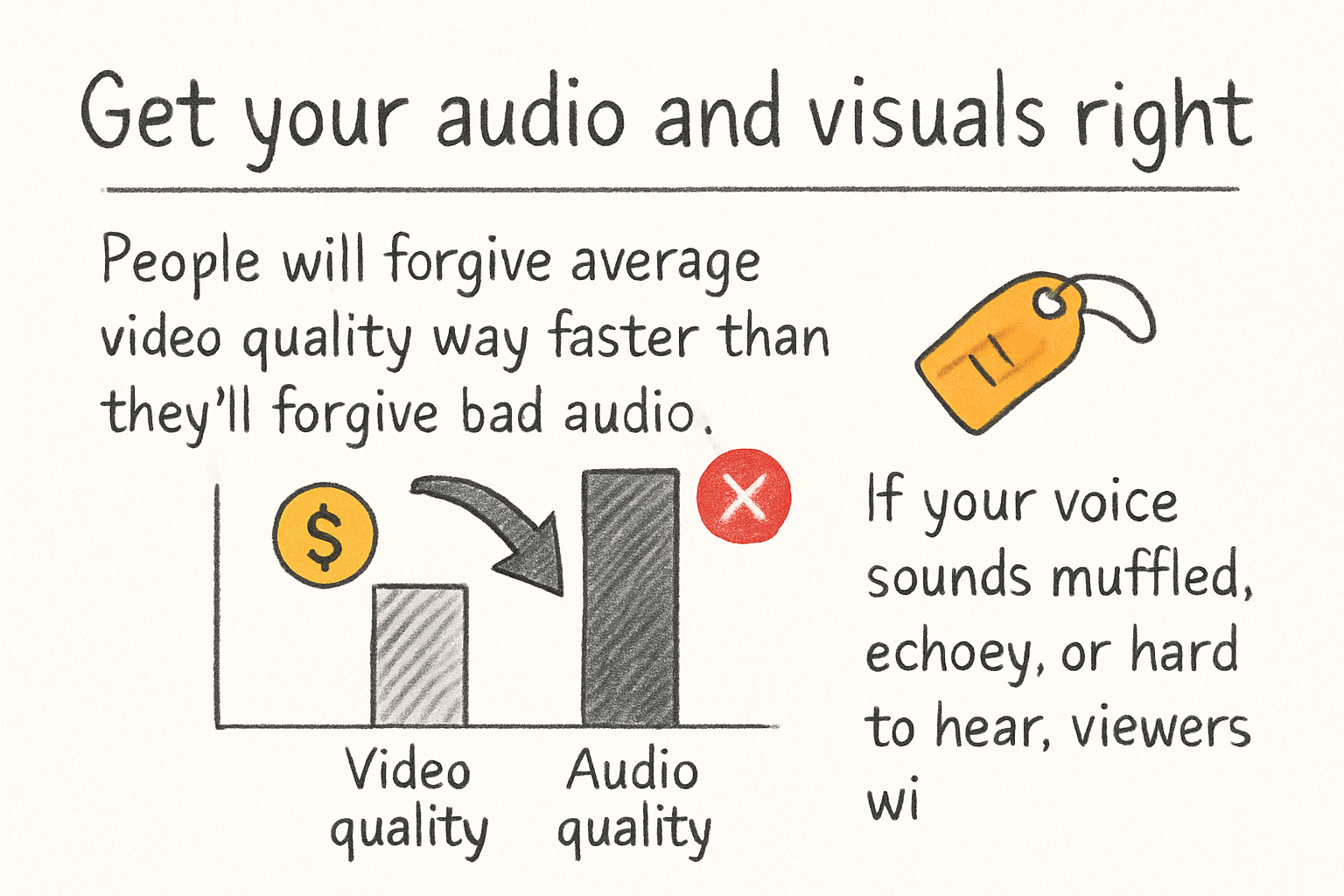
People will forgive average video quality way faster than they'll forgive bad audio. If your voice sounds muffled, echoey, or hard to hear, viewers will click away without thinking twice. A basic USB microphone or even a decent clip-on mic can make a huge difference. You don't need a recording studio. You just need to reduce echo by filming in a smaller room with soft surfaces like curtains or a couch nearby.
Lighting matters too, but again, you don't need expensive gear. A ring light or even two cheap LED panels can give you clean, even light that makes your footage look polished. Sit facing a window during the day and you already have a great natural light source for free. The goal is to make sure your face is lit clearly and there aren't harsh shadows making you look like you're filming in a cave.
For screen recordings, getting your audio synced properly is something a lot of new creators struggle with. We covered this in our post on how to get sound on a screen recording, and it's worth reading if you're doing tutorials or software walkthroughs. Small technical details like that can make or break the viewer experience.
I personally think that audio quality is the single most underrated part of making YouTube videos. You can get away with filming on a phone if the sound is clean and the idea is good. That's been true for years and it's still true in 2026.
Edit smart and upload the right way
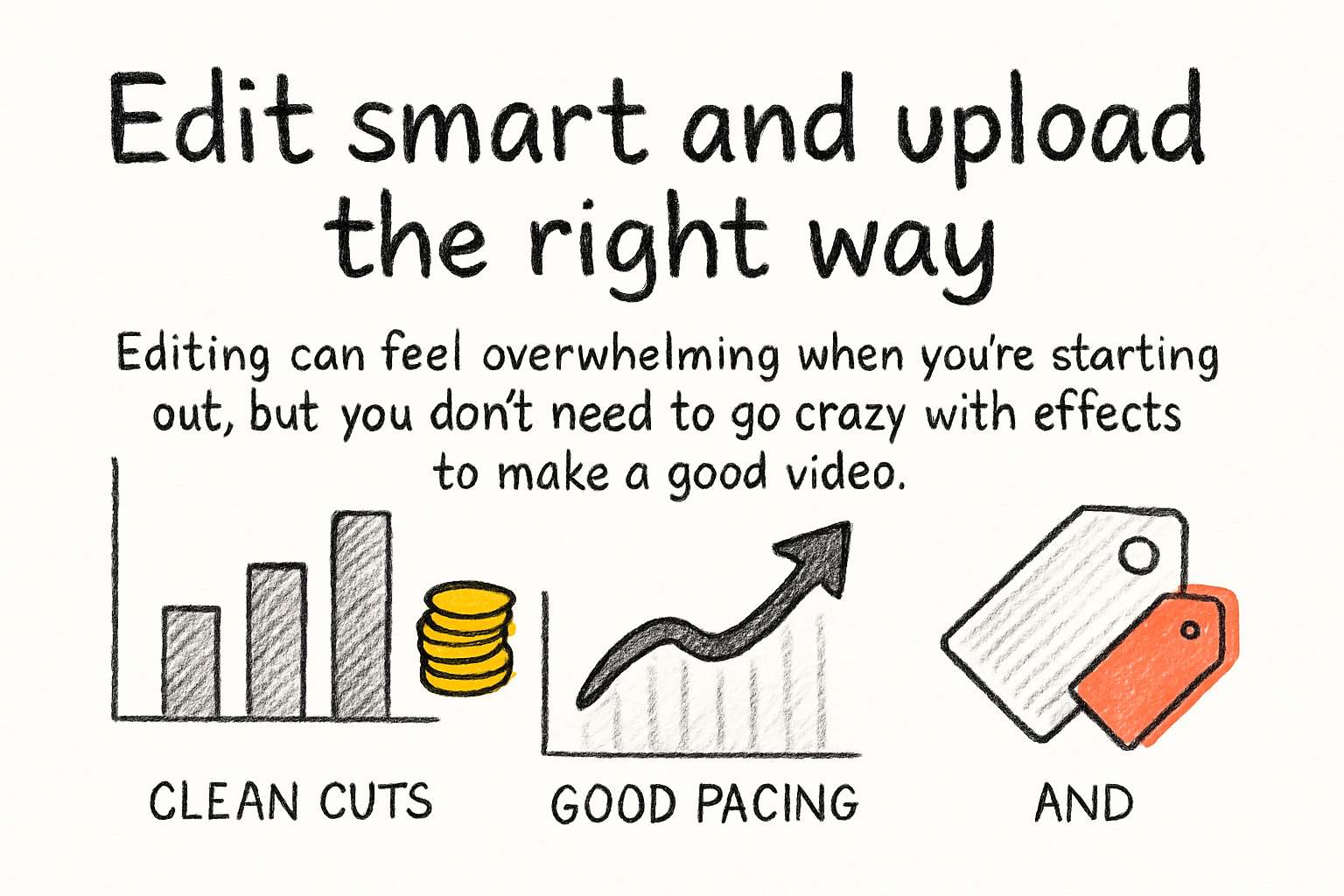
Editing can feel overwhelming when you're starting out, but you don't need to go crazy with effects to make a good video. Clean cuts, good pacing, and removing the dead space between sentences will do more for your video than any flashy transition. If you want to understand what editing effects actually do and when to use them, our beginner's guide to video editing effects breaks it down without making it complicated.
Once your video is edited, you need to think about file size and format before you upload. Big files take forever to upload and can sometimes affect quality if YouTube's compression doesn't play nice with your file type. Knowing the best format for YouTube videos in 2026 will save you headaches. MP4 with H.264 is still the go-to for most creators, but there are good reasons to consider H.265 depending on your setup.
If your file sizes are coming out huge, don't panic. There are solid options for cutting file size without ruining quality. You can start with our guide on how to compress an MP4 video and go from there. Getting your upload process dialed in saves time and helps your video look its best on the platform.
Your title, thumbnail, and description also play a huge role in whether people find your video in the first place. Use plain language in your title that matches what someone would actually type into the search bar. Your thumbnail should be bold, easy to read at small sizes, and visually different from everyone else's in your niche. And if growing your channel is on your mind, it helps to read up on how to get subscribers on YouTube fast so you understand what actually moves the needle.
Ready to take the next step?
Making great YouTube videos in 2026 comes down to planning your content, getting your audio and visuals clean, and making smart choices in the edit and upload process. None of it has to be complicated. Start with one thing, get it right, then move to the next. If you've got questions about anything covered here, drop them in the comments below. I read every one. And if you're looking for a tool to help with your video workflow, check out Cliptude and see what it can do for you.