The Best Format for YouTube Videos in 2026

If you've been uploading to YouTube for a while, you already know the platform keeps changing. What worked in 2022 doesn't always cut it today, and 2026 is shaping up to be another big year for how videos are made, formatted, and watched. Getting your format right isn't just about looking professional. It directly affects whether YouTube pushes your video to new viewers or lets it collect dust.
A lot of you have asked about this exact topic, and honestly, it makes total sense. There are so many conflicting answers out there. Should you go wide or vertical? Long or short? What resolution actually matters now? This post is going to break it all down so you can stop guessing and start uploading with confidence.
The short answer is that there's no single perfect format for every creator. But there are clear best practices that apply to almost everyone in 2026. Let's get into it.
Resolution, aspect ratio, and file format basics
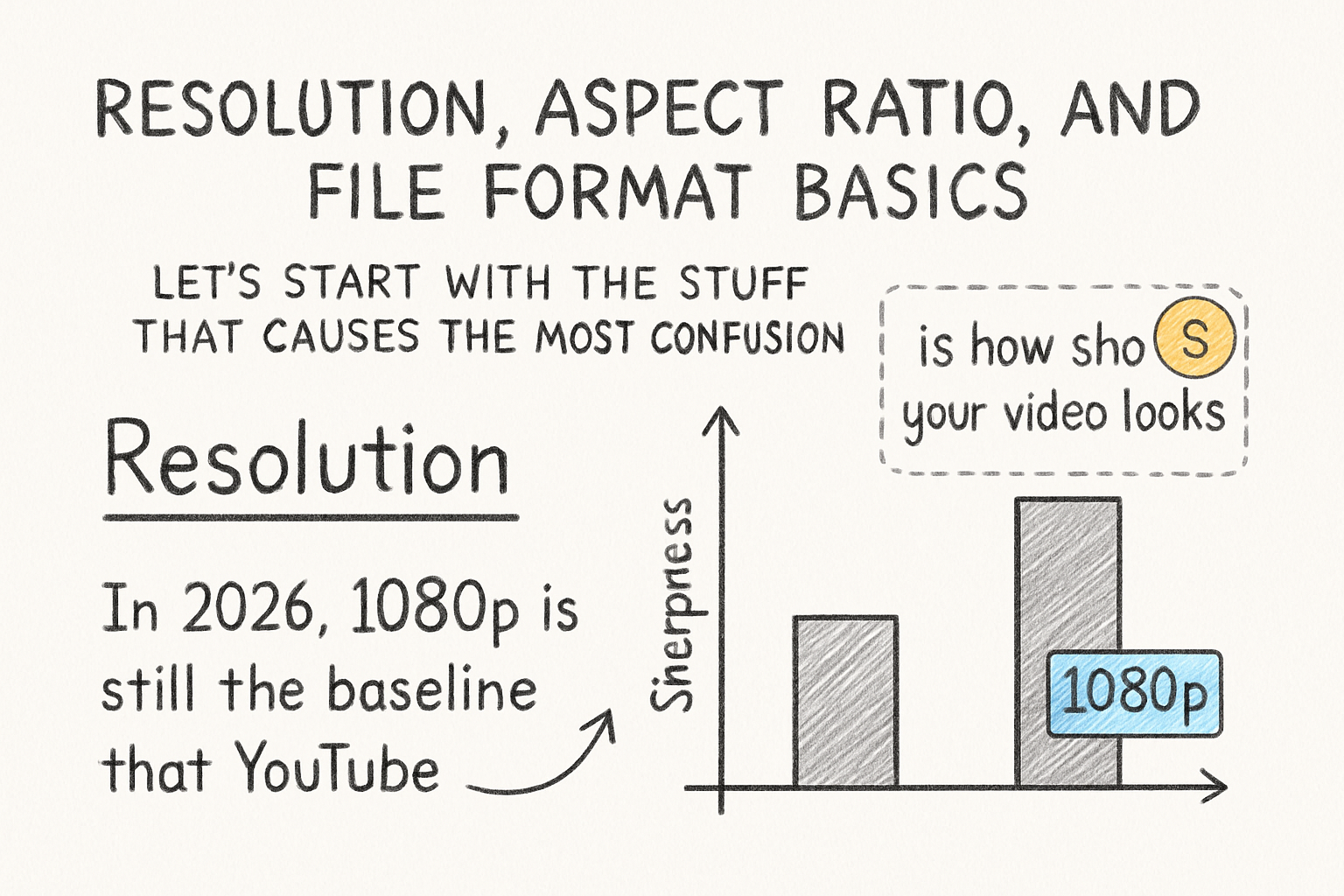
Let's start with the stuff that causes the most confusion. Resolution is how sharp your video looks. In 2026, 1080p is still the baseline that YouTube expects from any serious creator. It's what most viewers watch at, and it uploads cleanly without killing your storage. That said, 4K is becoming more common, especially if you want your video to stand out in search results and on big screens. YouTube actually gives a slight boost in perceived quality to 4K uploads, even when most people watch at lower settings.
For aspect ratio, horizontal video at 16:9 is still the standard for main YouTube content. Think of the classic widescreen look you see on every TV and laptop. But vertical video at 9:16 is now a real contender, thanks to YouTube Shorts. If you're not making Shorts yet, you're leaving views on the table. Many creators now film once in 9:16, then crop for horizontal, or vice versa. It's a smart workflow once you get used to it.
For file format, MP4 is the go-to. It plays nice with every editing program, uploads fast, and YouTube handles it without drama. Pair that with H.264 or H.265 compression and you've got a solid foundation. H.265 gives you smaller file sizes without losing quality, which matters a lot if you're uploading long videos regularly.
I personally think too many creators obsess over 4K when their audio is still terrible. A crisp 1080p video with clean audio will always beat a 4K upload where you can barely hear the speaker. Get the basics locked in first, then scale up your resolution when your setup is ready for it.
Video length and structure in 2026
Here's where things get interesting. YouTube's algorithm in 2026 cares a lot about watch time, not just views. If people click your video and leave after 30 seconds, that's a signal that something isn't working. Understanding how YouTube watch hours affect your channel's growth helps you see why keeping people watching matters so much.
For standard long-form content, the sweet spot right now is somewhere between 8 and 15 minutes. That's long enough to hit the mid-roll ad threshold and give viewers real value, but short enough that most people will actually finish it. Videos over 20 minutes can do well, but they need to be genuinely packed with useful content. Padding a video to hit a time mark is one of the fastest ways to tank your retention rate.
Structure matters just as much as length. Your first 30 seconds need to hook the viewer immediately. No long intros, no drawn-out logo animations. Get to the point, tell them what they're going to learn or see, and then deliver. Think of your intro like a promise and the rest of the video like proof you can keep it. A good video script template can help you plan this out before you ever hit record.
For Shorts, keep it under 60 seconds and make your point fast. The first two seconds are everything. If your hook doesn't land right away, viewers scroll. Short-form is a totally different skill set from long-form, and it's worth practicing both separately rather than trying to make one version of your video do all the work.
Frame rate, audio settings, and upload tips
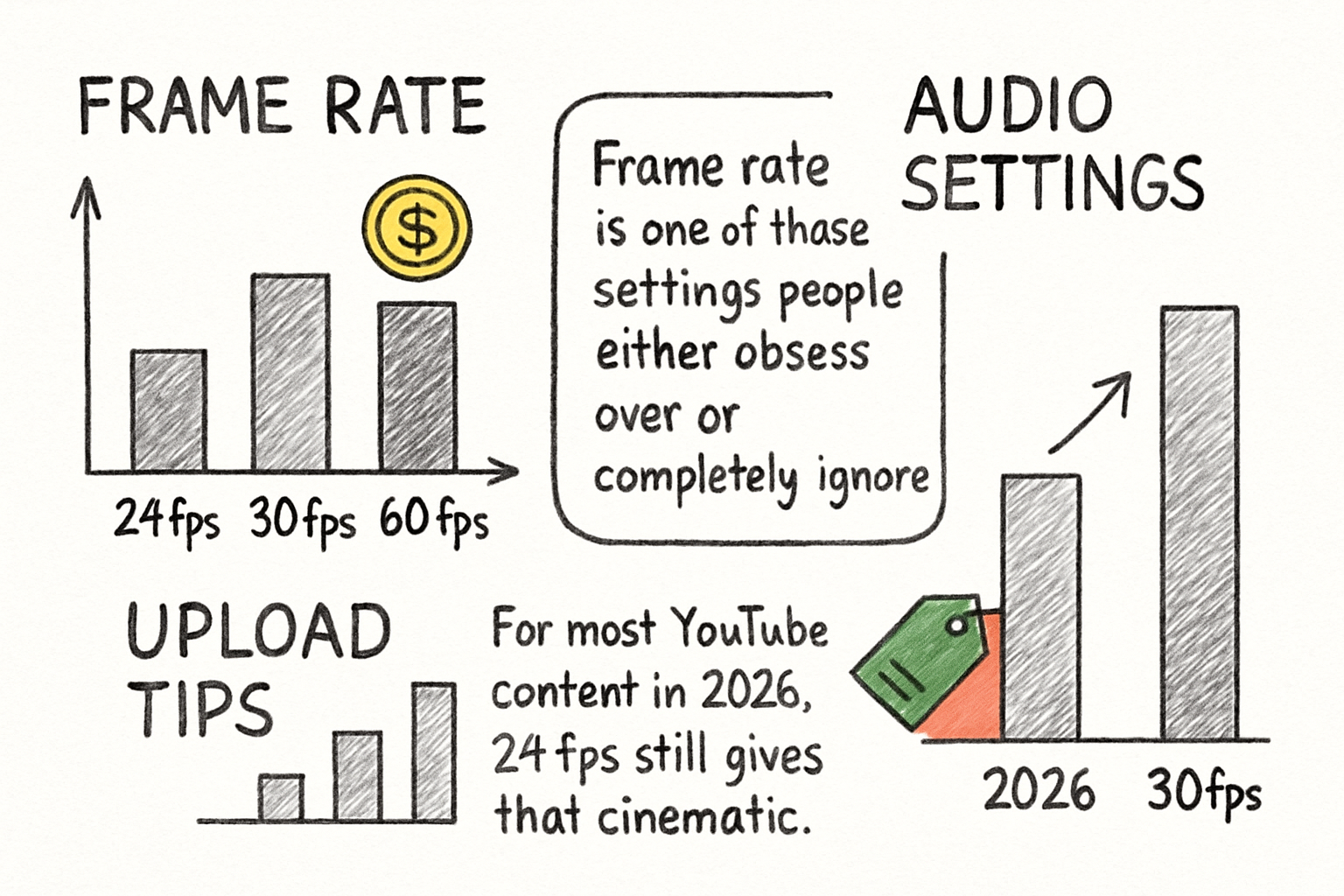
Frame rate is one of those settings people either obsess over or completely ignore. For most YouTube content in 2026, 24fps still gives that cinematic feel, and 30fps is the standard for talking head or tutorial videos. If you're filming gaming content or anything with fast movement, 60fps makes a noticeable difference in smoothness. YouTube supports all of these, so choose based on what fits your content, not just what sounds impressive.
Audio settings don't get talked about enough. YouTube recommends stereo AAC audio at 320kbps for the best results. Bad audio is one of the top reasons viewers drop off early, and fixing it in post only goes so far. If you're not happy with how your audio sounds after recording, our guide on how to get audio off a video can help you work with what you have and improve from there.
When it comes to uploading, there are a few things that can make a real difference. Always upload at the highest quality you have, even if most viewers watch at 720p. YouTube re-encodes your video after upload, and starting with higher quality gives the algorithm better material to work with. Upload during off-peak hours if you can, usually early morning, so the processing finishes faster before your publish time.
Subtitles are also part of your format strategy now. They help with accessibility, boost watch time, and improve search visibility. If you haven't added them to your videos yet, our walkthrough on how to add subtitles to YouTube videos makes the whole process much easier than it sounds. I remember when I first tried adding captions manually and gave up halfway through. Having a good tool or clear process makes all the difference.
Ready to take the next step?
Getting your YouTube format right in 2026 is one of the most practical things you can do for your channel. It doesn't require expensive gear or years of experience. It just takes knowing the right settings and building a consistent workflow around them. If you want to take your video production even further, check out Cliptude and see how it can help you work faster without sacrificing quality. Drop a comment below and let us know what format questions you're still wrestling with. We read every single one.