
How to Create Kids YouTube Videos with AI

Kids' YouTube is one of the fastest-growing spaces on the entire platform. Parents put on a video, kids get hooked, and channels explode practically overnight. If you've been thinking about starting a kids' channel but have no idea where to begin, you're in the right place. And honestly, AI has made the whole process way more doable than it used to be.
A lot of you have asked about this exact topic. You want to know if you can actually build a real, quality kids' channel without a big studio, a film crew, or a massive budget. The answer is yes. AI tools can now handle scripting, voiceovers, animation, and even editing. You don't need to be a tech wizard. You just need to know the right steps and the right tools.
In this post, we're going to walk through the full process from idea to finished video. We'll cover how to write scripts kids will love, how to get the right kind of voice for your content, and how to put it all together in a way that looks polished and professional. Let's get into it.
Writing a script kids will actually want to watch
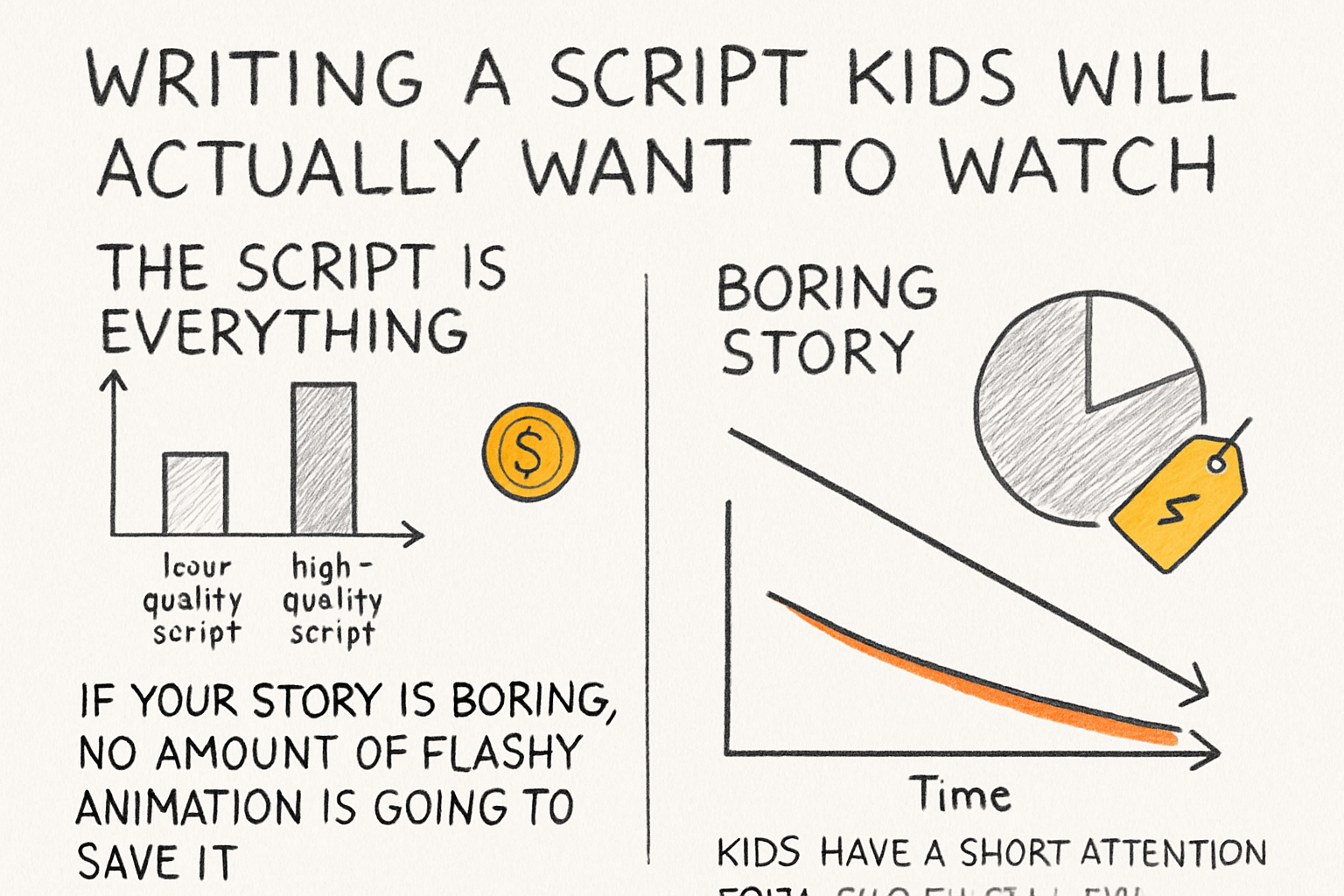
The script is everything. If your story is boring, no amount of flashy animation is going to save it. Kids have a short attention span and they'll click away in seconds if something doesn't grab them. So your script needs to be simple, fun, and fast-moving from the very first line.
When writing for kids, think about what makes them laugh or feel curious. Short sentences work best. Repetition is actually good here, unlike adult content. Kids love hearing the same catchphrase or song hook come back around. Your main character needs a clear personality, a clear goal in each episode, and something funny or surprising that happens along the way.
AI writing tools can help you brainstorm ideas and even draft full scripts. Tools like ChatGPT or Jasper are great for getting a rough draft going fast. If you want something built more specifically for YouTube, take a look at these AI tools to write engaging scripts for YouTube that can speed things up even more. You still want to read through everything and adjust the tone so it feels warm and age-appropriate.
I personally think the script stage is where most new creators skip steps and then wonder why their views are low. A mediocre video with a great script will almost always outperform a beautiful video with a weak one. Spend the most time here, even if AI is doing the heavy lifting.
Getting the right voice and visuals for your channel
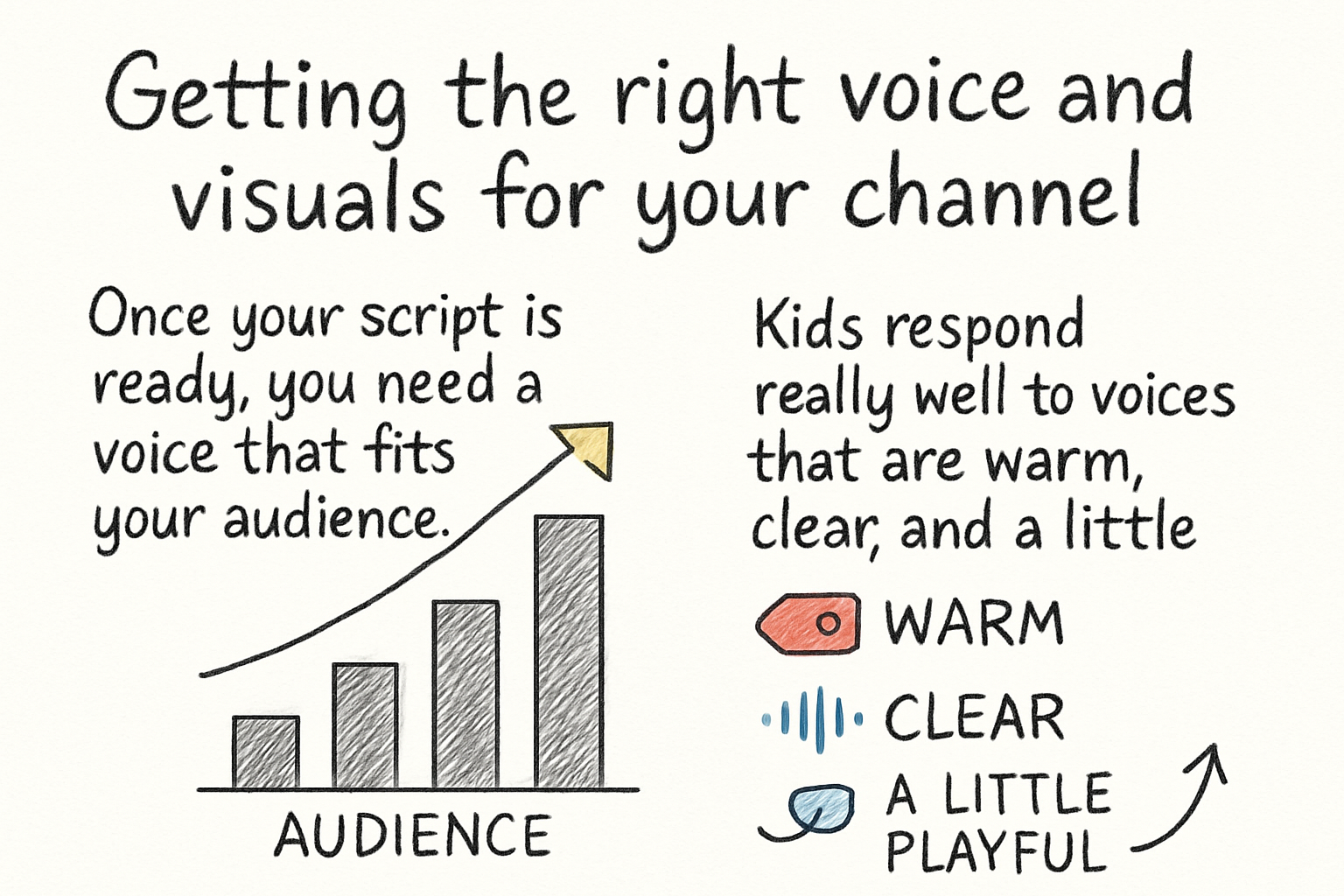
Once your script is ready, you need a voice that fits your audience. Kids respond really well to voices that are warm, clear, and a little playful. You don't need to record your own voice if you don't want to. AI voiceover tools have gotten really good, and some of them have voices that sound friendly and natural, not robotic.
Platforms like ElevenLabs let you choose from a wide range of voices, and you can even clone your own voice if you prefer that personal touch. We actually wrote a full walkthrough on how to clone your own voice in ElevenLabs if you want to go that route. For kids' content specifically, look for voices that are higher energy and easy to understand. Slow down the pacing a little compared to adult content, too.
For visuals, you have a few options. You can use AI image generators like Midjourney or DALL-E to create illustrated characters and backgrounds. Or you can use tools like Canva, Animaker, or Vyond to build animated scenes without needing any animation experience. The key is keeping colors bright, characters expressive, and scenes uncluttered. Kids' brains are still developing visually, so clean and bold beats complex every time.
I remember trying to make my first animated video years ago before any of these tools existed. It took weeks and still looked rough. Now you can put together something genuinely good in a few days. The gap between what a solo creator can do and what a small studio can do has closed a lot.
Editing and publishing your kids' YouTube video
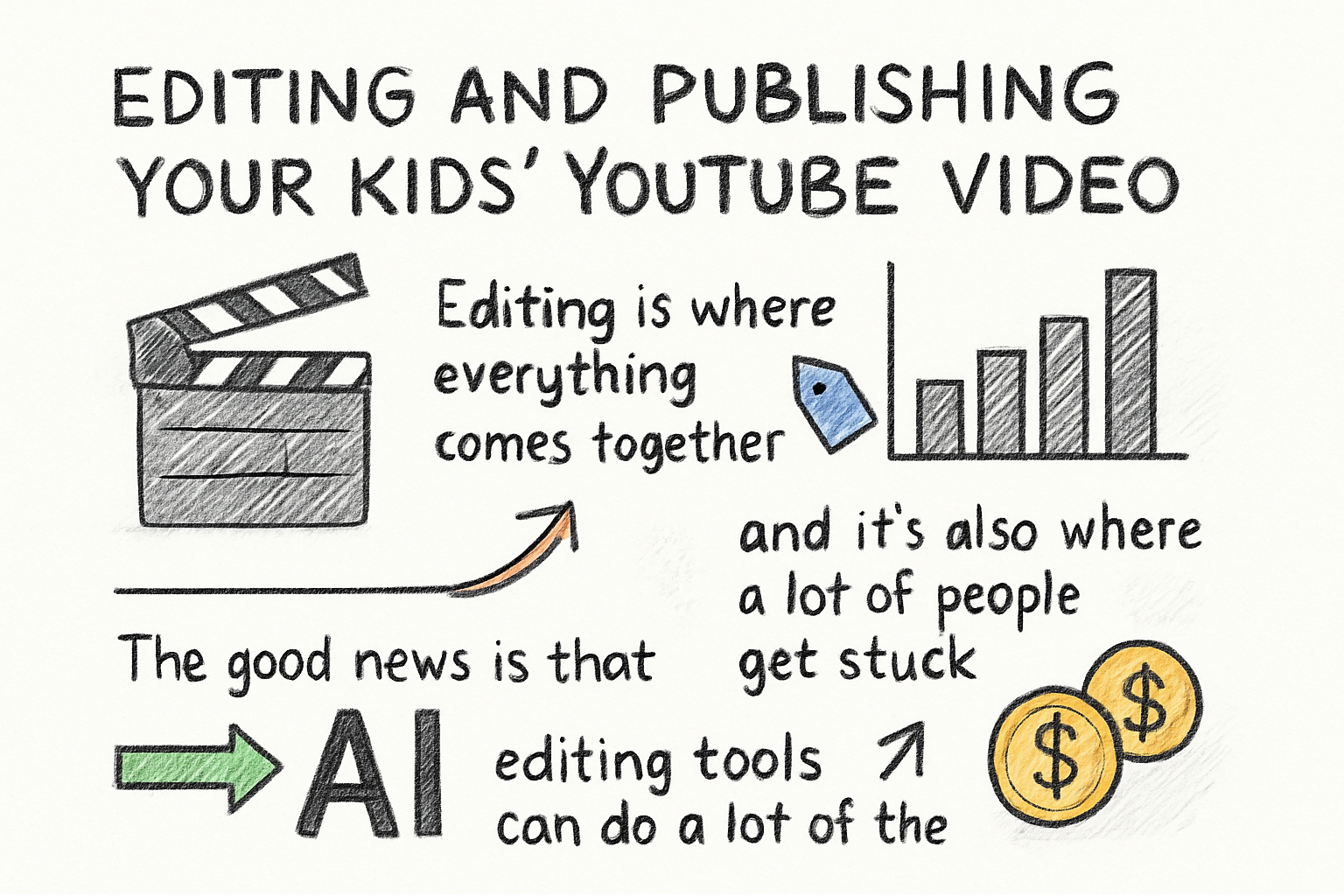
Editing is where everything comes together, and it's also where a lot of people get stuck. The good news is that AI editing tools can do a lot of the heavy lifting for you. They can sync your voiceover to your visuals, cut out awkward pauses, and even add background music automatically. If you want a closer look at those options, check out these AI services that automate video editing for YouTube that are worth knowing about.
For kids' content, pacing matters a lot. You want cuts to happen pretty often, maybe every five to eight seconds, to keep things moving. Add sound effects for actions, reactions, and transitions. Kids love those little audio cues. Music should be upbeat and loopable, nothing too loud or distracting. YouTube's audio library has free tracks that work well here.
When you're ready to publish, don't forget a few important things. First, you need to mark your video as made for kids in YouTube Studio. This is a legal requirement under COPPA rules in the US, and YouTube takes it seriously. Second, thumbnails for kids' content should be colorful, show a face or character, and have very little text. Big eyes and bright backgrounds consistently perform well in this niche.
If you want to see how the full process fits together from start to finish, the complete workflow for creating YouTube videos using only AI is a great next read. It goes deeper into each stage and helps you build a repeatable system so you're not starting from scratch every single time.
Ready to take the next step?
Making kids' YouTube videos with AI is genuinely within reach for anyone willing to put in the time to learn the tools. The barrier to entry is lower than it's ever been, and the audience is massive. If you're ready to start building your channel, check out Cliptude to see how it can help you create and manage your videos faster. Got questions about any part of this process? Drop them in the comments below. We read every single one and love hearing what you're working on.



