
What is an Alpha Channel? (And How to Export Transparent Video)


If you've ever tried to drop a logo onto a video and ended up with an ugly white box around it, you've already run into an alpha channel problem. It's one of those things nobody explains clearly until you've already wasted an afternoon trying to fix it. So let's break it down in plain English.
An alpha channel is basically a hidden layer inside an image or video file that carries transparency information. Every pixel in a video has color data — red, green, and blue values. But when a file includes an alpha channel, each pixel also gets a fourth value that tells your editing software how transparent that pixel should be. Zero means fully transparent. Full value means fully opaque. Anything in between creates a semi-transparent look.
This matters a lot more than people realize. Animated lower thirds, logo overlays, motion graphics, green screen composites — all of these use alpha channels to work cleanly. Without one, you get that white or black box issue. With one, your graphic sits right on top of your footage like it was always there. Once you understand what's actually going on, the whole thing clicks pretty fast.
What alpha channels actually do in video
Think of a video file as a stack of information. You've got the visual stuff — the colors, the brightness, the contrast. Then, if the file supports it, you've got the alpha channel riding along underneath all of that, telling the software which parts of the frame to show and which parts to hide.
A lot of you have asked about this after running into trouble with motion graphics that came with a black background baked in. That black background is what happens when the transparency data gets stripped out or the file format doesn't support alpha. The graphic looks fine on its own, but the moment you drop it on a timeline over your footage, you're stuck with that solid background instead of a clean composite.
This is actually different from color grading work, where you're adjusting what's visible rather than what's transparent. If you've read our piece on color correction vs. color grading, you know that editing has a lot of layers — and alpha channels are yet another one that affects how your final image looks. They're not about color at all. They're purely about what exists and what doesn't.
The cool thing is that alpha channels aren't just an on-or-off switch. You can have partial transparency, which is how soft edges and feathered selections work. A glowing logo with a soft glow around it uses partial transparency on those outer pixels. That's what makes it look natural instead of hard and cut out.

File formats that support transparent video
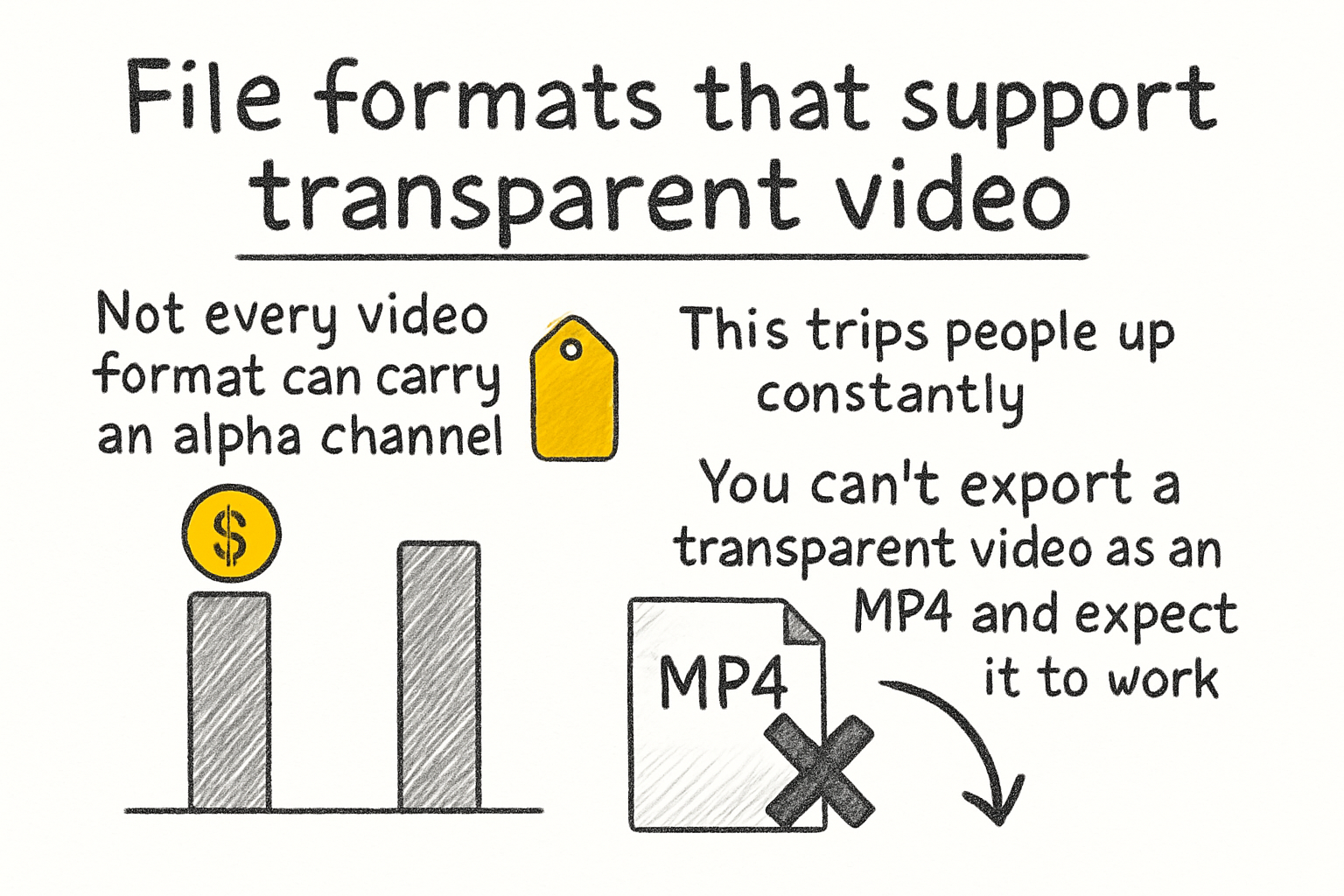
Not every video format can carry an alpha channel. This trips people up constantly. You can't export a transparent video as an MP4 and expect it to stay transparent. MP4 just doesn't support it. If you try, your software will either drop the alpha entirely or fill in the transparent areas with black or white.
The formats you want to know are MOV with a codec like Apple ProRes 4444, WebM with VP8 or VP9, and AVI with certain codecs like PNG or RGBA. ProRes 4444 is the most common choice in professional work because it keeps quality high and handles the alpha cleanly. WebM is worth knowing if you're working with web-based projects because it's one of the few formats that supports alpha AND plays in a browser without plugins.
I personally think ProRes 4444 is the safest bet for most people doing client work or any project where quality really matters. Yes, the file sizes are huge. But you only need the transparent version while you're still in post-production. Once everything is composited together, you export the final version in whatever format you need for delivery.
File size is always a concern with these formats, and it connects to something I wrote about before. The relationship between bitrate and resolution matters here too, because higher-quality alpha-supporting formats have much higher bitrates than your typical H.264 MP4. That's just the price of keeping all that extra channel data intact.
How to actually export transparent video
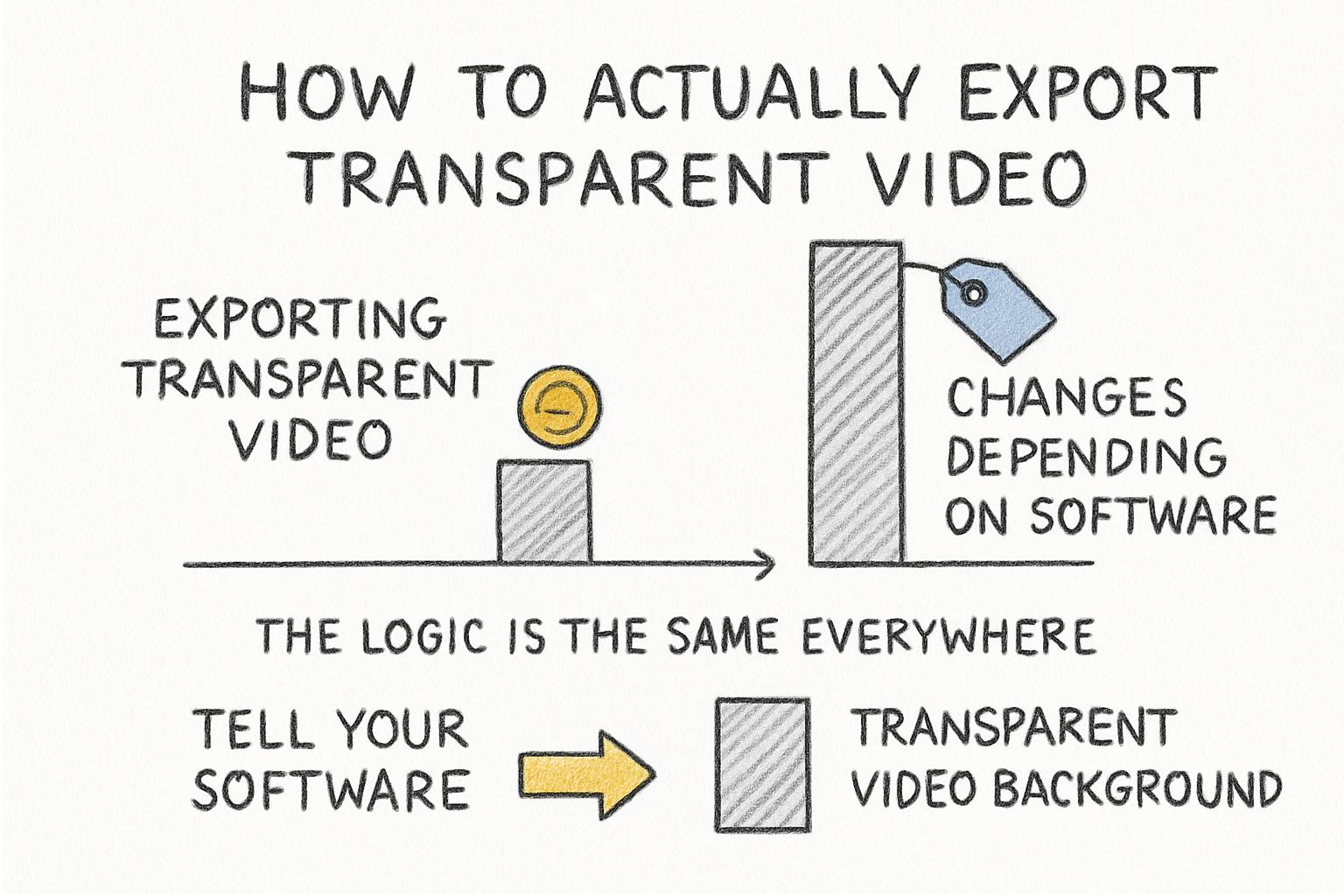
The process of exporting transparent video changes depending on which software you're using, but the logic is the same everywhere. You need to tell your software three things: use a format that supports alpha, use a codec that supports alpha, and include the alpha channel in the export settings. Miss any one of those three and you'll end up without transparency.
In Adobe Premiere Pro, you'd go to your export settings and choose QuickTime as the format, then pick Apple ProRes 4444 as the codec. You'll see a checkbox or dropdown that says something like "Include Alpha Channel" — make sure that's turned on. In After Effects the process is similar, and it's actually where most motion graphics get rendered out in the first place before being brought into Premiere. DaVinci Resolve handles this through its Deliver page, where you can choose the same ProRes 4444 option.
One thing that catches people off guard the first time: when you open the exported file in a program that doesn't support alpha, it'll look wrong. You might see a black or white background. That doesn't mean the export failed. It just means that app isn't reading the alpha channel. Drop it into your video editor and it should show up correctly over your timeline.
I remember the first time I exported a transparent logo for a client and then panicked because it looked completely wrong in the Mac QuickTime player. I thought I'd broken something. Turns out QuickTime just wasn't displaying the alpha. Dropped it into Premiere and it was perfect. That one moment of confusion would've saved me twenty minutes if someone had just told me upfront that this is totally normal.
Ready to take the next step?
Transparent video is one of those skills that feels confusing right up until it suddenly makes complete sense, and then you wonder how you ever edited without it. If you want to keep sharpening your editing knowledge, drop a comment below and let me know what's been tripping you up. And if you're looking for a faster, cleaner way to edit without wrestling with clunky software, go check out Cliptude — it's built to make the technical side of video editing way less painful so you can focus on actually making great content.



