
Color Correction vs. Color Grading: What's the Difference?

If you've ever watched a film and felt something just by looking at the colors on screen, that's not an accident. Color plays a huge role in how we experience video, and the people behind that experience are usually doing two very different jobs: color correction and color grading. A lot of you have asked about this, and honestly, it's one of those topics that gets mixed up all the time, even by people who've been editing for years.
Here's the short version: color correction fixes your footage so it looks normal and accurate. Color grading takes that fixed footage and makes it look like something. One is about technical accuracy. The other is about emotional impact. They're both part of the post-production process, but they happen at different stages and serve completely different purposes.
If you've already read our post on jump cuts vs. match cuts, you know how much the small choices in editing shape the feel of a video. Color is no different. In fact, it might be even more powerful, because it works on the viewer without them even noticing. Let's break it down.
What color correction actually means
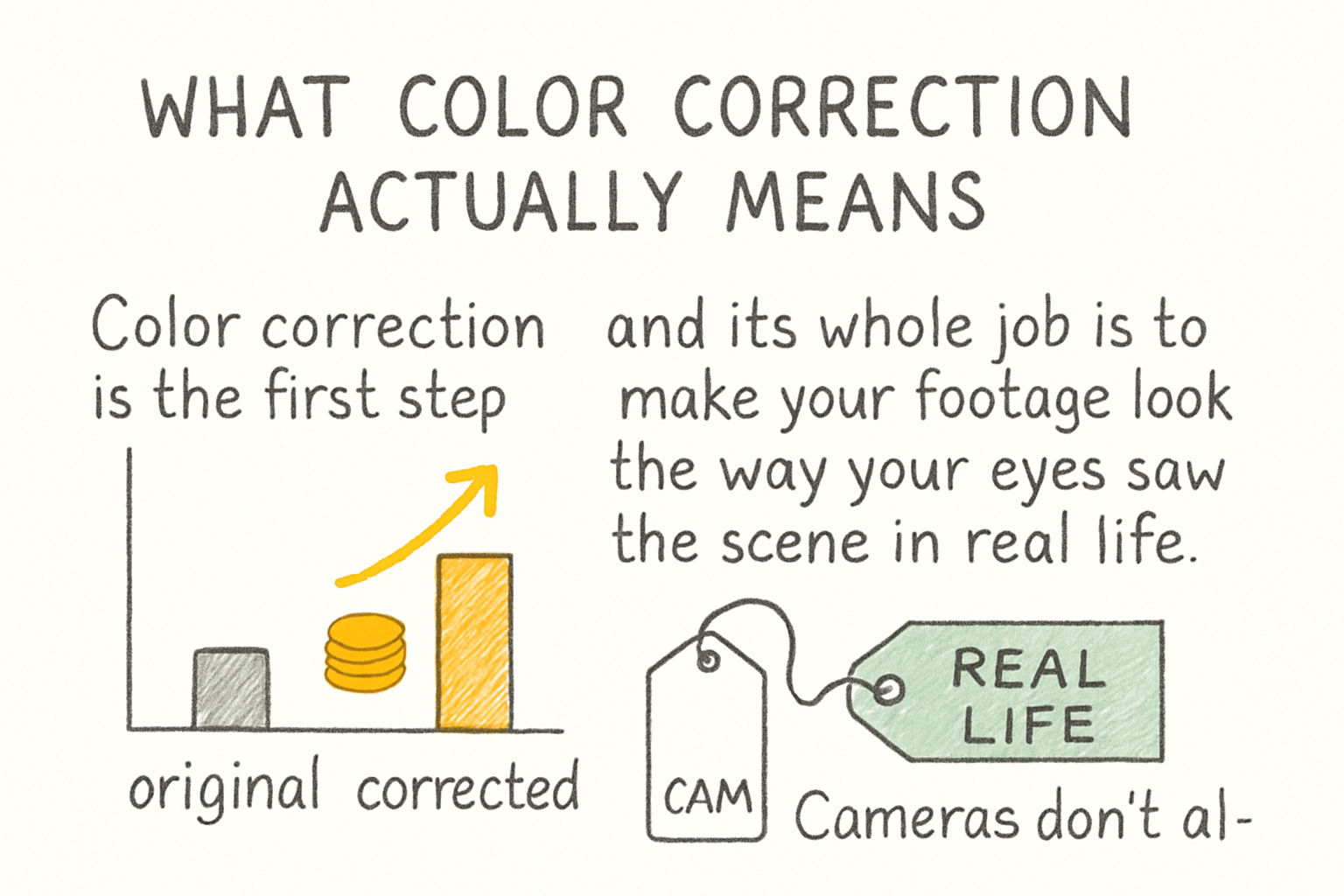
Color correction is the first step, and its whole job is to make your footage look the way your eyes saw the scene in real life. Cameras don't always capture color the way humans see it. Different lighting conditions, different camera settings, and shooting in a log or raw format can all leave your footage looking flat, too warm, too cool, or just plain off.
When a colorist does color correction, they're adjusting things like white balance, exposure, contrast, and saturation to get the image back to a neutral, natural starting point. Think of it like calibrating a scale before you weigh something. You're not trying to be creative yet. You're just making sure the foundation is solid.
This step is also where you match clips together. If you shot the same scene across two days, or with two different cameras, those clips will look different right out of the camera. Color correction makes them consistent so the viewer doesn't notice anything jarring when the edit cuts between them.
I personally think this step gets underappreciated because it's invisible when done right. Nobody watches a video and says, 'Wow, great white balance.' But they'd definitely notice if it was wrong. Getting your corrections dialed in before you touch anything creative is one of the best habits you can build as an editor.
What color grading actually means
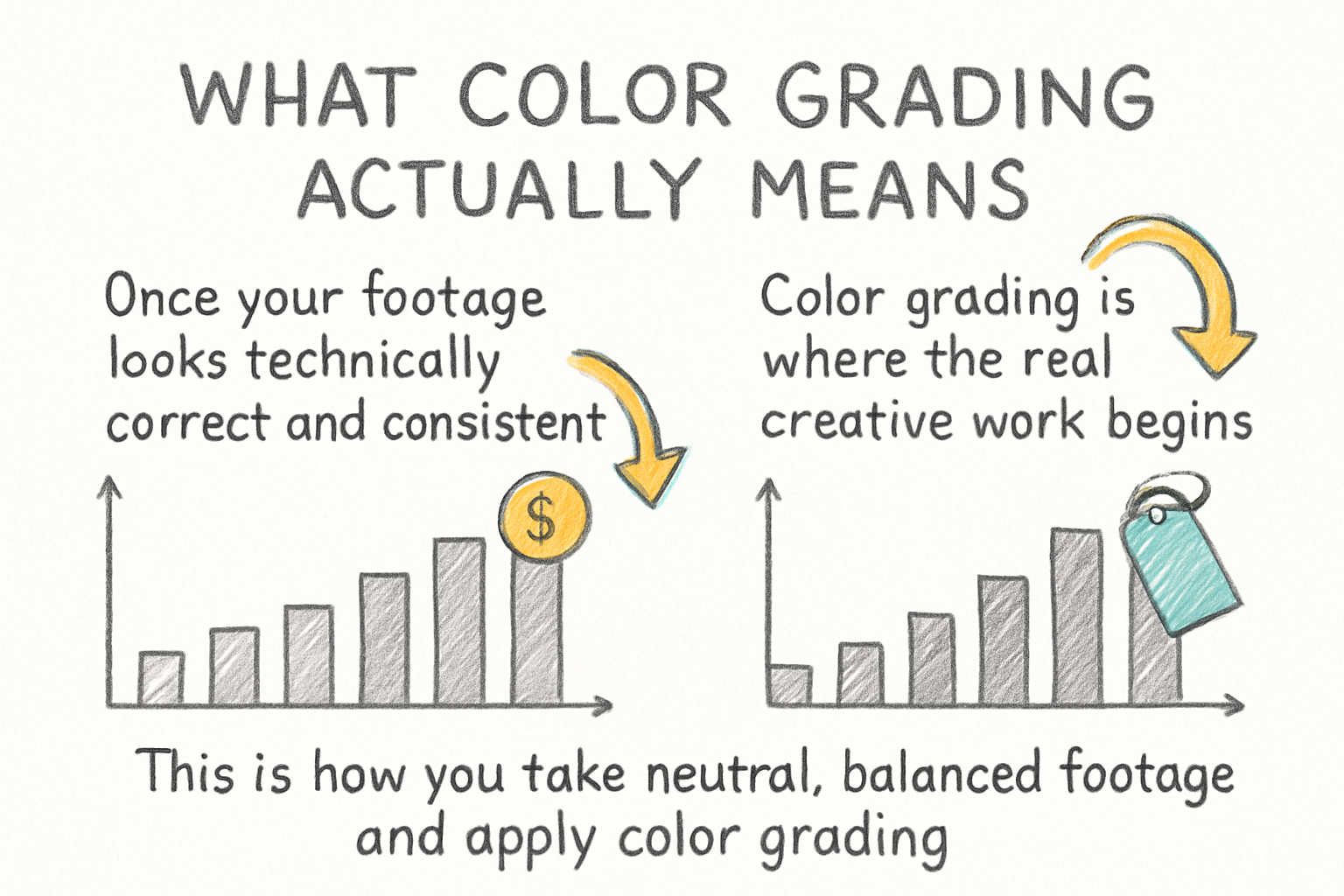
Once your footage looks technically correct and consistent, color grading is where the real creative work begins. This is how you take neutral, balanced footage and give it a look, a mood, a personality. It's the difference between a video that looks fine and one that feels like something.
Think about the cold blue tones in a thriller, or the warm golden light in a romantic drama. Neither of those looks would exist if a colorist just left the footage at neutral. Those choices are intentional. They tell the audience how to feel before a single word is spoken. That's what grading does.
Grading can involve pushing shadows toward a specific color, pulling highlights in a different direction, crushing blacks, boosting certain hues, and adding stylistic contrast. Some editors use LUTs, which are preset looks you can drop onto your footage, to get a starting point fast. But a real grade usually involves a lot of manual work on top of that to make everything look right for your specific footage.
A common mistake beginners make is jumping straight to grading without correcting first. When you grade footage that's still technically wrong, you're just stacking problems on top of problems. The grade might look cool on one clip and completely fall apart on the next one because the starting points were never matched. Always correct first, then grade.
How to use both in your own videos
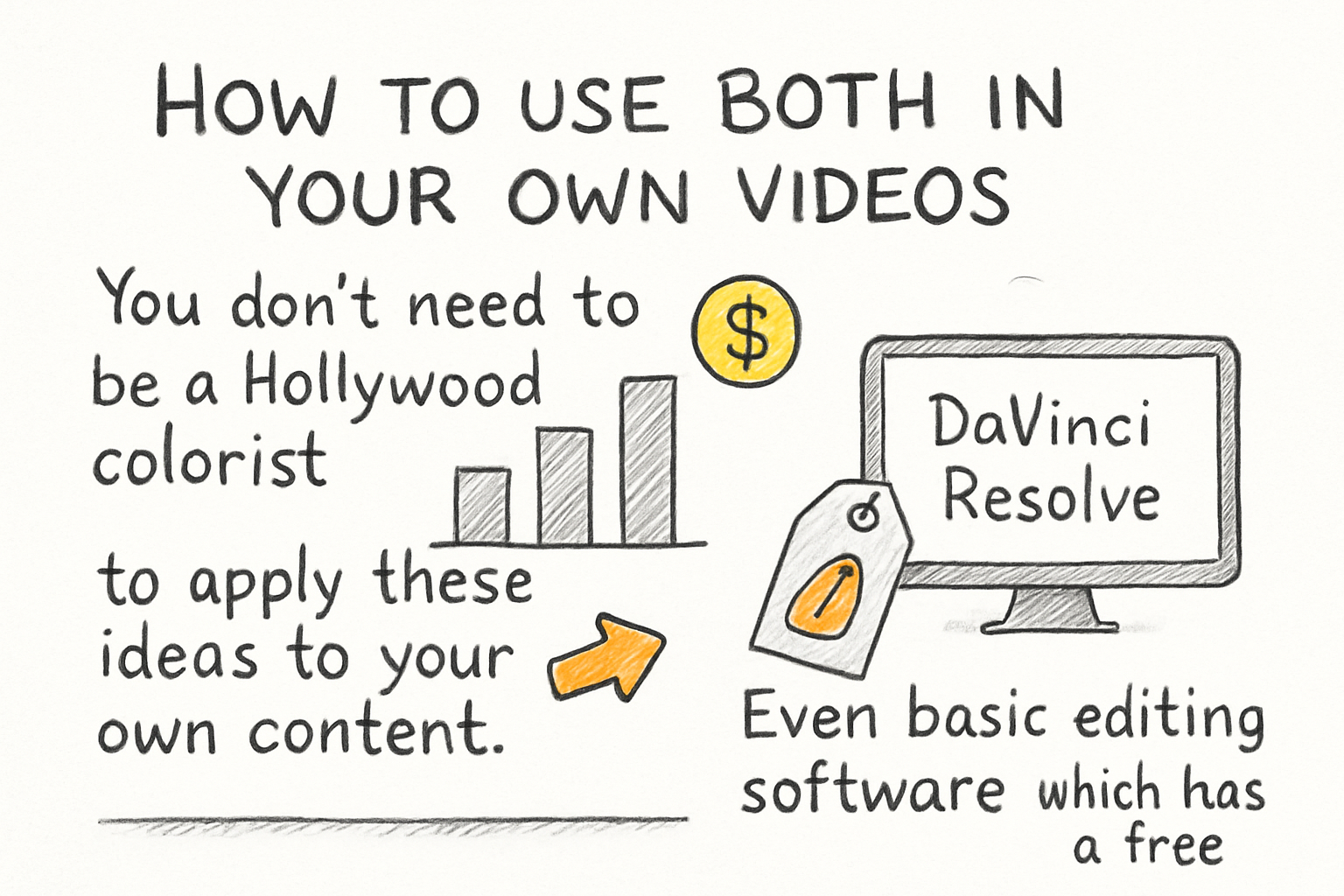
You don't need to be a Hollywood colorist to apply these ideas to your own content. Even basic editing software like DaVinci Resolve, which has a free version, gives you real tools to do both correction and grading. The key is knowing which step you're on at any given moment and keeping them separate in your head.
Start with correction. Use a color scope like a waveform or vectorscope if your software has one. These tools show you what's actually in your image, instead of just what you think you see on your monitor. Fix your exposure so highlights aren't blown out and shadows aren't crushed. Adjust white balance until skin tones look human. Then match your clips so everything is consistent.
Once that's done, think about the story you're telling. What's the mood of the video? A travel vlog might feel great with warm, slightly saturated tones. A documentary might want to stay closer to neutral with just a small push in the shadows. A horror short might benefit from desaturating the skin tones and pushing greens into the shadows. Every genre has conventions, but don't be afraid to experiment.
I remember the first time I actually separated these two steps on a project. I'd always kind of done them at the same time, tweaking everything together, and my grades never looked consistent across the whole video. The moment I started treating correction as its own pass before doing anything creative, my work improved more than from any other single change I made. It really is that simple of a fix, and it changes everything about your final result.
Ready to take the next step?
Now that you know the difference between color correction and color grading, you've got a real edge in how you approach your post-production workflow. These aren't just fancy terms for the same thing. They're two separate jobs, and doing them in the right order makes a real difference in how your videos look and feel. If you want to take your video creation even further without getting buried in a complicated editing process, check out Cliptude. It's built for creators who want great-looking results without spending hours fighting software settings. Drop a comment below and let me know whether you've been doing color correction and grading separately, or blending them together. I'd love to hear how your process works.



