Best AI Music Generators in 2026: A Practical Guide

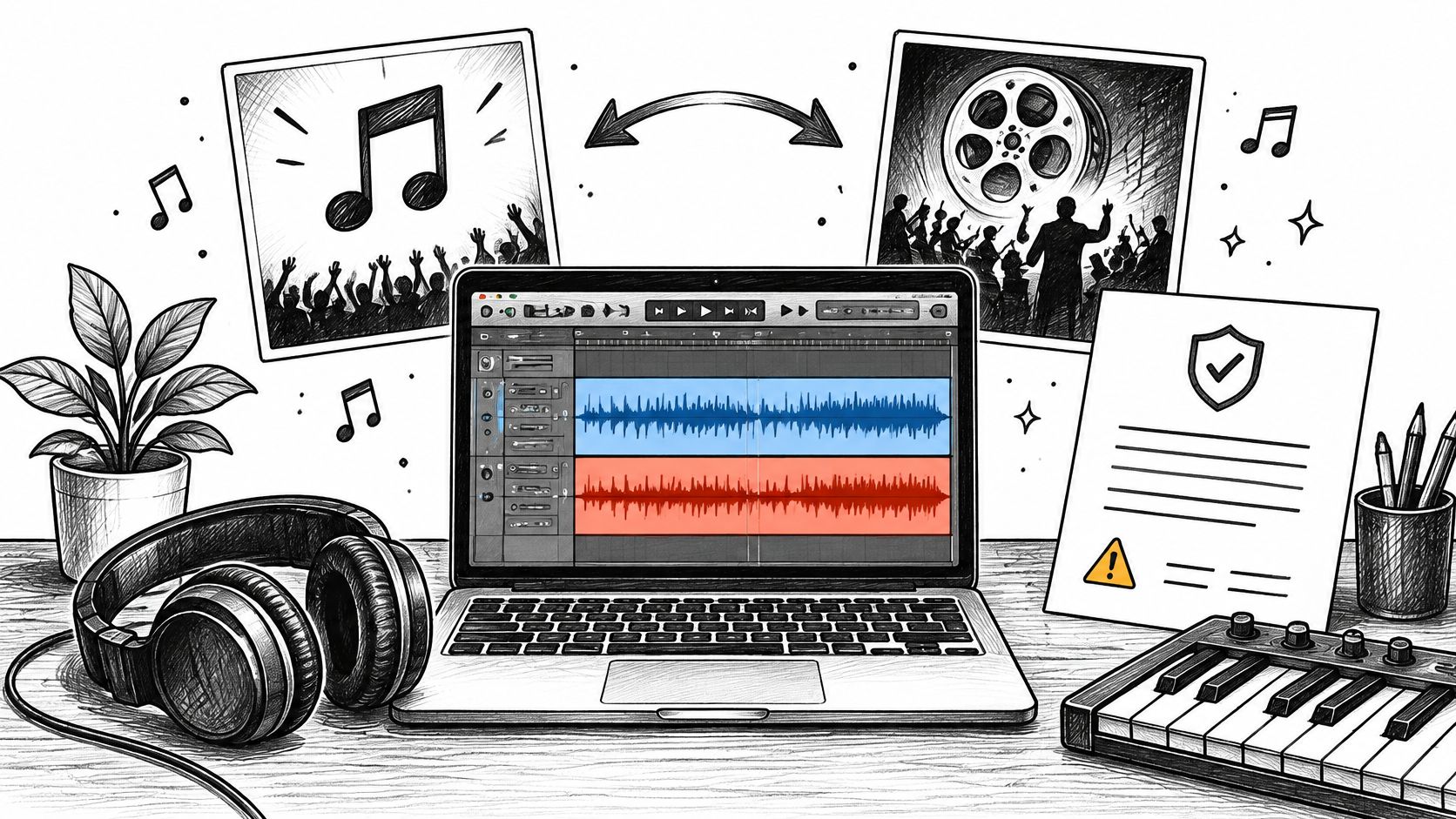
The edit is locked. The narration sounds right, the B-roll is graded, and the track you generated for the closing three minutes lands exactly where you wanted it. Then the video goes up on a monetized channel, and you open the license page for the first time.
That page matters more now than it did two years ago. Universal Music Group, Sony Music Entertainment and Warner Music Group sued Suno and Udio in June 2024 over unauthorized training data, and the fallout reshaped what these platforms let you do with your own files. Warner settled with Suno in November 2025 with licensed models promised and paid accounts required for downloads, as AI Business Weekly's account of the licensing shift lays out. Terms that looked generous on a free tier can shrink the moment money enters the picture.
So the eleven tools below get compared on the three things a narrated video needs: whether they produce songs or scores, what the license on your specific plan permits, and whether they fit a production workflow through stems, MIDI, APIs or export formats. Plenty of generators make a convincing demo. Fewer hand you a track that sits under a voiceover for ninety seconds without fighting the dialogue, and fewer still come with paperwork you can defend when a claim lands six months later. Each review ends with the use case that tool fits best, because the right pick for a vocal-driven promo is usually the wrong pick for a forty-minute tutorial.
Table of Contents
- 1. Vocuno
- 2. Suno
- 3. Eleven Music
- 4. SOUNDRAW
- 5. Stable Audio
- 6. AIVA
- 7. Loudly
- 8. Beatoven.ai
- 9. Mubert
- 10. Soundful
- 11. Boomy
- AI Music Generators at a Glance
- Matching the Tool to Your Workflow, and Checking the License First
1. Vocuno
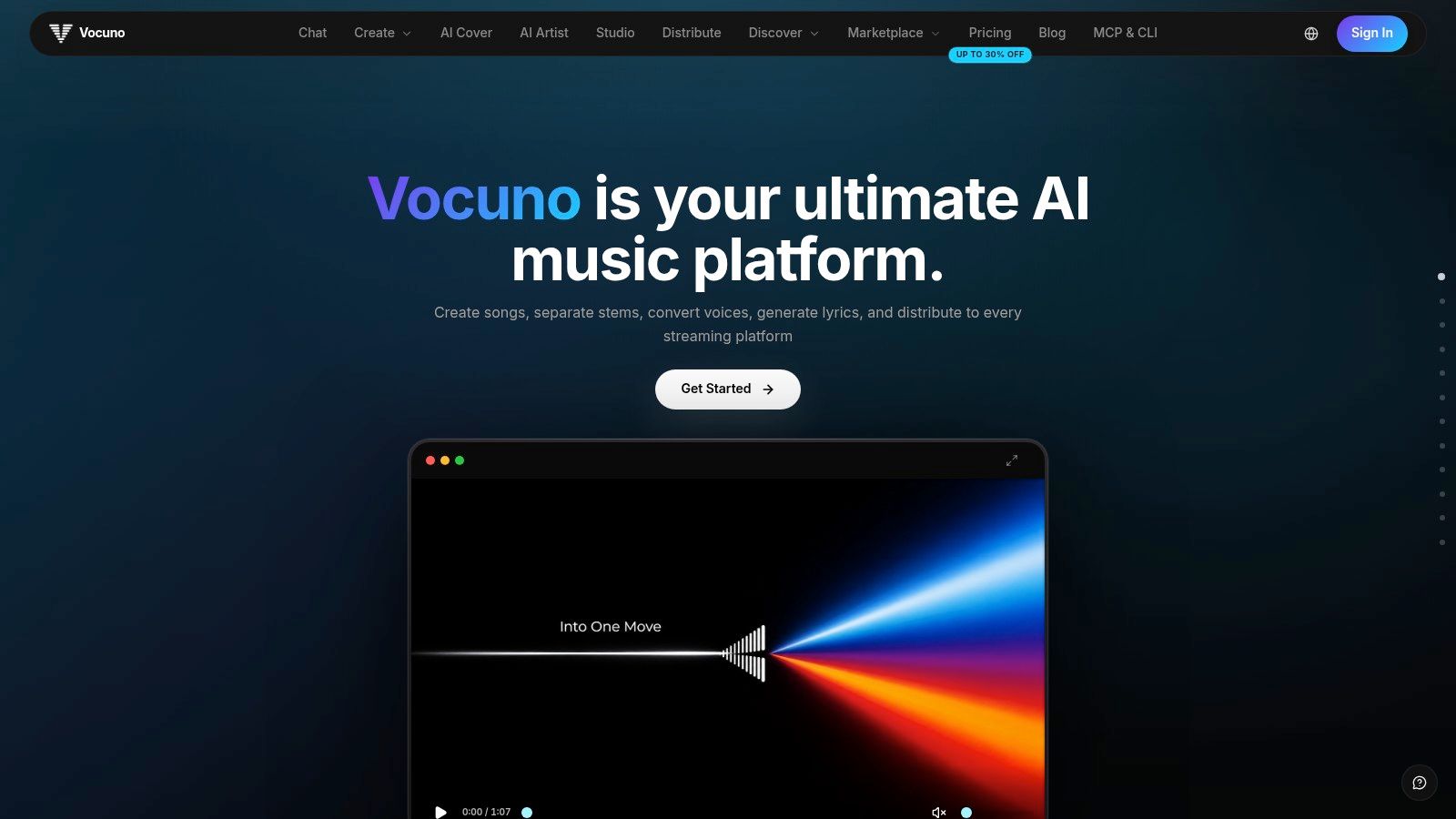
The slow part of scoring a video isn't generating music. It's the handoffs: an idea in one tool, vocals in another, stem separation in a third, MIDI in a fourth, and a license record somewhere in your downloads folder. Vocuno's AI music creation platform collapses that into one workspace, and that's the specific problem it solves rather than a vague promise about quality.
Vocuno generates full songs, writes lyrics, produces and clones vocals, separates stems, detects BPM, converts audio to MIDI and processes files without leaving the browser. Its engine integrations include Suno, ElevenLabs, Audimee, LALAL.ai, MusicGPT, MiniMax, Lyria 3 and YouTube, so you can combine outputs from several models in one prompt instead of paying for four subscriptions. Multi-engine workspaces exist because no single model wins every job, and the category is expanding fast: Growth Market Reports valued the AI music generation market at USD 410 million in 2024 and projected USD 3.87 billion by 2033.
The catch with any all-in-one studio
Combining engines inside one interface is convenient, not legal cover. A track made with Suno inside Vocuno is still governed by Suno's plan terms, and the same applies to every engine behind the buttons. The workflow is faster. The diligence isn't optional.
- Strongest for: creators who want song generation, stem work, MIDI and release in one place. Distribution reaches Spotify, Apple Music, YouTube Music, Deezer, Tidal, SoundCloud and Pandora directly from the workspace.
- Watch for: stacking multiple engine licenses in one project, and recording which engine produced the file you publish.
- Right choice when you're producing music as well as video and want the sketch-to-release path under one login instead of four.
2. Suno
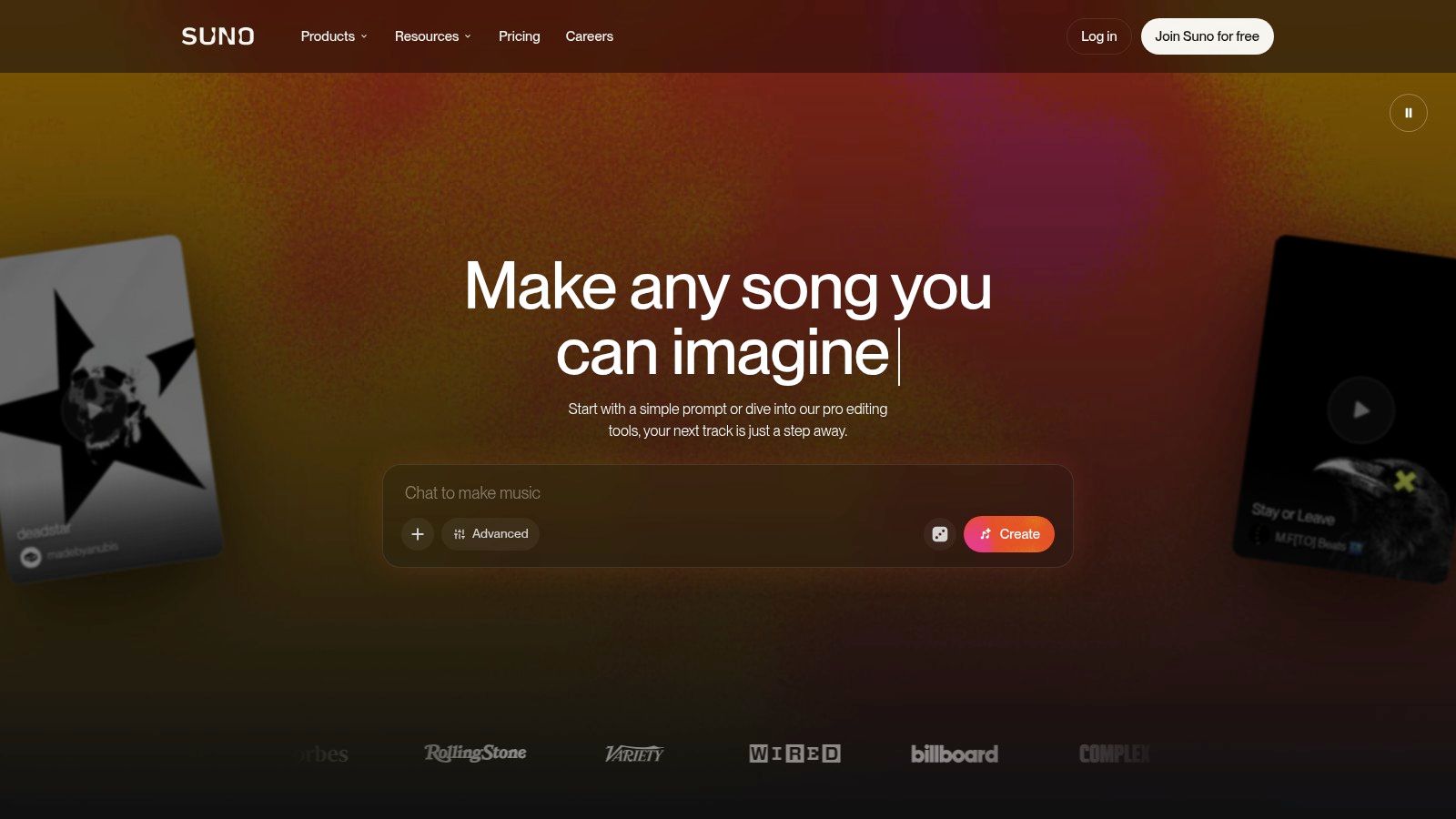
Suno is the tool that made this category mainstream, and it's still the reference point for vocal realism. It launched publicly in December 2023, and by May 2024 it had reportedly reached approximately 10 million users while raising $125 million in Series B financing at a valuation of about $500 million, according to iahunt's Suno profile. That scale explains why Suno has the deepest library of community prompt patterns of any generator.
For documentary work, the strength cuts both ways. Suno writes complete songs with verses, choruses and a vocalist, which suits a theme, a cold open or a stylized chapter break. It's the wrong tool for ninety seconds of unobtrusive bed under narration, because you'll spend more time carving the vocal out than you would generating something without vocals elsewhere.
- Use it for: title themes, vocal hooks, era pastiche, and any moment where the music is the scene.
- Skip it for: long underscore runs, where song structure fights the edit.
- Check before publishing: whether your tier covers the use you have in mind. Free output and paid output don't carry the same rights.
Complete songs usually need section edits or a loop rebuild before they sit under voice. Audio to video is the workflow to look at when the track leads and the visuals follow it.
3. Eleven Music
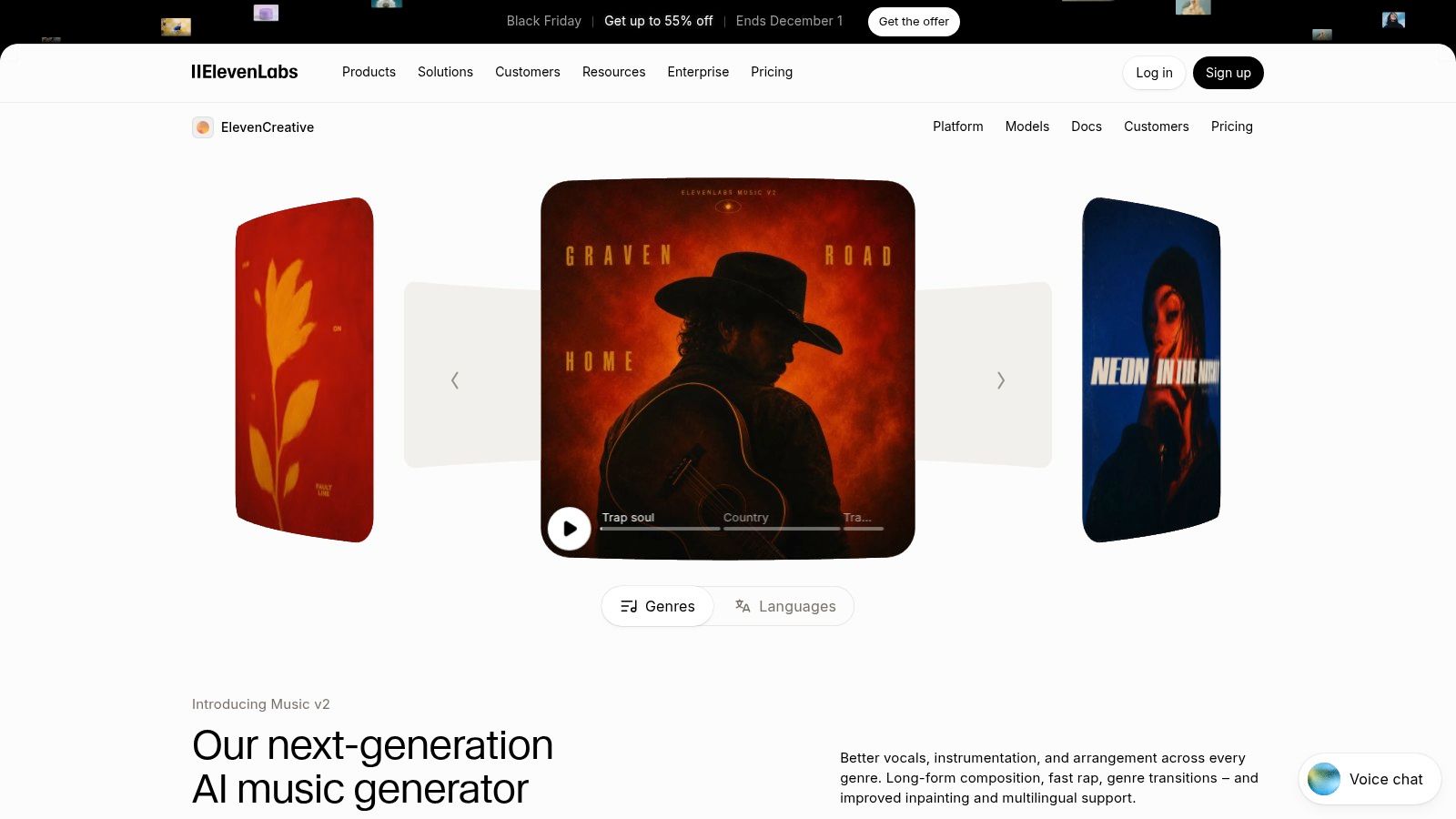
Eleven Music behaves like a production tool rather than a slot machine. You set genre, mood, instrumentation and structure, generate tracks with or without vocals, including multilingual vocals, then repair a section instead of rerolling the whole piece. The audio-reference input is the feature that saves time on a series: feed it the previous episode's cue and the new track stays in the same world.
What the plan terms actually say
Plan terms differ by tier, so read the license attached to the specific plan you pay for before any commercial or client work ships. Two things are true at once. A commercial-use permission is useful, and it doesn't settle everything.
Before you rely on any license: separate four questions. Are you permitted to use the output commercially? What ownership or license scope do you get? Was the model trained on authorized material? And are you responsible for prompts, uploaded references, or a voice that resembles a real artist? The Copyright Alliance's tracking of the 2025 AI music lawsuits makes the same point from the other direction: settlements push platforms toward licensed catalogs, they don't certify every generated file as claim-proof.
- Best fit: series work where you need consistent cue families plus API access.
- Watch for: which uses your plan permits, and how generation is metered, since usage limits vary by tier.
If you already use ElevenLabs for narration, my ElevenLabs review covers how the voice and music sides fit together.
4. SOUNDRAW
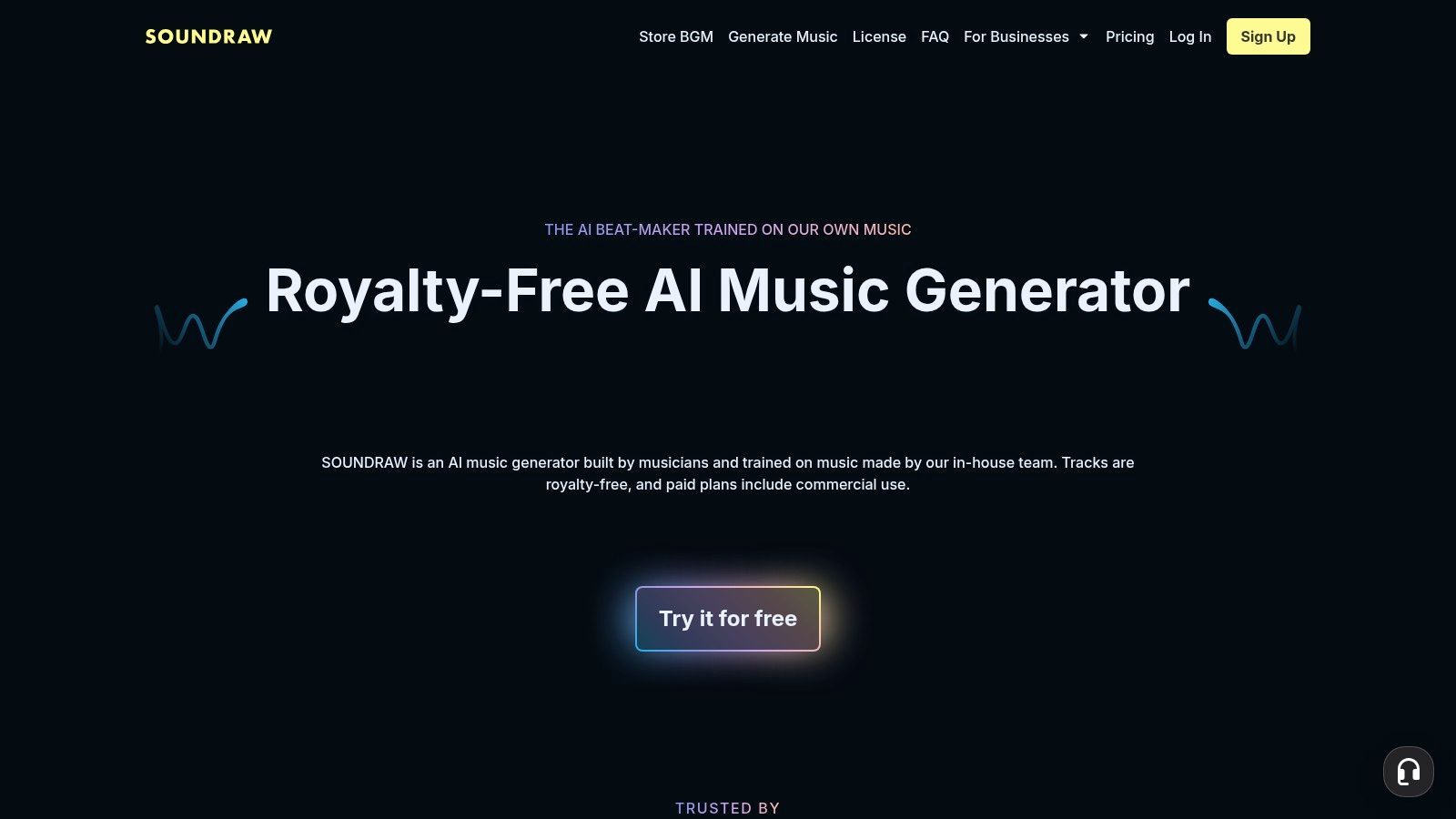
SOUNDRAW is built for the job most video producers have: background music, generated on subscription, licensed for media projects. You choose genre, mood, length and tempo rather than describing a song, and the result arrives with no vocal to fight your narrator. For repeatable scoring, that constraint is a feature.
Popularity tells you nothing about usability, which is why testing beats browsing. A 2026 peer-reviewed case study of Suno and Udio in Transactions of the ISMIR analyzed roughly 20,000 tracks from each platform and found median engagement of 1 like and 4 plays. Breakout tracks inflate the averages badly: Suno's mean was 204.88 plays against a median of 4. Generation volume and usable output are different measurements, and the second one is what your edit cares about.
Practical test: run at least 20 to 30 outputs against your real requirements. Instrumental consistency, loopability, emotional pacing, clean endings, and the absence of half-heard vocals matter more than whether a demo impressed you.
- Also check: whether the license covers client work and advertising, and whether modified versions must sound clearly different from the download.
- Workflow fit: strong for a recurring series that needs a cue library, weaker if you want to edit individual notes.
For the sourcing and placement side of this, see the guide to background music for documentary video.
5. Stable Audio
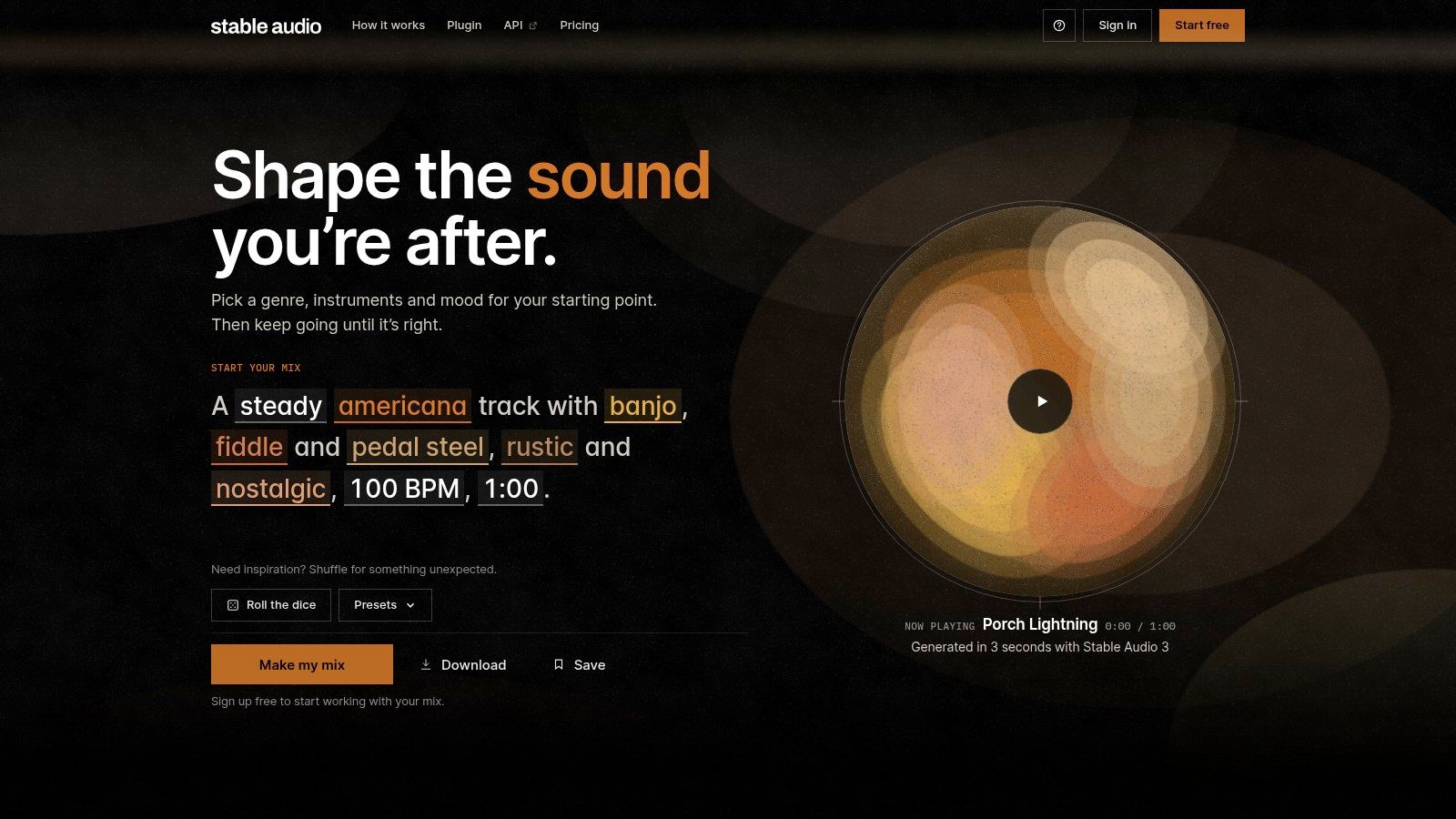
A map reveal or a timeline transition usually needs sound design rather than a score. Stable Audio covers both jobs in one place: music beds and sound effects, in a category where most generators only write songs. Tracks run up to six minutes according to its site, long enough to carry a chapter without stitching loops, and a browser mixer plus a DAW plugin mean you generate inside the session instead of exporting back and forth.
The pricing runs on credits, and credits are spent per generation, so audition ideas at short durations first and extend the one that works. That six-minute ceiling also shapes how you structure the video: build a single evolving bed per chapter rather than four separate cues that never quite match. For effects, the same logic applies. Generate the riser or room tone at the length the scene needs instead of trimming a longer render.
- Best for: atmospheric beds, transition risers, room tone and period ambience under narration.
- Less suited to: anything with a lead vocal, which the tool is not designed to deliver.
- Licensing: the site describes a commercial-license offering, so confirm what your tier includes rather than assuming free and paid rights match.
Pair it with a dedicated score tool: let that carry the body of the video, and use Stable Audio for the moments where sound design carries the scene. The open-weight models are the wildcard for long-running projects. If you have the hardware, running one yourself gives you version control that a hosted service can retire out from under you.
6. AIVA
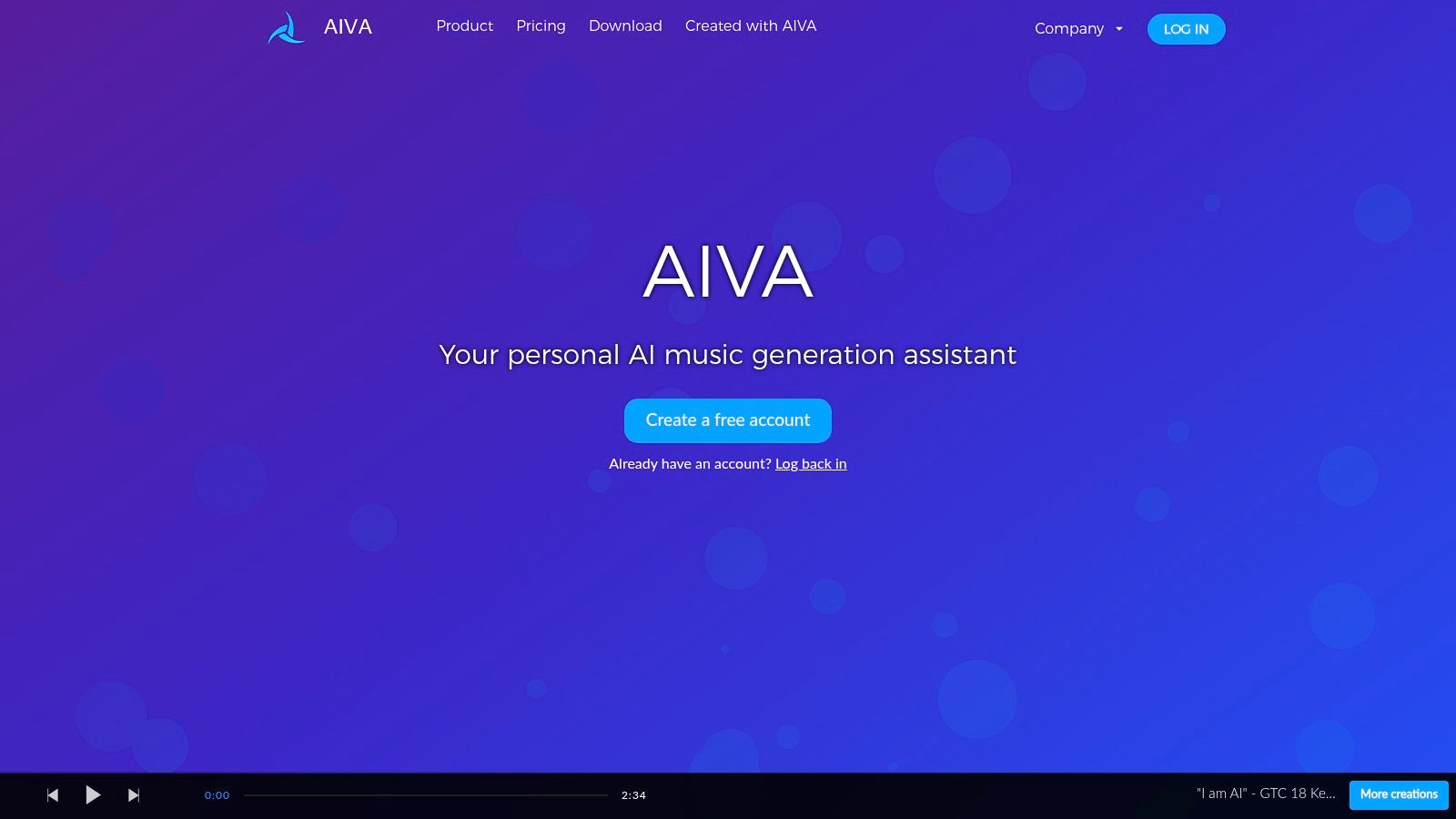
AIVA is the closest thing here to hiring a composer who hands over a score. It generates across more than 250 styles, exports MIDI on lower tiers, and lets you open the result in your DAW to re-voice it with your own libraries. For documentary that matters: a MIDI file lets you swap a thin string patch for a sampled one and keep the arrangement intact.
The plan structure is where people get caught. The free tier is non-commercial, requires credit, and limits downloads and track duration. The Standard plan's monetization is limited to named social platforms according to its pricing information, with broader rights reserved for Pro, which also adds WAV and additional formats. Paying for a mid-tier plan doesn't automatically make the composition exploitable anywhere.
- Use it for: cinematic and orchestral cues, historical scoring, and anything where you want the notes rather than just the audio.
- Skip it for: vocal tracks or finished, mixed songs.
- Workflow fit: excellent if someone downstream reads MIDI, unnecessary if nobody opens a DAW.
If your videos are assembled from stock footage and a script, the MIDI advantage evaporates. Pick by whether anyone will edit notes.
7. Loudly
Loudly pairs generation with remixing. The AI Song Remixer takes an uploaded track and produces variations, which is useful when a client wants the same cue in a lighter and heavier version for two cuts of one video. MP3 and WAV downloads are supported, with stems on higher tiers, and there's a separate developer API for programmatic generation.
Licensing is plan-dependent, and that's the deciding factor. Its FAQ explains that plan tiers affect generation, downloads and licensing, so the entry tier and the tier you need for monetized client work aren't the same purchase. API pricing sits apart from consumer subscriptions, which matters if you were planning to automate cue generation across a series.
- Use it for: alternate versions of a cue, sample-based work, and teams that want generation and stems in one account.
- Check first: whether your subscription's commercial scope covers client work, not just your own channel.
- Skip it if: you need orchestral-scale composition. Remixing favors loop-and-texture material.
One honest limitation: remixing an existing cue always sounds related to the original. If two clients in the same niche need music, generate separately rather than reworking one source, or the family resemblance will be audible across both channels.
8. Beatoven.ai
Beatoven.ai is aimed squarely at background music for content, which makes it the most natural starting point for narration-led video and podcasts. The product centers on generating licensed music for creators, and an audio-generation API exists for teams that want to automate it.
How to judge a background-score tool
Don't trust a demo. Recent research compared five text-to-music systems using standardized prompts and multiple audio-quality metrics, while a larger benchmark generated 6,000 songs from 12 state-of-the-art models and collected 15,600 pairwise comparisons from more than 2,500 human participants, as reported in this survey of text-to-music evaluation. The useful finding for a video producer is the gap: audio fidelity and prompt alignment can be measured, but "works under a narrator" mostly can't.
Build a two-column scorecard: rate each track for pleasant listening, then rate it again for usability under voiceover. The two columns produce different winners. A cue that's dull on its own often sits perfectly under narration, and a cue that's beautiful on its own often fights it.
- Best fit: documentary and podcast scoring where the music should disappear.
- Verify: current allowances and license language before monetized or client use, because creator-tool pricing changes faster than reviews do.
- Test: a two-minute narration pass at your normal dialogue level, not at demo volume.
9. Mubert
Mubert has been in generative music longer than most of this list, and its center of gravity is the API rather than the web app. That makes it interesting for a different reason: if you publish a daily or weekly show and want a fresh bed per episode without a human choosing one, programmatic generation is the only workflow that scales.
For hand-picked scoring, the appeal is thinner. You still audition, still check the license, and the output favors texture over structure.
- Use it for: automated background audio, ambient beds, and pipelines where an application selects the music.
- Confirm before adopting: whether the plan you're buying covers monetized YouTube uploads and client work, since plan-level commercial scope is exactly where these services diverge.
- Less useful for: theme music. Anything that needs a memorable hook belongs with a song generator.
The pattern worth noticing across this list is that API access and commercial rights are separate purchases. A tool can be technically perfect for automation and still licensed for personal listening only.
10. Soundful
Soundful is a browser-based generator aimed at creators, with no DAW required and a short path from idea to track. It's what you reach for when you need a background cue in ten minutes and don't want to learn a new interface.
That convenience is the whole pitch, and it's also the limit. Browser-first generators rarely give you the section-level control or stem access a long-form documentary needs when a cue has to duck under a specific line of narration or change energy at a map reveal.
- Use it for: quick ideation, social cutdowns, and testing a musical direction before you invest in a better-fitting tool.
- Verify before relying on it: current licensing terms and what your plan allows, particularly for client work and monetized uploads.
- Skip it if: you need stems, MIDI or repeatable settings across a twelve-part series.
A rule that applies to every tool in this bracket: generate two cues, take them into your actual edit, and see which survives contact with a narrator. The one that does is worth a subscription. The one that only sounds good in isolation isn't.
11. Boomy
Boomy is the fastest route from nothing to a finished song, built around a guided workflow that assumes no production experience. The catch for this audience is the format: it produces songs, not underscore, so it belongs in your kit for a title track or a stylized segment rather than a forty-minute narration bed.
Distribution and monetization terms are the part to read. Download availability, distribution rights and commercial use depend on your plan, and those conditions shift. Boomy's audience largely releases tracks to streaming platforms, which raises a question most generator comparisons skip: what happens when listeners can't tell, and don't know?
Public opinion has already moved. A Deezer and Ipsos survey found 97% of listeners could not distinguish AI-generated from human-composed songs, while a separate survey found 80% of people wanted both fully AI-generated and AI-assisted music clearly labeled, as CBC reported on the labeling debate. For a publisher, that argues for disclosure and a paper trail rather than silence.
- Use it for: quick song sketches and experiments, not long-form scoring.
- Check: distribution, download and monetization terms before any commercial release.
- Keep: a record of the generation date and the plan you were on when you made the file.
AI Music Generators at a Glance
Scan this table before you audition anything. The columns map to the three decisions that matter for narrated video work: what the tool produces (a vocal song versus a bed that sits under voiceover), how you reach it (browser, subscription, API, plugin), and what the license covers at the tier you would realistically pay for.
| Item | Best For | Access Model | Licensing Considerations |
|---|---|---|---|
| Vocuno | End-to-end AI music creation, editing, and distribution | Integrated online workspace with multiple AI tools and music distribution | Each engine's output follows that model's own plan terms, so the license depends on which engine produced the track |
| Suno | Quickly generating complete songs, themes, and vocal tracks | Online service with free access and paid plans | Commercial-use rights depend on plan and terms |
| Eleven Music | Generating and editing vocal or instrumental tracks | Website and API; free and paid access | Usage rights are tier-gated: free access suits personal projects, while commercial coverage sits in paid plans |
| SOUNDRAW | Instrumental music for recurring creator and media workflows | Subscription-based service with track downloads | Subscription license applies; check client-work, advertising, redistribution, and modification rules |
| Stable Audio | Instrumental atmospheres, music beds, and sound effects | Browser service, DAW plugin, and open-weight models; free and paid access | Commercial licensing is offered; check terms, plan allowances, and restrictions |
| AIVA | Editable, composition-oriented music and score-like tracks | Free and paid plans with varying export options | Rights depend on plan; free use is non-commercial, while other tiers have specific limits |
| Loudly | Generating music, remixing tracks, and creating alternate cues | Subscription service with a separately priced developer API | Commercial scope depends on the subscription tier, and API pricing is separate from consumer plans |
| Beatoven.ai | Background scores for narrated videos and podcasts | Music-generation service and audio API | The plan must explicitly cover monetized YouTube uploads and client-delivered videos, not just personal channels |
| Mubert | Background audio and automated music-generation workflows | Creator-facing service and developer API | Creator tiers target monetized YouTube and social channels; the API licenses automated generation inside your own product separately |
| Soundful | Quick browser-based music generation and background-track ideas | Browser-based service with paid access options | Pick the tier that explicitly covers monetized channels and client work rather than personal projects |
| Boomy | Song sketches and guided music creation for beginners | Direct online music-generation service | Download availability, distribution rights, and monetization depend on the plan |
Read the last column as a filter, not a footnote. The right tool on the wrong tier is still the wrong tool for client work.
Matching the Tool to Your Workflow, and Checking the License First
Pick by output type first, because that's the decision hardest to undo. Song generators (Suno, Boomy) write vocals and structure, which suits a theme, a cold open or a stylized chapter break. Score-oriented tools (SOUNDRAW, Beatoven.ai, AIVA, Stable Audio) produce beds that sit under a narrator without competing for attention, and they're the ones to audition for a twenty-minute documentary. API-accessible services (Eleven Music, Mubert, Loudly) earn their place when a series needs a cue per episode and nobody wants to choose it by hand.
Plenty of music makers already run AI somewhere in their process, and the split matters more than the adoption itself. Many use it for editing, cleanup and stem separation; a smaller share use it to generate the music itself. If you're in the second group, the choice of generator carries more weight, because the track it produces is the thing your audience hears and the thing your license has to cover.
A license checklist worth ten minutes
- Confirm plan-level commercial rights. Read the terms for the specific tier you're paying for, in full, rather than relying on the marketing summary.
- Confirm monetized and client coverage. Personal-channel rights and client-work rights are often different tiers, and advertising is frequently excluded from both.
- Confirm what happens if you cancel. Some licenses survive cancellation and some end with the subscription, which can retroactively put published videos in breach.
- Test one track end-to-end. Take a single cue through your real edit at real dialogue levels, check the ending and the loop point, then subscribe.
- Keep the evidence. Save the generation date, the plan, the license text and the prompt. If a claim arrives in eight months, that folder is your defence.
The contrarian version of this list: the best generator isn't the one with the most impressive demo. It's the one whose provenance you can document and whose terms cover the way you actually publish.
The fastest way to settle it is to stop reading and run one test. Take your next video, generate three candidate beds from two different tools, drop each under the same two minutes of narration at your normal dialogue level, and keep the one you forget is playing. Save the license record for that track in the project folder.
If you'd rather have the music step inside the same pipeline as script, narration and footage, Cliptude builds narrated documentary videos from a prompt, script or uploaded recording, with music and sound effects assembled in the same workflow, so the file you license is the file that renders.