Why Cliptude is the Best Vidrush.AI Alternative

The AI video world is moving fast, and creators are getting pickier about the tools they trust. It's not enough to just slap some stock footage together with a robot voice anymore. Audiences can tell. And if you're serious about building a documentary or video essay channel, you need a tool that can actually keep up with your vision.
Vidrush.AI has been around for a bit and it does a decent job of turning scripts into YouTube documentaries. But at $99 a month just to get started, a lot of creators are quietly wondering if there's something better out there. The answer is yes, and it's called Cliptude. I personally think Cliptude is the most complete AI documentary tool available right now, and I want to break down exactly why that is.
We've talked before about the best AI video creation tools available right now, so this post is going a step further and doing a real head-to-head comparison. Cliptude doesn't just match Vidrush.AI feature for feature. It goes further in almost every direction that actually matters for high-retention content.
What Vidrush.AI does (and where it falls short)
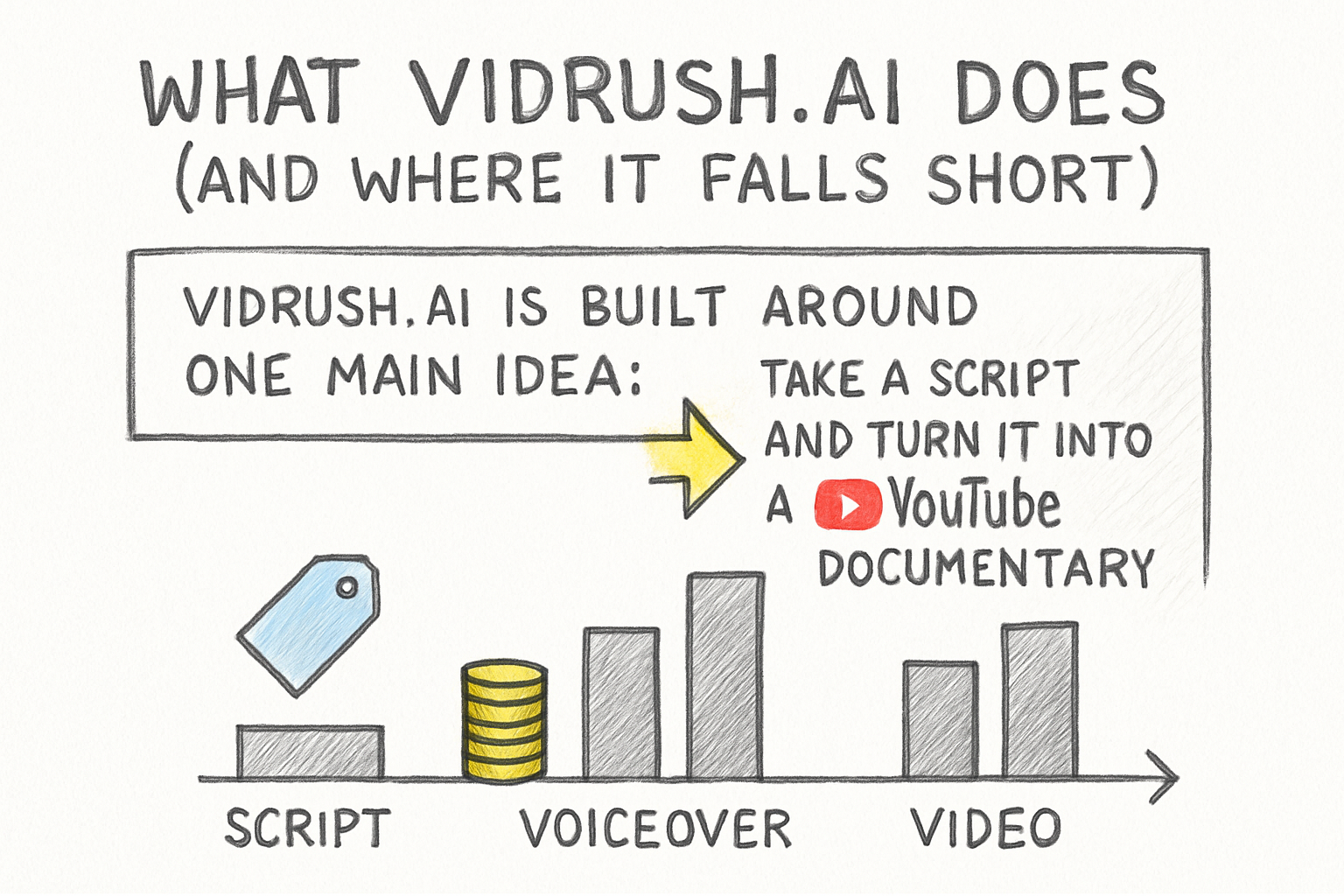
Vidrush.AI is built around one main idea: take a script and turn it into a YouTube documentary. You feed it your text, it generates a voiceover, pulls visuals, and assembles a video. For a lot of creators, that workflow sounds like a dream. And honestly, it works reasonably well for basic use cases.
But here's the problem. At its core, Vidrush.AI gives you a pretty limited set of visual styles. You're mostly working with standard footage-style output, and there isn't much room to push things in a different creative direction. If you want your channel to look distinct, you're a bit stuck. You get what the tool gives you.
The pricing is also a real barrier. Starting at $99 per month, it's priced for creators who already have income coming in. Someone just building their channel or testing out faceless video formats might not want to commit that much money before they've even found their niche. That feels like a risk that not everyone should have to take.
And when it comes to export, Vidrush.AI keeps you locked inside the platform. You get a finished video, but if you want to go in and make precise edits in your own editing software, you're mostly out of luck. For creators who care about polished, professional output, that's a serious limitation.
What makes Cliptude different for serious creators
A lot of you have asked about this, so let me walk through what Cliptude actually does. It's an AI video generation platform built specifically for long-form YouTube content, video essays, and documentaries. The whole pipeline goes from script to voiceover to visuals to sound design to final assembly. Every step is handled inside one system, but you stay in control the whole way through.
The feature that really separates Cliptude is its output modes. You've got six distinct styles to choose from, and two of them are genuinely unlike anything Vidrush.AI offers. The Illustration Video mode creates consistent 2D animation that actually holds together visually across a whole video, which is perfect for abstract topics like history, science, or economics. Then there's Cliptude 3D, which generates broadcast-quality cinematic environments. Think nature documentaries, not screen recordings.
Cliptude also builds in automated data visualization. That means if your narration talks about population growth or historical timelines, the platform automatically generates animated maps, charts, and timelines that sync with your voiceover. I remember watching a history documentary on YouTube and thinking how much work must have gone into those animated maps. Cliptude just does that for you.
On the audio side, you can upload your own recorded voiceover and Cliptude uses Whisper to transcribe it and sync it to the visuals automatically. There's also a Talking Head feature that composites your face onto an AI-generated background, which is great if you want to appear on camera without worrying about your filming setup. These aren't gimmicks. They're tools that let you make content that looks like it cost way more than it did.
The export feature that changes everything
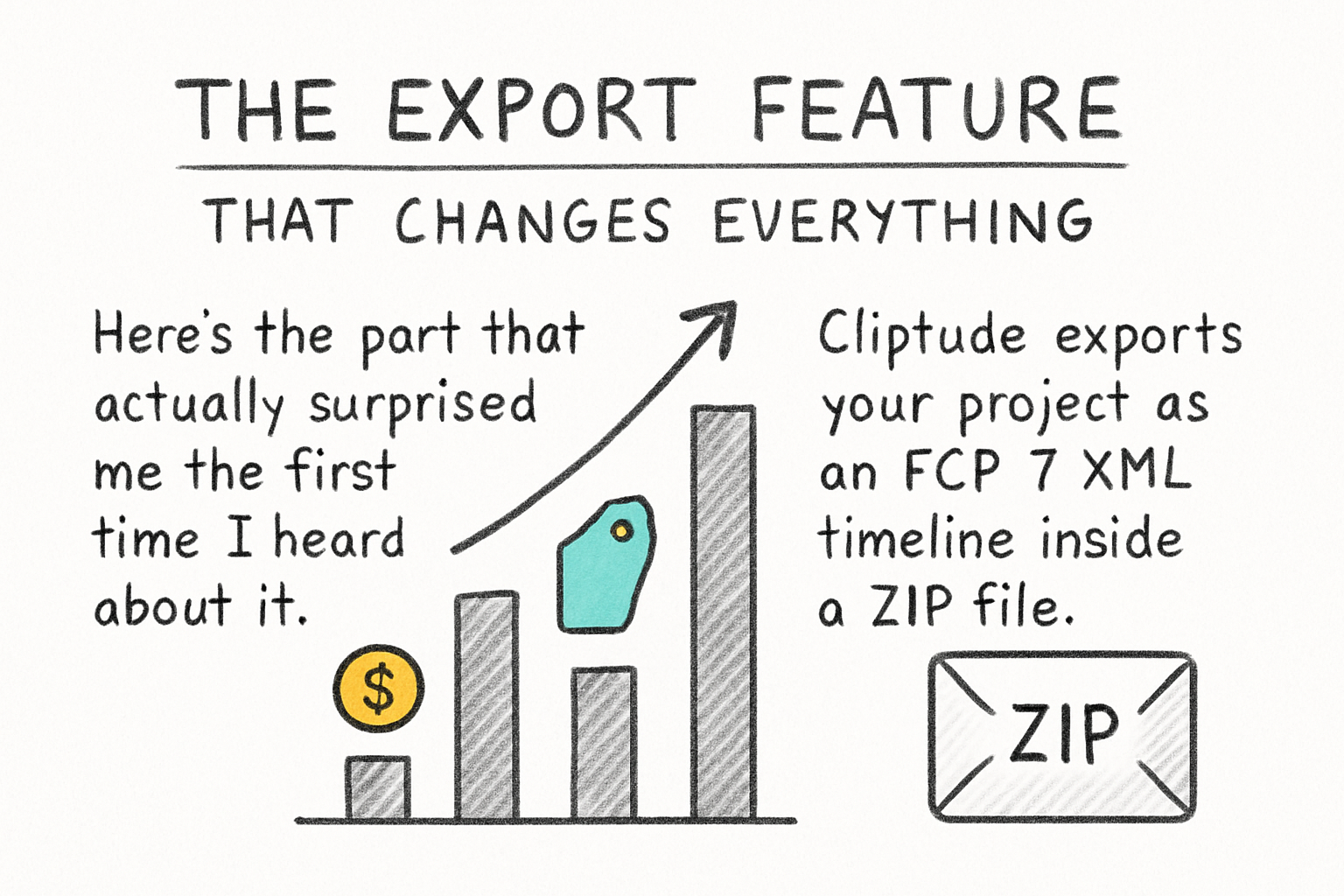
Here's the part that actually surprised me the first time I heard about it. Cliptude exports your project as an FCP 7 XML timeline inside a ZIP file. That means you can take your AI-generated project and open it directly in Premiere Pro, DaVinci Resolve, or Final Cut Pro X. Every clip, every cut, every audio track lands right where it should be in your timeline.
This is a huge deal. Most AI video tools treat the export as the finish line. You get a video file, and whatever the AI decided is what you're stuck with. Cliptude treats the export as a handoff. The AI builds the rough cut, and then you take it into your editing software and do whatever you want with it. Frame-by-frame tweaks, color grading, custom transitions, anything.
For creators who care about production quality, this is not a small thing. It's the difference between using an AI as a crutch and using it as a starting point. Vidrush.AI simply doesn't offer anything like this.
On pricing, Cliptude uses a credit system where roughly 55 credits equal one minute of video. At $99 per month, you get around 36 minutes of generated content. That's a comparable price to Vidrush.AI's starter plan, but with significantly more capability baked in. And it's honest about what you're getting. You know exactly what your budget produces. One quick note before we wrap up: Vidrush.studio is a completely separate, cheaper tool aimed at social media shorts and reels. Cliptude isn't competing with that. It's competing with Vidrush.AI, the premium version built for long-form YouTube, and that's the comparison that actually matters for documentary creators.
Ready to take the next step?
If you're a video essayist, documentary creator, educator, or faceless YouTube channel owner who wants content that looks like it came from a real production team, Cliptude is worth your time. It's built for people who want television-level output, not content farms churning out low-effort clips. The XML export alone makes it worth trying if you have any interest in doing manual edits after the AI does its job. Go ahead and leave a comment below if you have questions about how Cliptude fits into your workflow, or just check out Cliptude and start building your next documentary today.