9 Best Tools for Faceless YouTube Channels in 2026

A faceless channel succeeds or fails on two steps. First, you pick a niche and topic that already pulls views. Then you produce long videos on a steady schedule. Here is the short answer for each stage: use OutlierKit to find proven topics, Subscribr to script and package the video, and Cliptude to turn the script into a finished documentary.
The other six tools below fill the gaps, from free trend checks to full production platforms. They are grouped by stage, so you can build a stack that fits your budget and skip what you do not need.
The faceless channel stack at a glance
Stage 1: find a niche and topic that already pulls views
Most faceless channels fail here, before a single video is made. A topic that looks interesting to you may have no proven audience. The tools in this stage show you what viewers already watch, so you start with evidence instead of a guess.
1. OutlierKit: finding proven topics from small channels
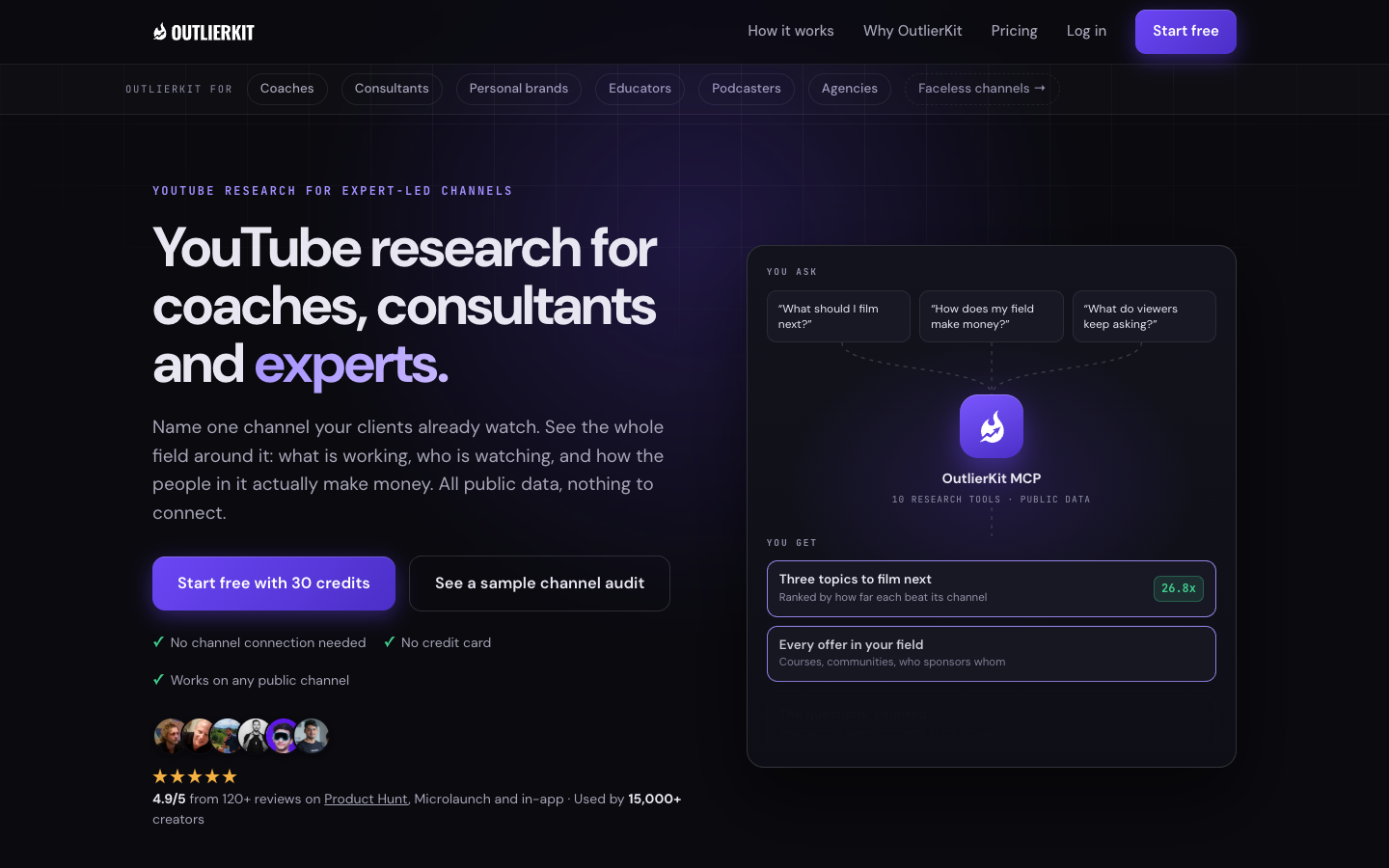
OutlierKit homepage.
OutlierKit is YouTube research for coaches, consultants and experts. You name one channel your audience already watches, and it maps the whole field around it: what is working, who is watching, and how the people in it make money. It runs on public data, so there is no channel to connect. Its outlier search ranks videos by how far they beat their own channel's typical views, so a small channel's breakout shows up as clearly as a big channel's, across an index of more than 50 million videos. Keyword and niche research with search volumes and single-channel competitor analysis are on every plan. On Pro and Max, Competitor Studio adds every offer in the field (lead magnets, courses, communities), the brands sponsoring it, and the questions viewers keep asking in comments. Its packaging and script tools write 16 titles ranked against real breakout videos, draft the description, hashtags and chapters, and score an unpublished script before you record. Pro and Max also include an MCP connector that lets Claude use the research tools, plus an API, and a free Chrome extension works with no account.
Best for: experts, coaches and the agencies that run their channels, and any serious faceless creator who wants to pick every topic from evidence.
Watch out for: it has no thumbnail designer, no video editor and no retention data. You still need a production tool from Stage 3.
Price: Hobby $49/mo, Pro $99/mo, Max $399/mo; annual $299, $599 and $1,999. Free trial with 30 credits, no card. There is no free plan. Rated 5.0/5 from 13 Product Hunt reviews.
2. NexLev: comparing faceless niches by RPM
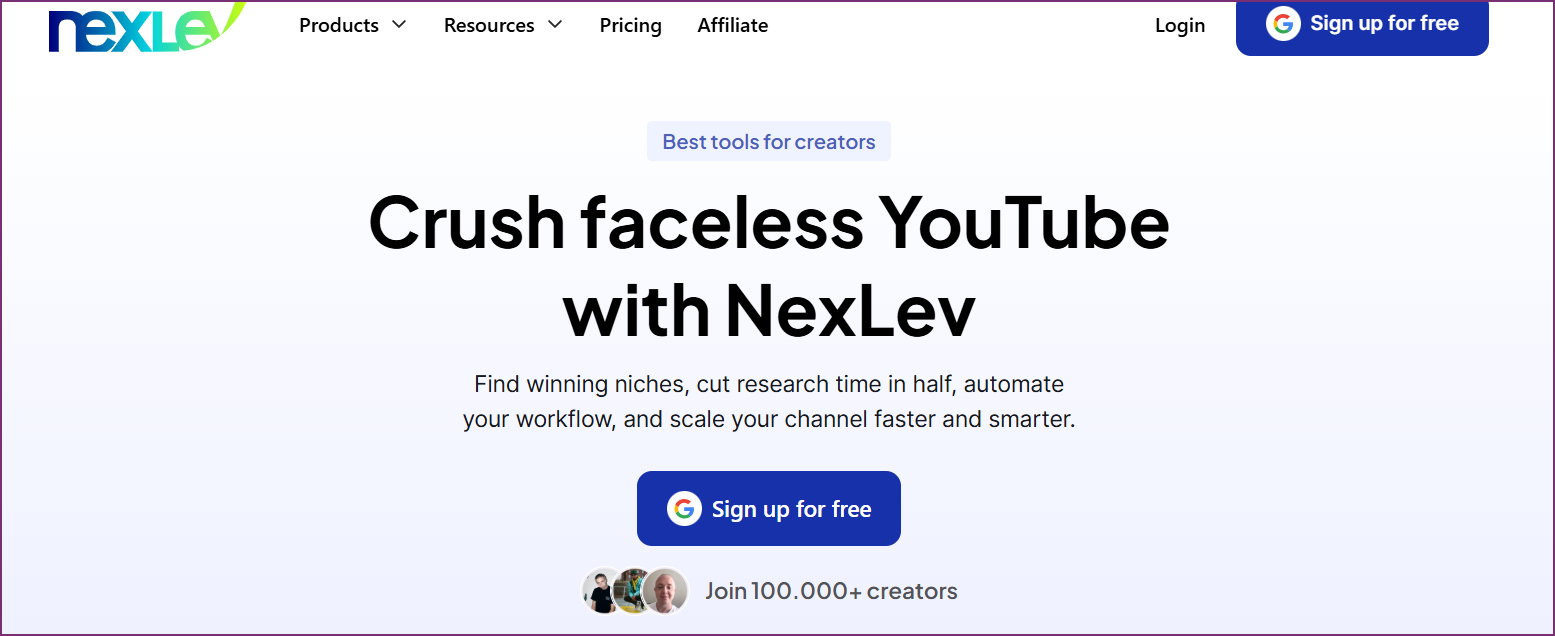
NexLev homepage.
NexLev is a niche finder built for faceless channels. It estimates RPM, so you can compare what different niches might earn per thousand views. The Lite plan is a Chrome extension, and Pro adds the Niche Finder web platform. Both plans include an MCP connection.
Best for: faceless creators who want to shortlist niches with earning potential in view.
Watch out for: prices only appear after you sign up, so you cannot compare cost before you create an account.
Price: shown after signup. Rated 4.0/5 from 59 Trustpilot reviews.
3. 1of10: studying how winning videos are packaged
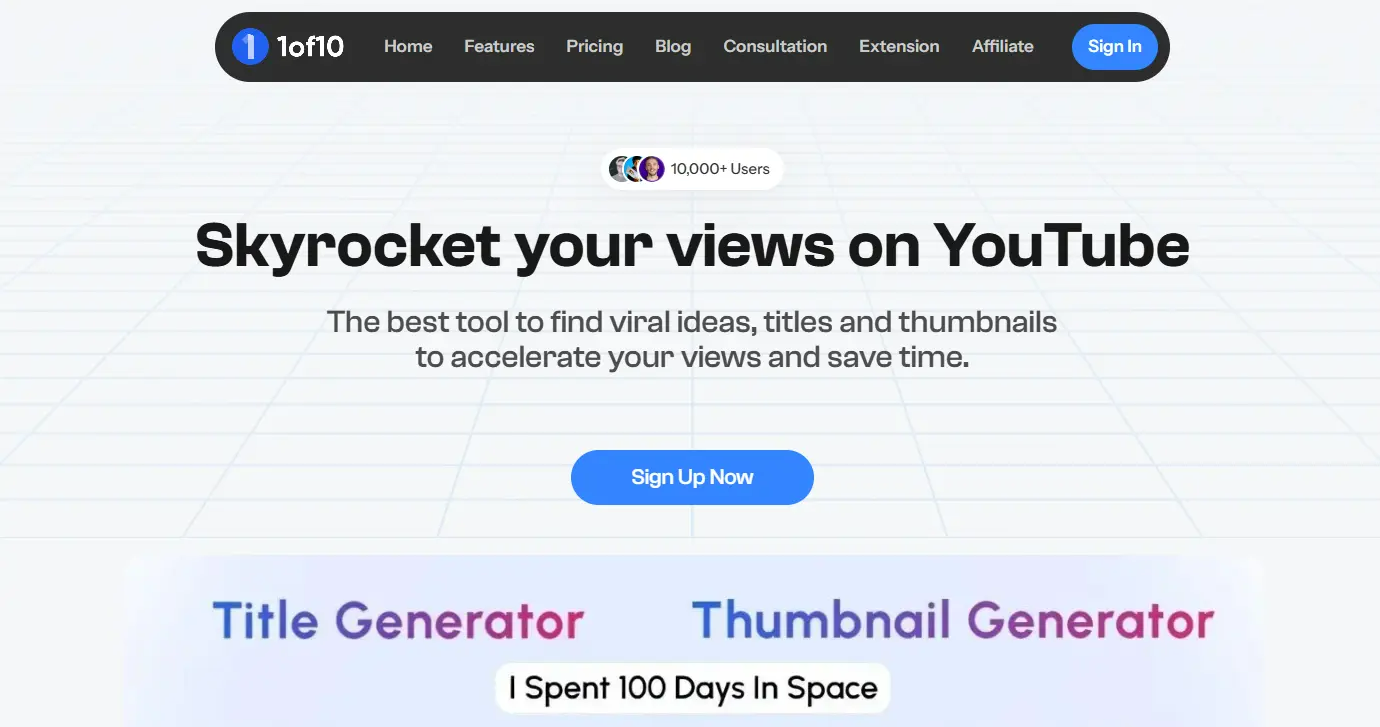
1of10 homepage.
1of10 is a research tool focused on outliers and thumbnails. It runs as a Chrome extension and a web app, and adds AI tools for thumbnails and titles. Research tools do not use credits, while the AI tools do.
Best for: creators who learn by studying thumbnails and titles that already won.
Watch out for: the free plan caps research at 5 results, which is thin for a full niche scan.
Price: free plan with 60 credits a month. Basic $19/mo or $180/yr; Pro $89/mo or $828/yr. 7-day money-back guarantee. Rated 4.1/5 from 30 Trustpilot reviews.
4. Google Trends: checking whether a topic is rising or fading
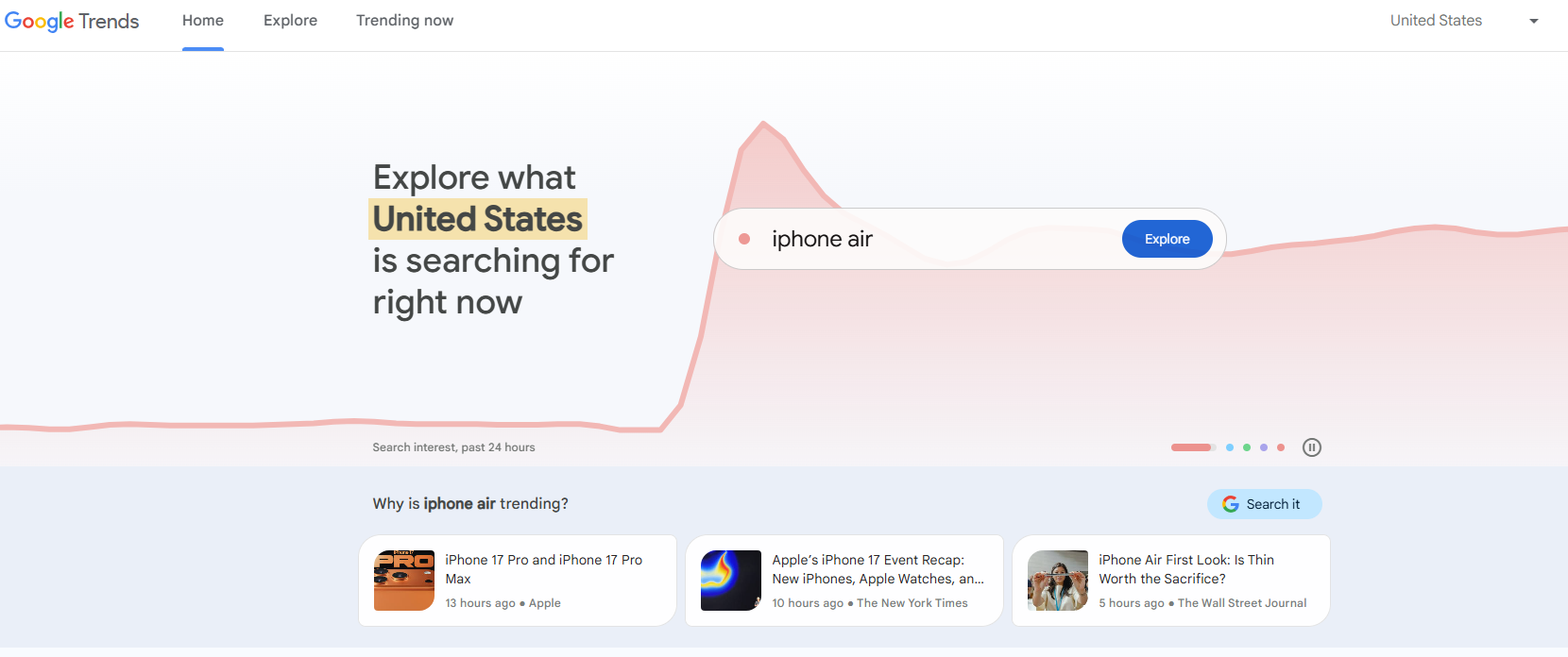
Google Trends homepage.
Google Trends shows how interest in a topic changes over time and across regions. Set the search type to "YouTube Search" to see YouTube interest instead of web search. You can compare several topics side by side.
Best for: a quick, free check before you commit to a topic or a series.
Watch out for: it shows relative interest on a 0 to 100 scale, not real search volume. It tells you direction, not size.
Price: Free.
Stage 2: script and package the video
A proven topic still needs a strong script, title and thumbnail. Faceless videos lean hard on the script, because there is no face on screen to hold attention. These tools help you write it and frame it.
5. Subscribr: going from idea to script in one place
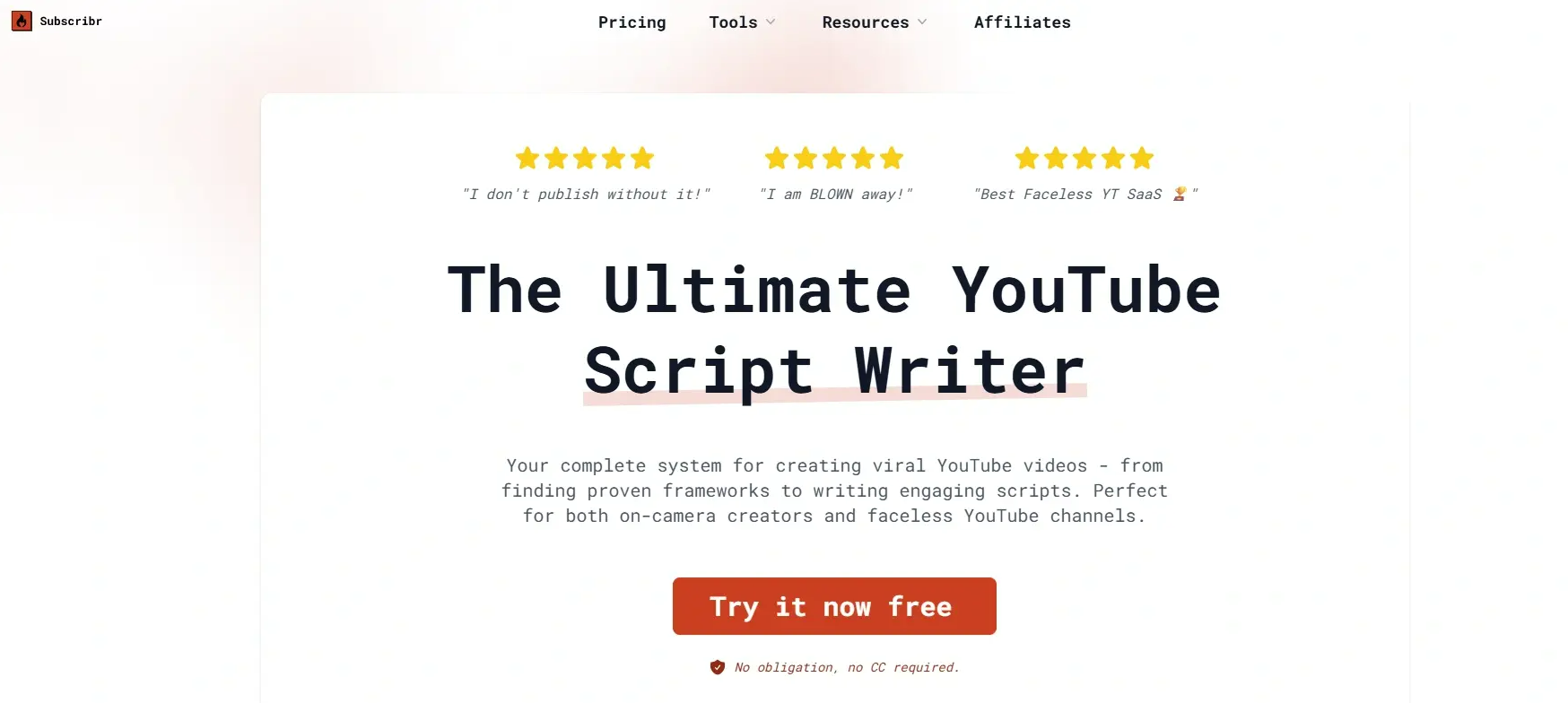
Subscribr homepage.
Subscribr covers the path from idea to video. It handles research, script writing, thumbnails and AI video. You can use it as your main scripting tool and pass the script to a dedicated production tool.
Best for: creators who want ideas, scripts and thumbnails in one workspace.
Watch out for: paid plans start at $99/mo, a big step up from the free plan's limits.
Price: free plan with 1 channel, 3 idea batches and 10 intel searches a month. Growth $99/mo, Pro $249/mo, Max $499/mo. Rated 4.7/5 from 82 Trustpilot reviews.
6. UTubeKit: testing titles for free
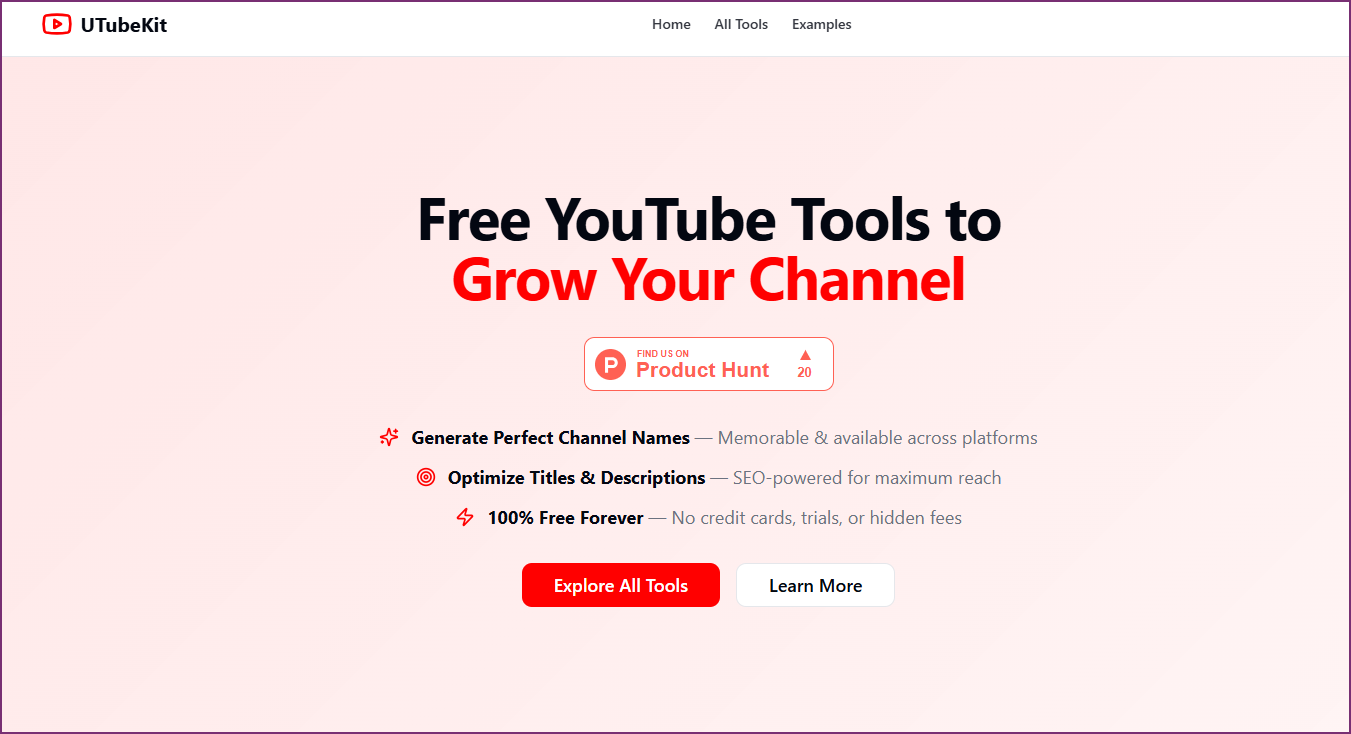
UTubeKit homepage.
UTubeKit is a free toolkit for YouTubers. Its title analyzer scores a title for click potential, readability and SEO. You do not need an account to use it.
Best for: new channels on a zero budget that want a second opinion on titles.
Watch out for: it scores titles against general rules, not against videos that broke out in your niche.
Price: Free.
7. vidIQ: keyword scores and AI ideas in a broad suite
vidIQ homepage.
vidIQ is a broad creator suite. It gives keyword scores, competitor tracking, AI video ideas and coaching, plus a Chrome extension. You can use it to check keywords for titles and descriptions as you package each video.
Best for: creators who want one familiar tool for keywords, ideas and channel tracking.
Watch out for: AI features draw from one monthly credit pool. There are no top-ups, and unused credits do not roll over.
Price: free plan. Boost $19/mo or $199/yr; Max $49/mo or $468/yr. Rated 4.5/5 from 11.3K Chrome Web Store ratings and 3.8/5 from 1,369 Trustpilot reviews.
Stage 3: produce the video
Long faceless videos take hours to edit by hand. Consistency is where most channels stall, so this stage is about turning a script into a finished video without burning out. Both tools here produce full videos. They differ in focus and in how you pay.
8. Cliptude: long documentary-style videos from a script
Cliptude.
Cliptude is an agentic AI video generator for faceless YouTube videos of 6 to 60 minutes. It turns a prompt or script into a documentary-style video with voiceover, footage, animated maps and data charts. AI agents plan each scene, and you review the plan and the credit estimate before it renders. You can paste your own script or upload your own voiceover. It also offers an MCP server, a CLI and an API.
Best for: documentary, history and explainer channels that publish long videos and want to approve the plan before they spend credits. You are charged only after a successful render.
Watch out for: credits scale with length. A one-hour video uses about 900 credits, so long weekly uploads can outgrow the Starter plan fast.
Price: from 22 credits a minute with your own voiceover. Plans start at Starter, with 1,100 credits a month (about 50 minutes with your own voiceover). Check the site for dollar prices.
9. TubeGen AI: a full script-to-video platform
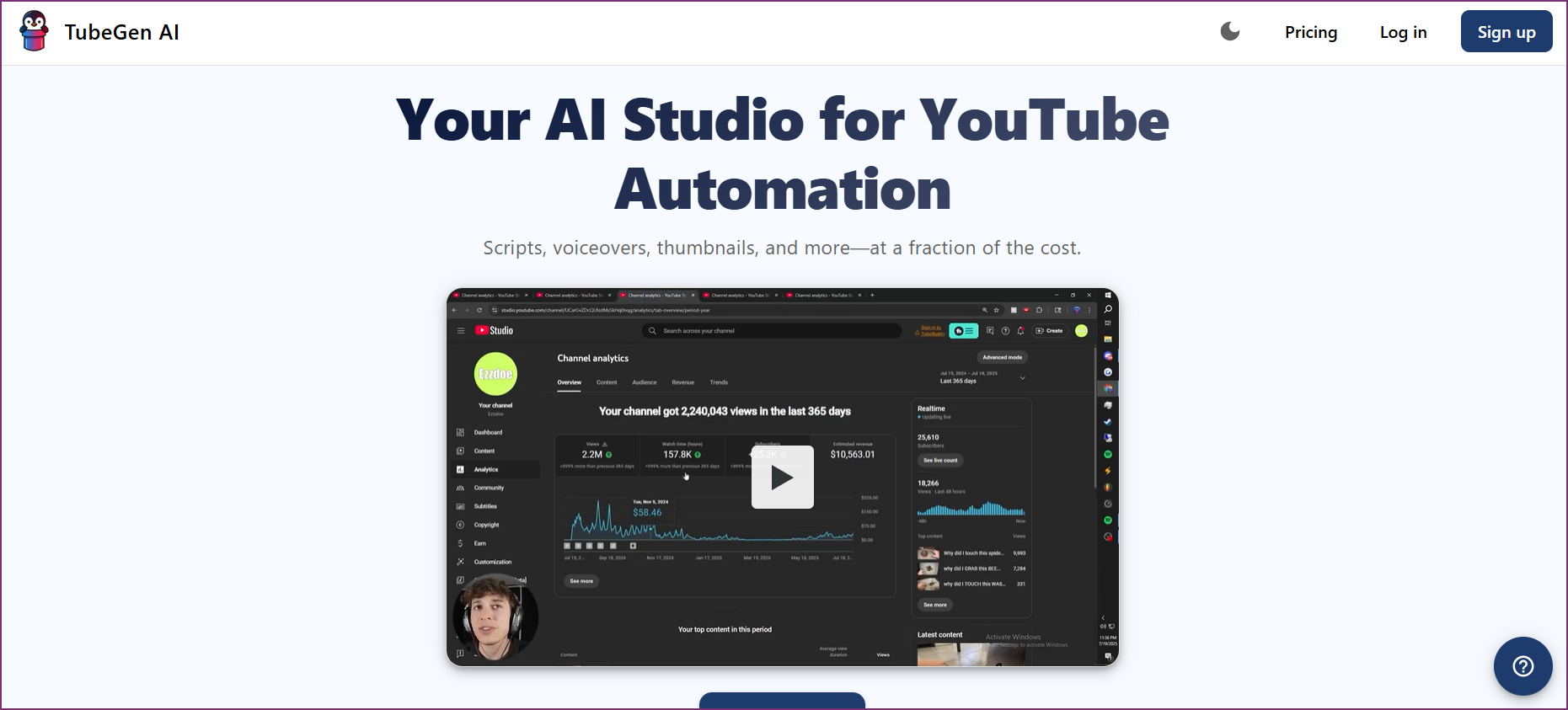
TubeGen AI homepage.
TubeGen AI is a full faceless video platform. It takes you from script to finished video in one place. A build-your-own plan lets you start smaller than the main tiers.
Best for: creators who want one platform to handle the whole production step.
Watch out for: there is no free trial, and its terms say "we do not offer refunds". You pay before you can test it.
Price: Starter $149/mo, Pro $297/mo, Premium $849/mo, plus a build-your-own plan from $27/mo.
How to choose a faceless niche before you buy anything
Production tools are the biggest cost in this stack. Validate the niche first, then pay for production.
- Start with three to five candidate niches. Pick topics you could research for a year without getting bored, such as history, science explainers or Top 10 lists.
- Look for outliers on small channels. A big channel's hit can come from its audience size. A small channel's breakout shows the topic itself pulls views. Check whether several small channels have breakouts, not just one.
- Check RPM, but do not let it decide alone. A high-RPM niche with no outliers will earn little. Use RPM to break ties between niches that already show demand.
- Count how many videos you can make in a year. List real topics, not vague themes. If you cannot write 50 specific titles, the niche is too narrow for a steady schedule.
- Test before you scale. Publish a small batch on your strongest topics and compare results before you commit to a large production plan. A tool like OutlierKit can rank which topics to test first.
Mistakes that sink new faceless channels
- Choosing a niche by RPM alone. High pay per view means nothing if nobody watches. Demand comes first.
- Copying a big channel's topic without its packaging. The topic is only half the result. The title, thumbnail and hook did the rest, so study all three.
- Buying production before research. A fast video tool will just help you publish the wrong videos faster.
- Posting in bursts, then going quiet. Pick a schedule your budget and credits can sustain for months, not weeks.
FAQ
What is the best AI tool for faceless YouTube videos?
It depends on the stage. For production, Cliptude suits long documentary-style videos where you want to review the scene plan first, and TubeGen AI suits creators who want one script-to-video platform. For research, start with an outlier tool so the AI produces videos on topics that already pull views.
How do I find a profitable faceless YouTube niche?
Look for topics where small channels have videos far above their usual views. Then compare RPM estimates across your shortlist and check that you can list enough real video ideas for a year. Google Trends set to "YouTube Search" shows whether interest is rising or falling.
Can I start a faceless YouTube channel with free tools?
Yes, for research and packaging. Google Trends and UTubeKit are free, and vidIQ, 1of10 and Subscribr have free plans. Production is harder to do free, so plan your budget around that step.
How long should faceless YouTube videos be?
Match the length to your niche and to the outliers you find in it. Documentary and explainer channels often publish long videos, which is why tools like Cliptude support 6 to 60 minutes. Check how long the breakout videos in your niche run before you choose.
Prices checked in October 2026; confirm on each tool's site before you buy.
About the author
Aditi researches what makes YouTube videos break out for coaches, consultants and expert-led channels, and publishes data-backed channel breakdowns and tool comparisons at outlierkit.com/resources.
Author: Aditi, Co-Founder, OutlierKit