How to Make Educational Videos That Actually Engage Viewers

Making an educational video sounds simple enough. You know the topic, you hit record, you talk. But then you watch it back and realize it feels flat, slow, or just kind of boring. You're not alone in that. A lot of you have asked about this exact problem, and honestly, it's one of the most common things new educators and content creators run into. The good news is that it's fixable, and you don't need a film degree to fix it.
The truth is, people don't stick around for information alone. They stick around because something about the video keeps pulling them forward. That might be the pacing, the visuals, the way the host talks, or even just a well-timed example. Great educational videos don't just teach. They hold attention while teaching. And there's a real difference between those two things.
This post is going to walk you through the parts that actually matter. We're talking about structure, audio and visuals, and how to keep people watching from the first second to the last. Whether you're making videos for a YouTube channel, an online course, or a classroom, these ideas apply. Let's get into it.
Start with a structure that works for real people
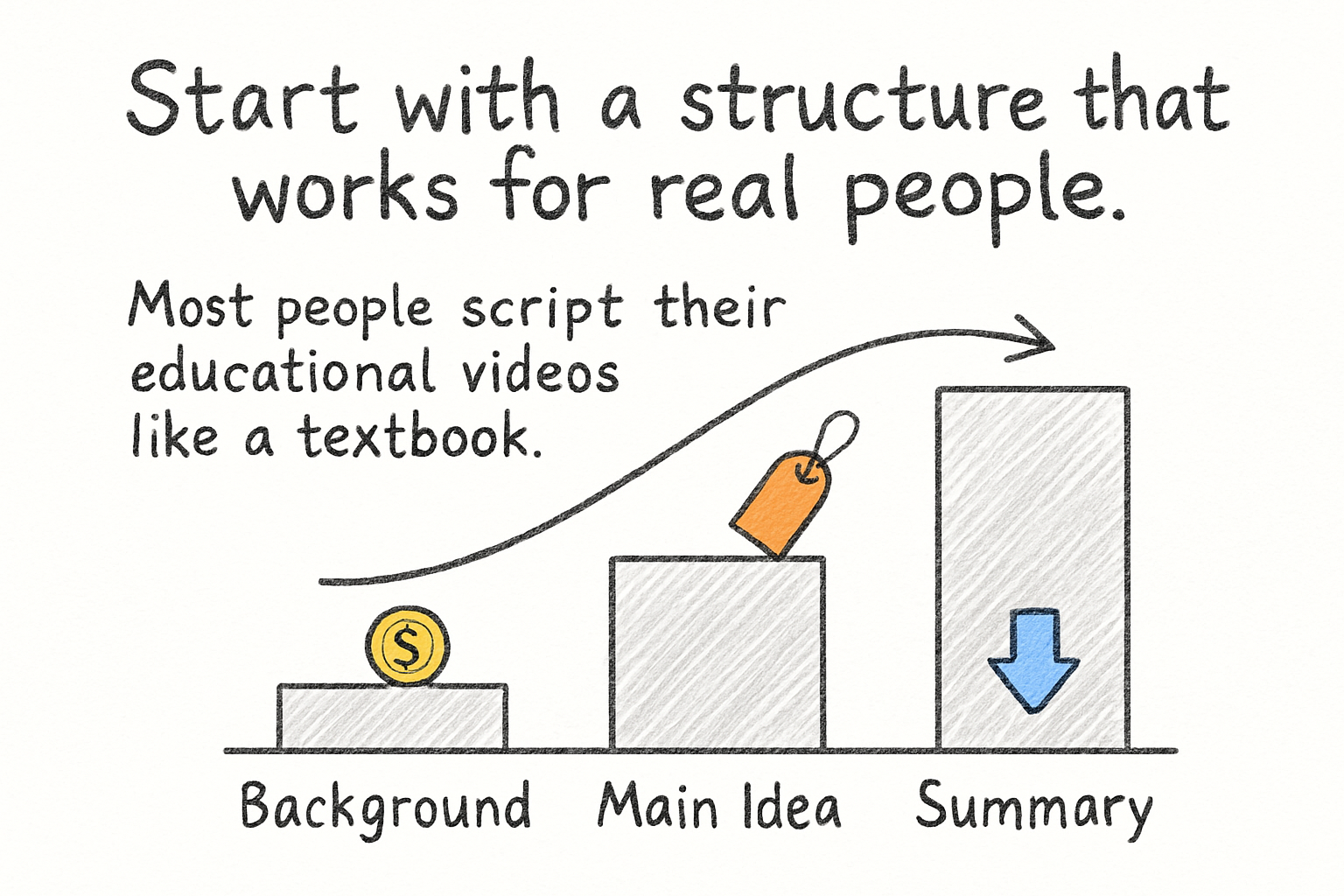
Most people script their educational videos like a textbook. They start with background, then move to the main idea, then wrap up with a summary. That approach works fine on paper. On video, it kills momentum before the viewer even gets warmed up. The better move is to open with something they care about right away.
Think about what problem your viewer is sitting with. Lead with that. Instead of saying 'Today we'll discuss photosynthesis,' try something like 'Ever wonder why plants can just sit in sunlight and survive without eating anything? Here's what's actually happening.' You've just given them a reason to keep watching. That small shift in framing does a lot of heavy lifting.
From there, keep your segments short. Humans don't learn well in long, unbroken stretches. Break your video into chunks, even if you're not switching topics dramatically. A change in camera angle, a quick on-screen graphic, or even a brief pause signals to the brain that a new idea is coming. It refreshes attention instead of draining it.
I personally think the biggest mistake educational creators make is underestimating how fast viewers decide to leave. You have maybe 30 seconds to convince someone your video is worth their time. Spending those 30 seconds on an intro animation and a channel subscribe reminder is a waste. Use that time to deliver something real, and save the housekeeping for later.
Audio and visuals matter more than you think
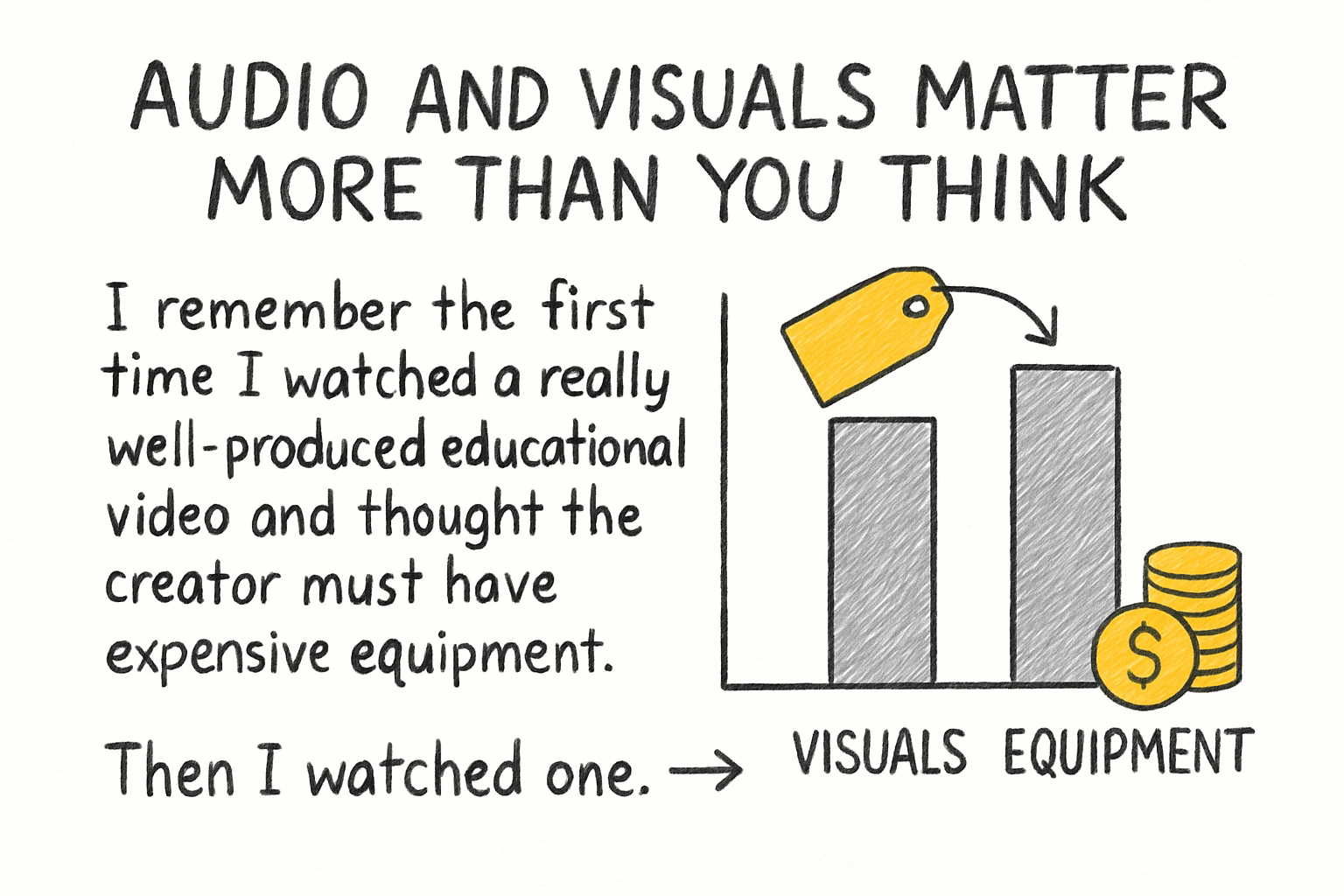
I remember the first time I watched a really well-produced educational video and thought the creator must have expensive equipment. Then I watched one with terrible audio from someone using a professional camera, and I clicked away almost immediately. That experience stuck with me. Audio quality is the thing people forgive the least. Bad visuals are annoying. Bad audio is unbearable.
If you're recording your screen while teaching software or a process, make sure your audio is clean and synced properly. Our guide on how to get sound on a screen recording covers the technical side of this in detail, but the short version is: use a decent microphone, record in a quiet room, and test before you commit to a full take. That alone puts your video ahead of most.
On the visual side, you don't need cinematic lighting or motion graphics to keep people engaged. What you do need is clarity. Text on screen should be easy to read. Graphics should explain, not decorate. If you want to add effects that highlight key moments or help the viewer follow along, our video editing effects guide for beginners is a solid place to start. Simple zoom effects, highlights, and callouts can do a lot without overwhelming the viewer.
One more thing worth saying: your delivery matters. Talking on camera like you're reading from a script drains energy from even the best content. Slow down, breathe, and talk to one person, not to an audience. It sounds like small advice, but it changes the whole feel of your video.
Keep viewers watching all the way through
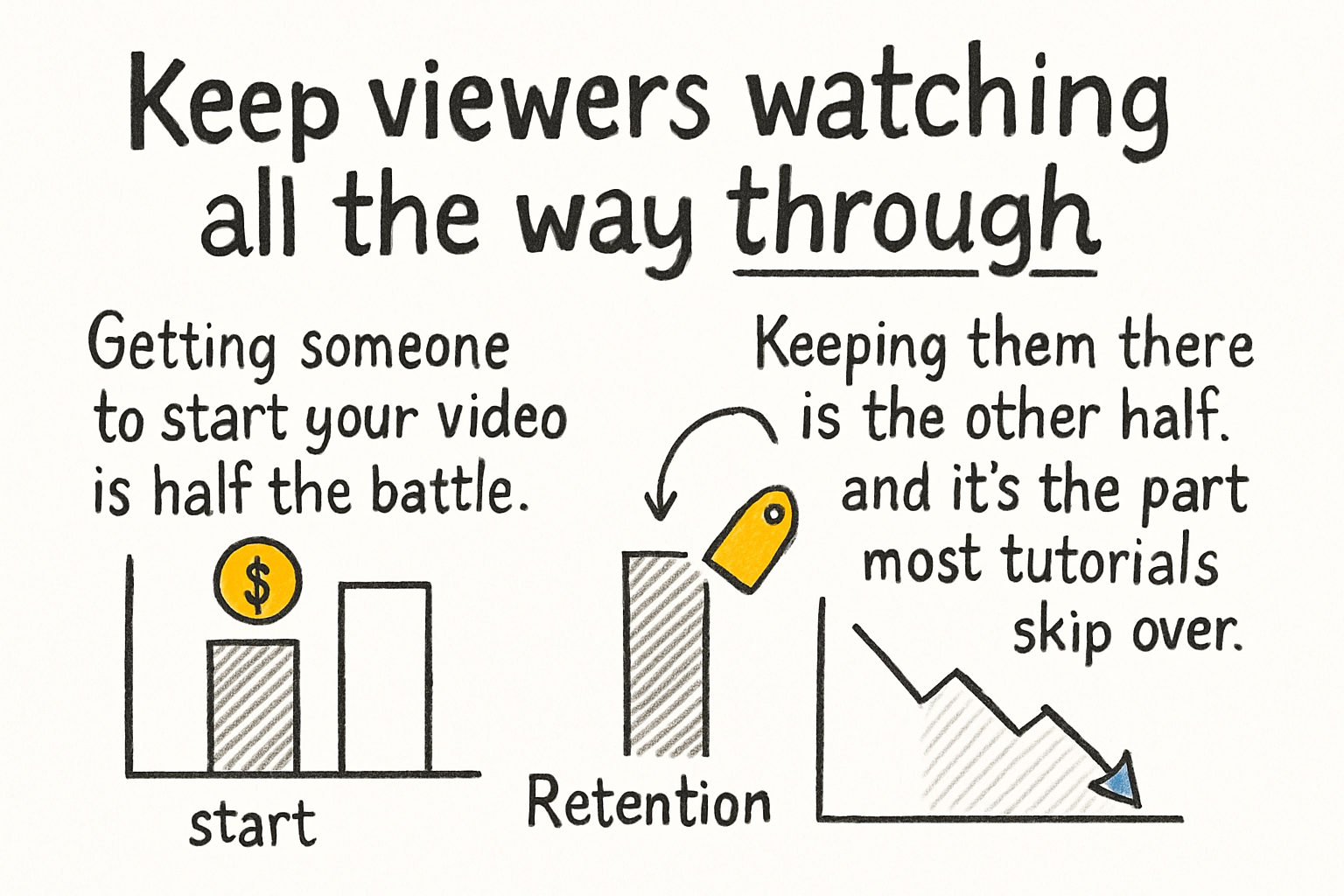
Getting someone to start your video is half the battle. Keeping them there is the other half, and it's the part most tutorials skip over. Retention is everything in educational content. If viewers leave at the two-minute mark, they didn't learn what you were trying to teach, and the algorithm doesn't reward you either. So how do you keep them?
One technique that works really well is something called the open loop. You hint at something early in the video and don't fully resolve it until later. 'By the end of this, you'll also understand why most people get this completely wrong.' That kind of setup creates a small itch in the viewer's brain. They stay because they want to see the payoff. It's not manipulative. It's just good storytelling.
Pacing is another factor that's easy to overlook. Watch your video back at 1.25x speed. If it still feels slow, it probably is. Most educational videos could trim 20 percent of their runtime and be better for it. Cut the throat-clearing, the repeated explanations, and the moments where you're clearly figuring out what to say next. Edit for the viewer's time, not your own comfort.
If you're uploading to YouTube, also think about the format you're exporting in. A video that loads slowly or looks pixelated loses viewers before the content even has a chance to do its job. Check out the best format for YouTube videos in 2026 to make sure you're not accidentally hurting your watch time with a technical issue. It's one of those behind-the-scenes things that quietly matters a lot.
Ready to take the next step?
Making educational videos that people actually watch and learn from takes some trial and error, but the basics aren't complicated. Start strong, sound clear, keep your pacing tight, and always be thinking about the viewer's attention span. If you want to keep improving your video skills, check out Cliptude for tools that make editing and optimizing your content a whole lot easier. And drop a comment below telling us what kind of educational videos you're making. We read them all and we'd love to hear what you're working on.