
Top platforms for AI-generated YouTube content

Making YouTube videos used to take a full production crew, or at least a weekend of frustration with editing software. That's changed fast. Right now, creators are building entire channels using AI platforms that write scripts, generate voiceovers, create visuals, and spit out a finished video in minutes. It sounds almost too good to be true, but it's genuinely happening every day.
A lot of you have asked about this exact topic, and I get it. Whether you're trying to start a faceless channel or just speed up your current workflow, knowing which platforms are worth your time matters. There are dozens of tools out there making big promises. Some deliver. Some don't. This post breaks down the top platforms actually being used to make AI-generated YouTube content right now, so you don't have to waste hours testing them yourself.
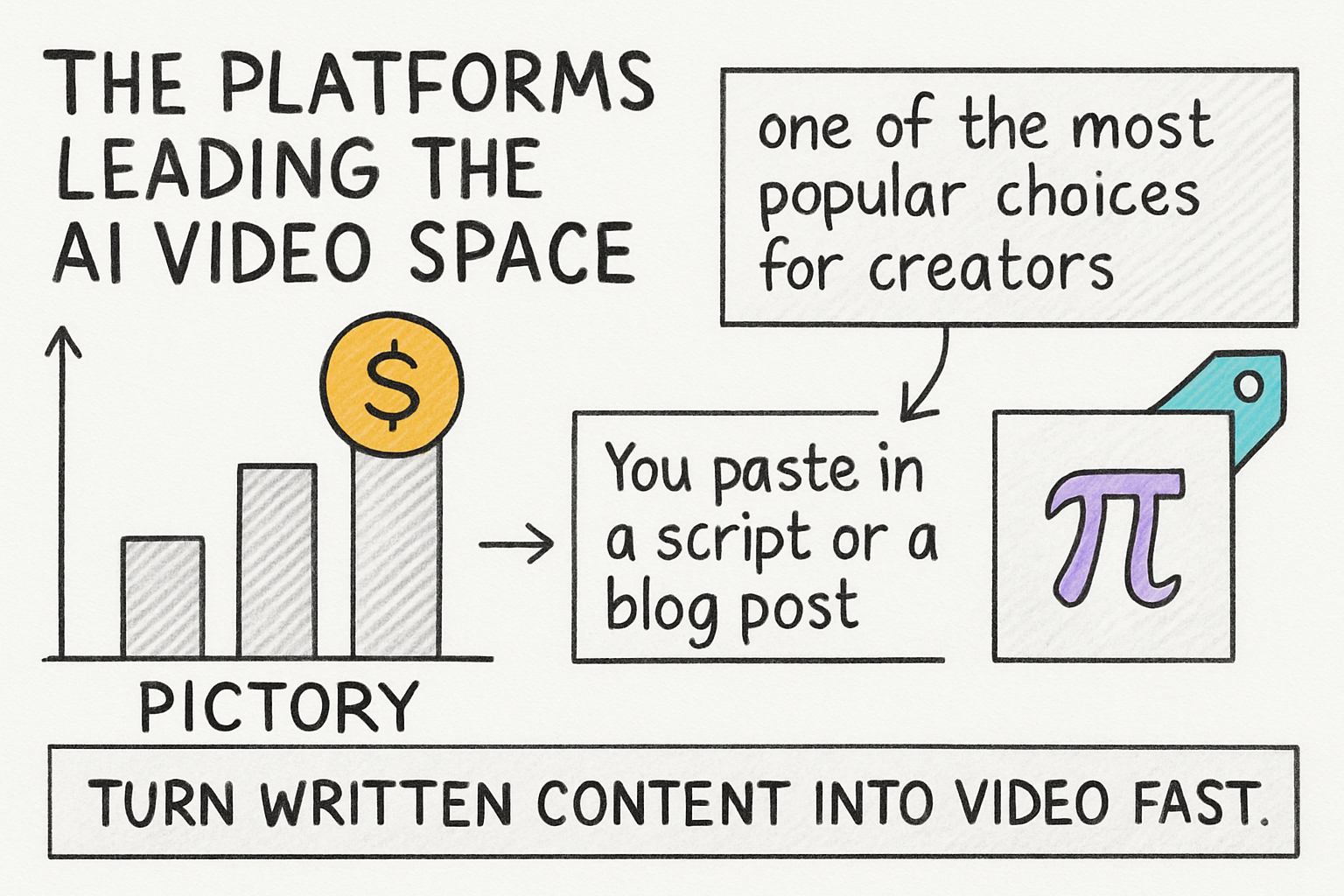
The platforms leading the AI video space
Pictory is one of the most popular choices for creators who want to turn written content into video fast. You paste in a script or a blog post, and Pictory pulls stock footage, adds captions, and syncs a voiceover automatically. It's not perfect, but for faceless content like news roundups or listicles, it gets the job done without much fuss. The free plan is limited, but the paid tiers are reasonably priced for what you get.
InVideo AI is another heavy hitter. What makes it stand out is the text-to-video prompt system. You literally type something like 'make a five-minute video about the benefits of cold showers' and it builds a full draft. The AI picks clips, writes a script, and adds narration. You can edit anything it creates, which is important because the first draft isn't always exactly what you want. Still, it cuts production time down dramatically.
Synthesia is the go-to platform when you want a human presenter on screen without actually filming yourself. You pick an AI avatar, type your script, and the avatar delivers it on camera. It's used a lot for tutorials, explainer videos, and corporate content. I personally think Synthesia's avatars are the most natural-looking in the business right now, even if a few of them still feel a little stiff around the eyes.
If you're newer to all of this and want a solid starting point, our breakdown of the best AI video generators for beginners covers some of these tools in more depth and gives you a clearer sense of what to expect from each one.
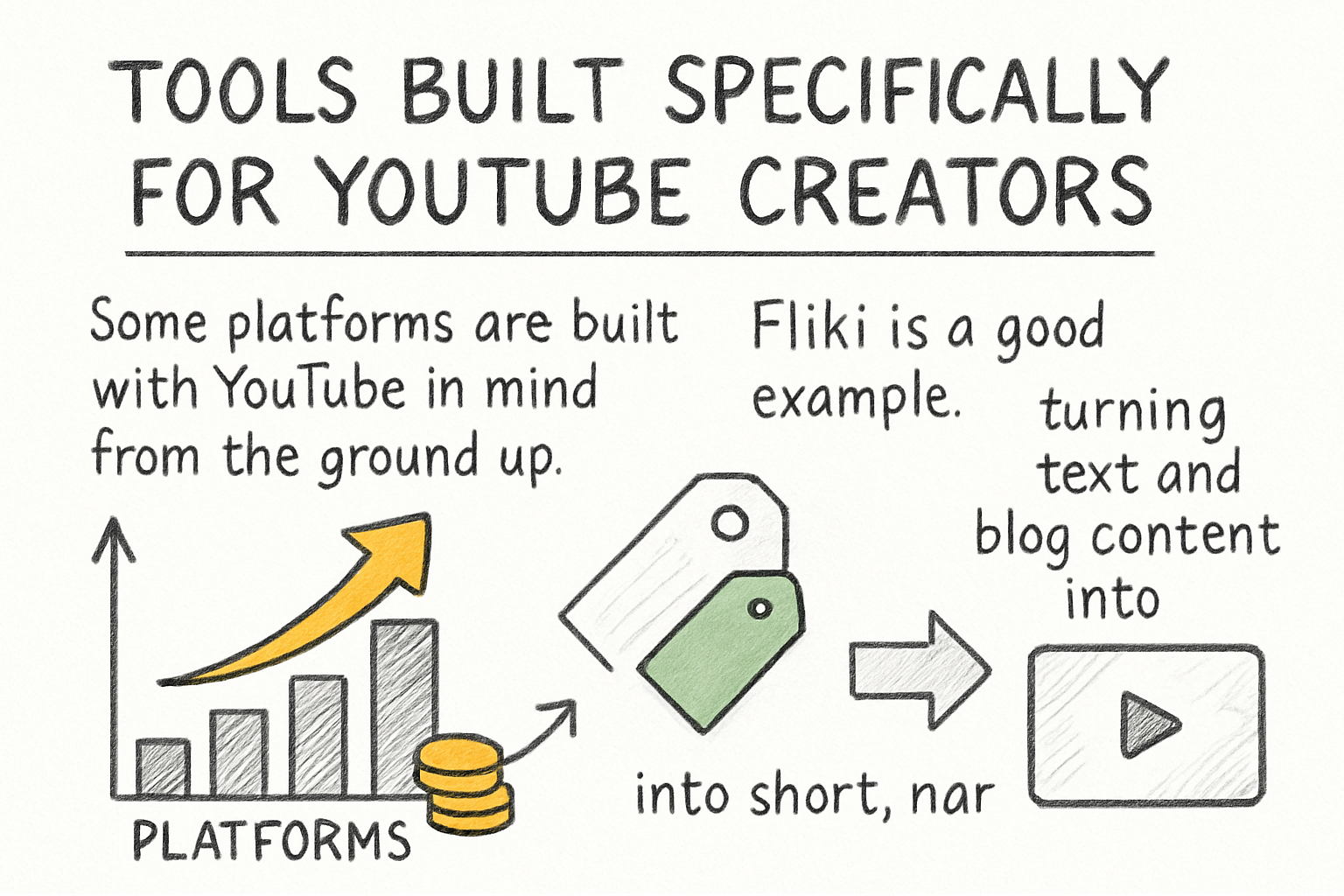
Tools built specifically for YouTube creators
Some platforms are built with YouTube in mind from the ground up. Fliki is a good example. It focuses on turning text and blog content into short, narrated videos with AI voices that actually sound human. The voice quality has improved a lot in the past year. Fliki also lets you swap out stock clips manually, which gives you more creative control than some of the fully automated tools.
Runway ML takes a different approach. It's more of a creative sandbox than a one-click solution. You can generate video from text prompts, extend existing footage, remove backgrounds, and even animate still images. It's genuinely impressive for things like cinematic intros or visually rich content. The learning curve is steeper than Pictory or InVideo, but creators who put in the time get results that look nothing like stock video.
HeyGen sits in a similar space to Synthesia but has been gaining ground fast, partly because of how easy it is to clone your own voice and likeness. You record a short sample, and HeyGen can generate new videos of 'you' delivering scripts you never actually recorded. That's useful if you want your face on screen but hate sitting in front of a camera. I remember the first time I tried a voice clone feature in one of these tools and heard my own voice come back slightly wrong, it was equal parts amazing and unsettling.
For a full walkthrough of how these tools fit into an actual production workflow, the guide on how to make YouTube videos using AI software is worth reading alongside this post.
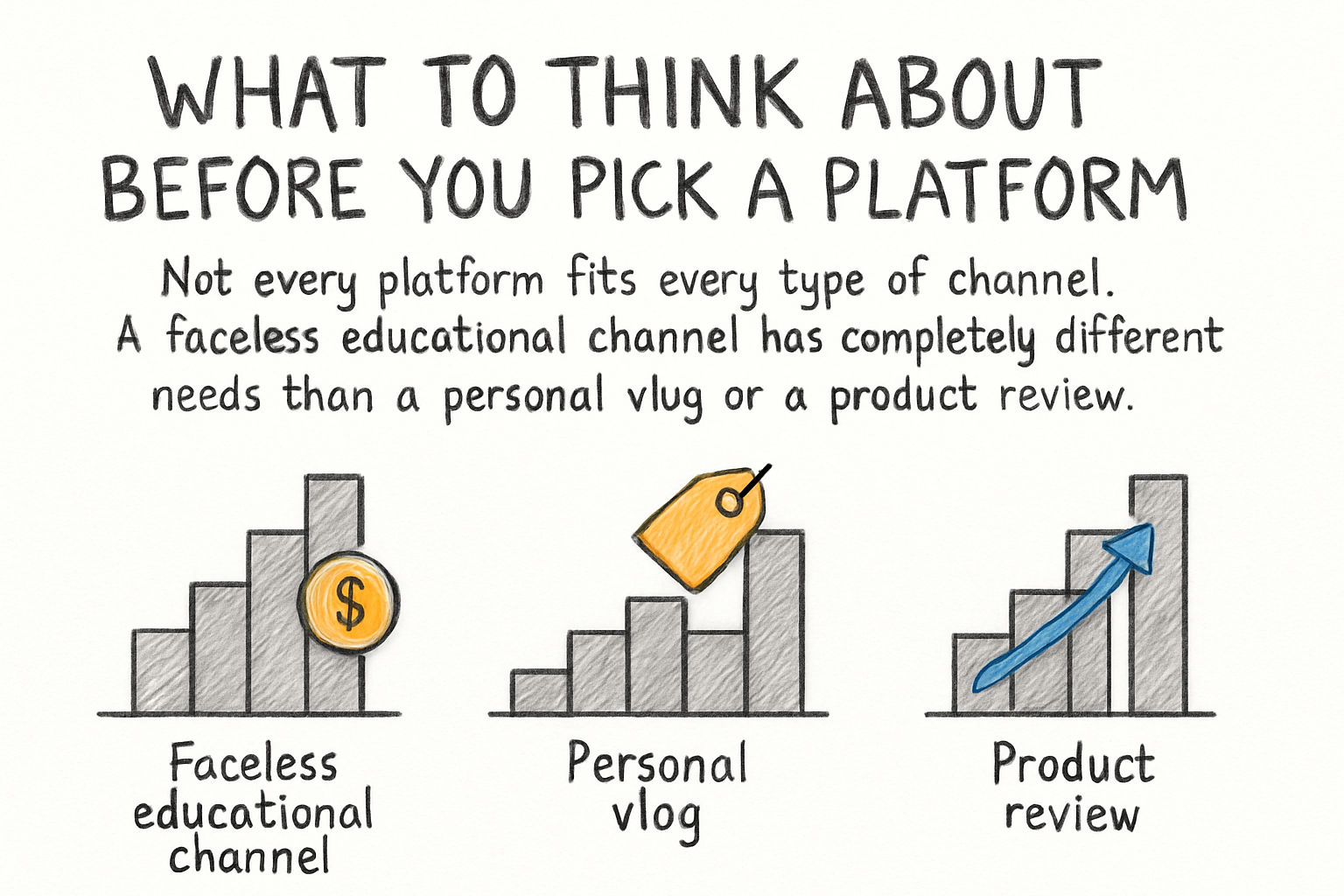
What to think about before you pick a platform
Not every platform fits every type of channel. A faceless educational channel has completely different needs than a personal vlog or a product review channel. Before you commit to any tool, think about what kind of videos you're actually making. Do you need an avatar? Do you need original AI visuals, or is stock footage fine? Do you care more about speed or creative control? Those answers should drive your choice.
Pricing is another real factor. Most platforms offer free trials or limited free plans, but the features that actually matter, like longer video exports, commercial usage rights, and higher-quality voices, are usually locked behind paid subscriptions. Some charge by the minute of video generated, which adds up fast if you're publishing daily. Always read the pricing page before you build your workflow around a tool.
It's also worth thinking about variety. Some creators use one primary AI video platform and layer in other tools on top for things like thumbnails, captions, and keyword research. That kind of stacked workflow can give you better results than relying on one all-in-one tool that doesn't excel at any single thing. If you're building out animated content specifically, the post on how to make animated explainer videos using AI shows how to piece together a solid setup for that niche.
And don't sleep on the content strategy side of things either. Even the best AI video tool won't save a channel that's making videos nobody wants to watch. Knowing your niche and your audience matters just as much as the tech. Tools like a YouTube niche monetization scorer can help you make sure you're building in a direction that actually has room to grow.
Ready to take the next step?
AI video platforms have made it genuinely possible to run a YouTube channel with a fraction of the time and budget it used to take. The tools are only getting better. If you're still figuring out which direction to go, drop a comment below and share what kind of content you're trying to make. And if you want a tool that helps you manage your YouTube growth from ideation to upload, check out Cliptude and see what it can do for your channel.



