
Where to find AI-driven video creation tools for YouTube

Making YouTube videos used to mean owning a camera, a microphone, editing software, and a whole afternoon just to put together a five-minute clip. That's changed fast. AI-driven video creation tools have made it possible for almost anyone to publish decent content without a studio or a big budget. Whether you're a first-time creator or someone who's been uploading for years, these tools can cut the time you spend on production way down.
But here's the thing: there are so many tools out there now that figuring out where to start can feel just as overwhelming as learning to edit the old-fashioned way. Some tools write your script. Some generate visuals. Some clone your voice. Some do all three. Knowing where to find the right ones, and how they fit together, makes a real difference in whether you actually follow through and hit publish.
This post is going to walk you through where to find AI-driven video creation tools for YouTube, what kinds of tools exist, and how to think about picking the ones that match your workflow. No need to try everything at once. Start with what solves your biggest headache first.
Where the best AI video tools are hiding
A lot of you have asked about this, and the honest answer is that the best tools aren't always the ones with the loudest ads. Some of the most useful platforms are ones you find through other creators sharing their workflows or through comparison articles that actually test the software. Tool directories like Product Hunt and Futurepedia list new AI tools regularly, and they're worth checking every couple of weeks since the space moves quickly.
Beyond directories, YouTube itself is one of the best places to find and evaluate these tools. Search for creators in your niche who talk about their production process. If someone is putting out polished content on a tight schedule, there's a good chance they're using AI somewhere in their pipeline. You'll usually find tool names dropped in video descriptions or mentioned casually in tutorials.
For a more curated starting point, resources like our guide on the best AI tools to create YouTube videos break down specific platforms with enough detail to help you decide before you sign up for anything. That kind of research saves you from wasting time on free trials that don't fit what you're actually trying to do.
I personally think the smartest move is to find one solid all-in-one platform first, get comfortable with it, and then layer in specialized tools for the parts where you want more control. Trying to build a complicated multi-tool setup from day one is where most beginners lose momentum.
The main types of AI tools and what they do
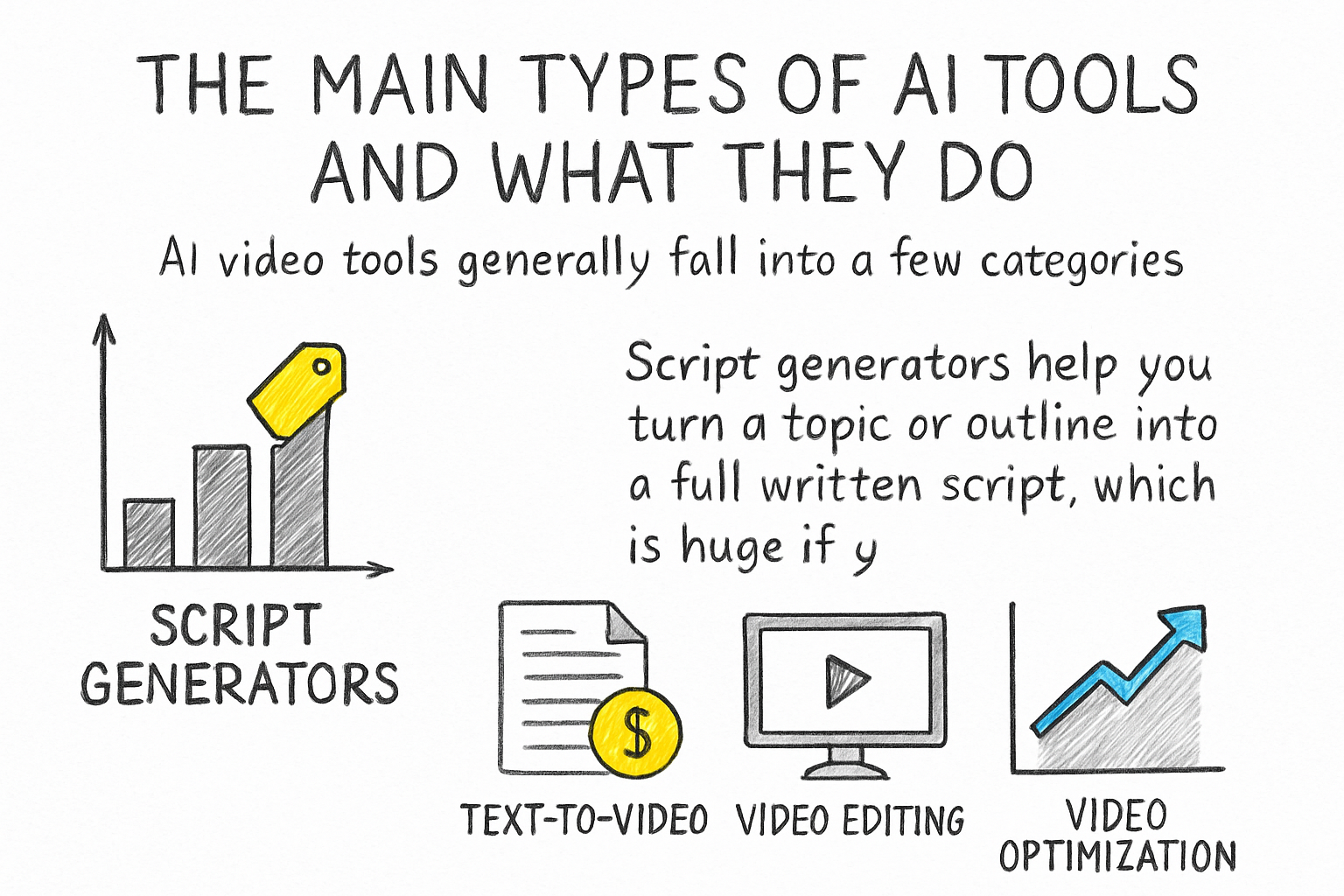
AI video tools generally fall into a few categories. Script generators help you turn a topic or outline into a full written script, which is huge if you struggle with staring at a blank page. Visual generators take text or a script and produce footage, stock clips, or animated sequences to match. Voice tools narrate your script using synthetic voices that sound close to human, or they can even clone your actual voice so your videos sound like you without you having to record every word.
If you've ever spent two hours trying to write an introduction that didn't feel stiff, you'll understand why script tools alone are worth exploring. Our earlier post on AI tools to write engaging scripts for YouTube goes deep on the best options there. For the voice side of things, learning how to clone your own voice in ElevenLabs is something a lot of creators are doing now to keep their content sounding personal even when they're not in front of a microphone.
There are also editing tools that take raw footage or a finished script and automatically cut it into a full video, add captions, sync music, and export it ready to upload. These are especially useful for repurposing long content into shorter clips. If you want to understand that side of things better, our breakdown of AI services that automate video editing for YouTube covers the most reliable platforms in that space.
When I first started testing these tools, I made the mistake of jumping into an editing platform before I had a clean script, and the whole thing fell apart because the content wasn't solid to begin with. The lesson: get the writing right first, then let the tools handle the production.
How to choose the right tool for your situation
The right tool depends on what's actually slowing you down. If coming up with video ideas is the problem, you want something that helps with ideation before you ever open an editor. If recording audio is the bottleneck, a voice generation platform is the move. If you've got content but editing is eating your weekends, an automated editor is what you need. Matching the tool to the real problem is the only way to see a noticeable difference in your output.
For beginners especially, starting simple matters. Our post on the best AI video generators for beginners is a good place to get your footing without getting overwhelmed by features you won't use for months. Once you're comfortable with the basics, you can explore more specialized tools or look at top platforms for AI-generated YouTube content to see what experienced creators are actually relying on.
Pricing varies a lot across these tools. Some offer free tiers that are genuinely useful, not just stripped-down demos. Others charge monthly fees that only make sense if you're publishing consistently. Before paying for anything, think about how many videos you realistically plan to make each month. A tool that costs twenty dollars a month looks different if you're making eight videos versus two.
Also worth thinking about: do you want a single platform that handles everything end to end, or are you okay with connecting a few specialized tools? Both approaches work. If you want to see what a complete AI-powered video workflow looks like in practice, our guide on how to make YouTube videos using AI software walks through the process from idea to upload in a way that's easy to follow.
Ready to take the next step?
Finding the right AI tools doesn't have to turn into a research project that takes longer than making the video itself. Pick one problem, find a tool that solves it, and see how it fits into how you already work. Once you have a process you trust, everything speeds up. If you've tried any of the tools mentioned here or have questions about which one might work for your channel, drop a comment below. And if you want a platform built specifically to help creators make better YouTube videos with AI, check out Cliptude and see what it can do for your content.



